You'll learn how to: See every CSV import you've done, with status badges and row counts. Useful for auditing what you brought in and undoing recent imports that went wrong.
Time: 30 seconds.
Steps
- Open the People section, People tab.
- On the toolbar's far right, click the ... (three-dots) menu.
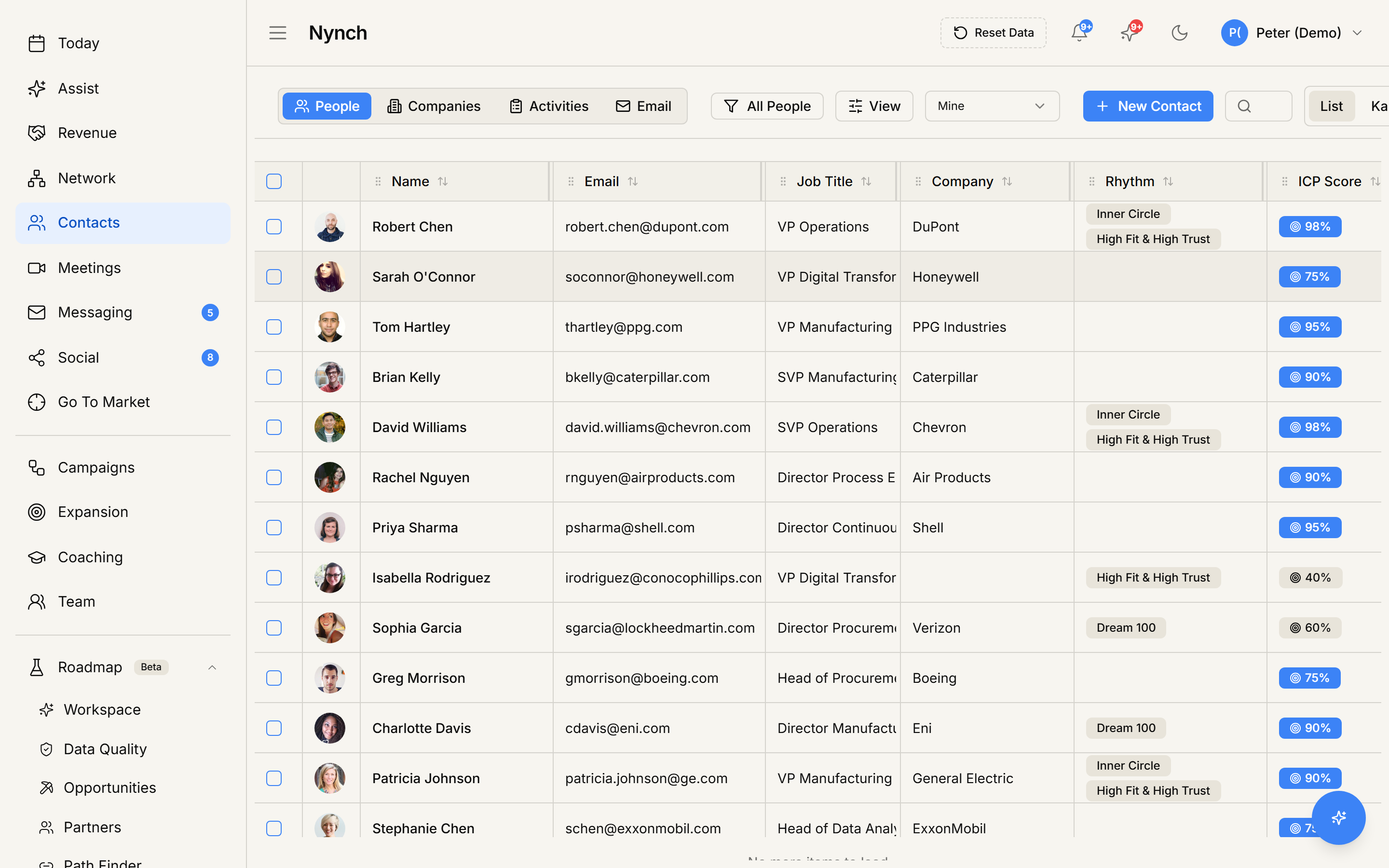
- Click Import History.
- A dialog opens titled Import History with the description "View past CSV imports, check their status, or undo a recent import."
What you see
Each import is a row showing:
- Date and time of the import.
- Entity type (People).
- File name of the original upload.
- Status badge: Completed (green), Failed (red), In Progress (yellow), Cancelled (gray).
- Row counts: total parsed, successfully imported, merged (if dedup), skipped, failed.
- Run by: which teammate triggered the import.
- Actions: depend on the status.
Actions per import
Completed imports:
- View summary: opens the full result page from that import.
- Undo (if within the undo window, typically 24-72 hours): rolls back the import, hard-deleting the rows it created. Updates to existing records are NOT reverted.
- Re-download the original CSV file if you want to inspect what you uploaded.
Failed imports:
- Retry: re-runs the import from the failure point.
- View error to see the specific failure reason.
In-progress imports:
- Cancel stops the import. Rows already committed stay. pending rows are dropped.
Undo behaviour caveats
The undo button is non-destructive on existing records. It only removes records the import CREATED. Things to know:
- New records the import created get soft-deleted (recoverable via support within 24 hours).
- Existing records the import merged INTO stay merged. The undo doesn't "un-merge" them.
- Custom field values the import wrote to existing records are NOT reverted. You'd need to manually clear those.
- Activities and timeline entries the import created (e.g. tags, rhythm memberships) ARE removed with the undo.
If you need a complete rollback including the merge effects, contact support. deeper undo is possible within 24 hours with their help.
If something goes wrong
- Symptom: "Import History menu item is missing." → Fix: You're not on the People tab. Switch to People, People tab, then try the ... menu again.
- Symptom: "An import I just ran isn't on the list." → Fix: Refresh. New imports appear after a few seconds.
- Symptom: "Undo button is greyed out." → Fix: Either the undo window has passed (typically 24-72 hours) or the import is too small to undo (single-row imports skip the undo registry). Contact support to roll back manually.
- Symptom: "I clicked Undo but records are still there." → Fix: Refresh once. Soft-deleted records vanish from the table on next data load. If still there, check the import detail page for the actual rollback status.
FAQ
Q: How do I view your csv import history? See every CSV import you've done, with status badges and row counts. Useful for auditing what you brought in and undoing recent imports that went wrong.
Q: Where do I start in Nynch? Open the People section, People tab.
Q: How long does this take? About 30 seconds.
Q: Import History menu item is missing? You're not on the People tab. Switch to People, People tab, then try the ... menu again.
Q: An import I just ran isn't on the list? Refresh. New imports appear after a few seconds.
Related: CSV import step by step | Undo a recent CSV import | Bulk-delete contacts.