You'll learn how to: Capture a short note about a contact from the daily feed, without opening the contact profile.
Time: 15 to 30 seconds depending on note length.
When to use this
- You just spoke to someone and want to keep one line of context ("said she'd intro me to Marcus next week").
- You spotted a relevant signal in your head (e.g. a thought about why this contact matters now) and want it stored before you forget.
- You want the contact's card to stop nudging you, but with more colour than a plain "logged".
Steps
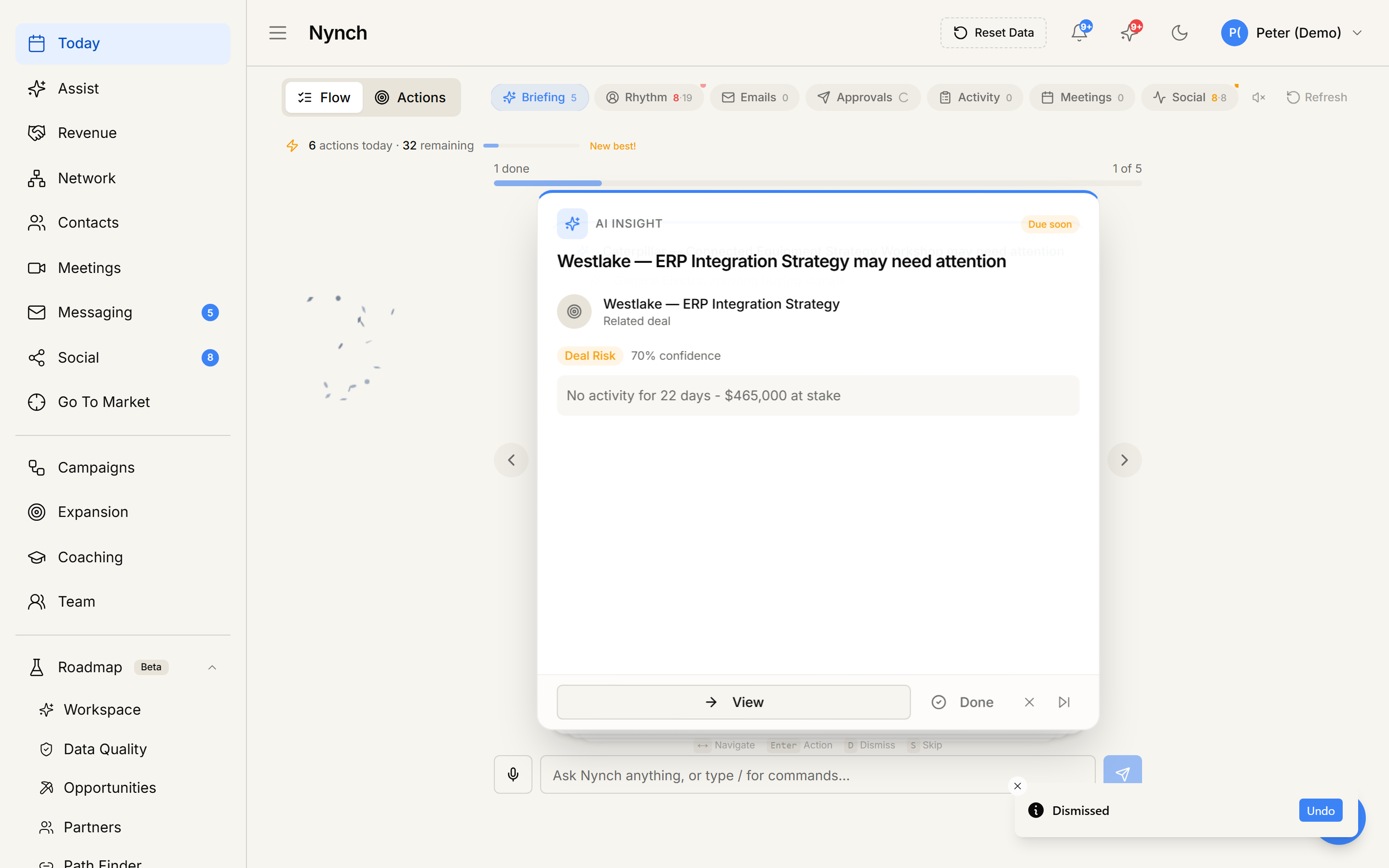
- Open Today from the left sidebar.
- Pick the card for the contact the note is about.
- Scroll the card body to the bottom.
- Find the "Already done?" prompt followed by Log call, Log email, Log meeting, and an Add note chip.
- Click Add note. The row swaps to a small text area.
- Type your note. The placeholder text reads "Quick note...".
- Press Ctrl+Enter (or Cmd+Enter on Mac), or click the Save button on the right.
- A toast confirms: "Note saved".
- The card auto-completes and the next card moves into focus.
The note is recorded on the contact's timeline with the title "Note about <contact name>" and your typed body.
Cancel without saving
Press Esc, or click the small X icon next to Save. The note input collapses back to the chip row, nothing is saved, and the card stays put.
What got created
- A new activity of type note on the contact's timeline.
- A close-out signal on whatever nudge or rhythm produced the card.
- The note text is available to the in-app AI assistant via the workspace's knowledge index.
When NOT to use this
- For a structured note with a specific date in the past, open the contact and use the full note editor.
- For a long note (a few paragraphs), open the contact and use the full editor. The quick textarea is sized for one or two sentences.
- If the note belongs to an opportunity more than a person, open the opportunity and add the note from the opportunity canvas.
If something goes wrong
- Symptom: "Failed to save activity" toast. → Fix: Network blip or session expired. Your typed text is still in the box. Try again.
- Symptom: "Ctrl+Enter inserted a newline instead of saving." → Fix: Some keyboard layouts intercept the shortcut. Use the Save button instead.
- Symptom: "Note saved but the card is still on screen." → Fix: Refresh once. The auto-complete relies on a server callback.
- Symptom: "I lost what I typed." → Fix: If you pressed Esc accidentally, the buffer is cleared. Sorry, no undo. The card is still there to retry.
FAQ
Q: How do I add a quick note from the daily feed? Capture a short note about a contact from the daily feed, without opening the contact profile.
Q: Where do I start in Nynch? Open Today from the left sidebar.
Q: How long does this take? About 15 to 30 seconds depending on note length.
Q: Failed to save activity" toast? Network blip or session expired. Your typed text is still in the box. Try again.
Q: Ctrl+Enter inserted a newline instead of saving? Some keyboard layouts intercept the shortcut. Use the Save button instead.
Related: Log a call from the daily feed | Log a meeting from the daily feed | Add a note to a contact or opportunity | Today, your daily action feed.