Discovering Shortcuts
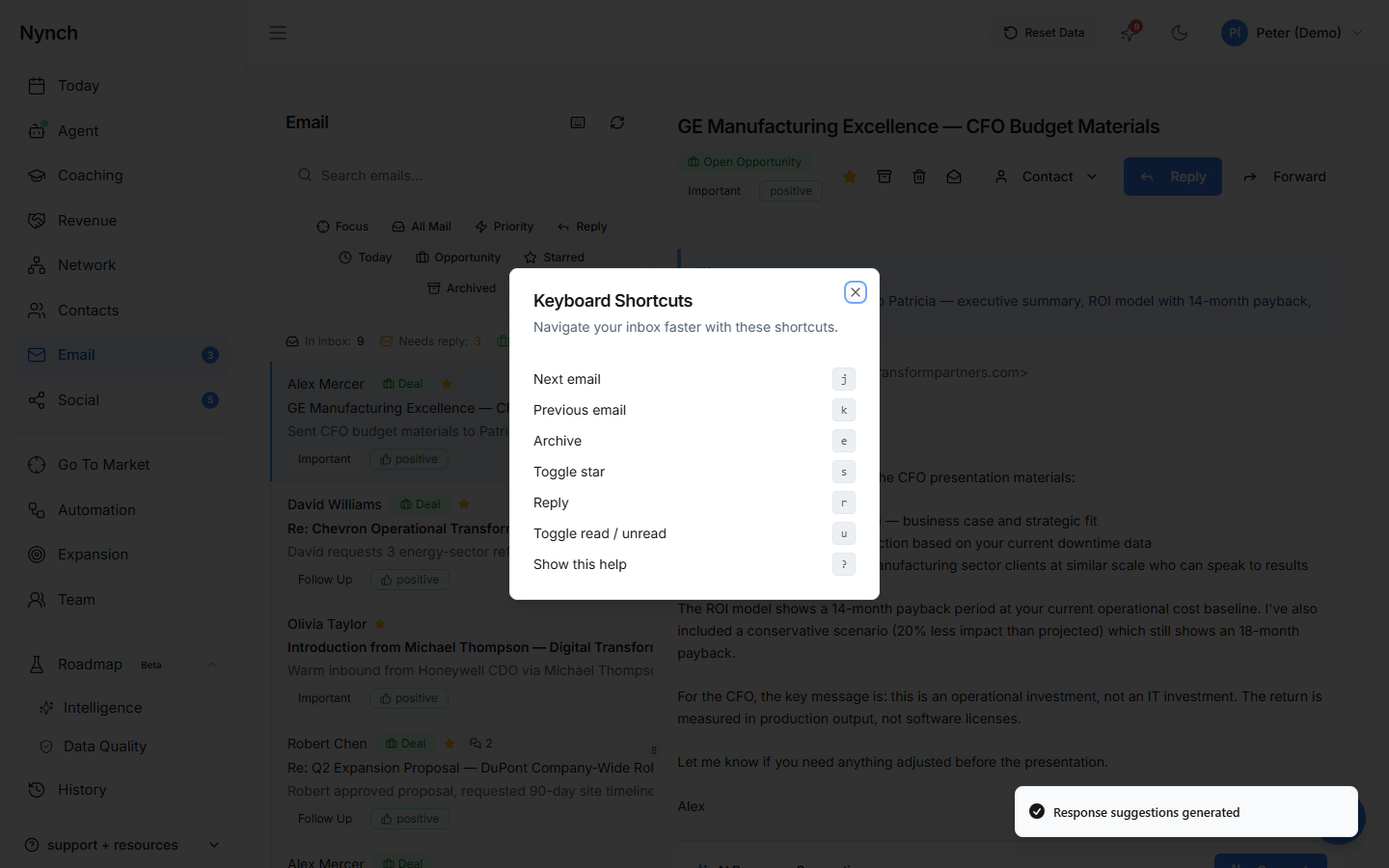
Press ? (question mark) in the email inbox to see the full shortcut reference. This works any time you're in the Email section.
Complete Shortcut Reference
Navigation
| Key | Action |
|---|---|
| j | Move to next email |
| k | Move to previous email |
Actions
| Key | Action |
|---|---|
| r | Reply to current email |
| e or a | Archive current email |
| s | Star / unstar current email |
| u | Mark as read / unread |
Tips for Power Users
- Triage quickly: Use j/k to scan through emails, then e to archive anything that doesn't need attention
- Star for later: Press s to mark emails you want to handle later, they'll appear in Today
- Quick reply: Press r to jump straight into the reply editor
Good to Know
- Shortcuts only work when you're in the Email section
- They work when focus is on the email list (not when you're typing in the compose window)
- Keyboard shortcuts are the fastest way to process your inbox, most power users handle 50+ emails in 5 minutes
Related: Email, Your Inbox