You'll learn how to: Mark a call you've already had as logged on a contact, without leaving the daily feed.
Time: 5 seconds per card.
What this does
The quick-log row on every daily feed card is for retrospective logging. You picked up the phone yesterday, the system doesn't know, and the card is still nudging you. One click closes the loop and the card disappears.
Steps
- Open Today from the left sidebar. This is the daily feed.
- Pick the card for the contact you spoke to.
- Scroll the card body to the bottom.
- Find the "Already done?" prompt followed by three chips: Log call, Log email, Log meeting, and an Add note chip.
- Click Log call.
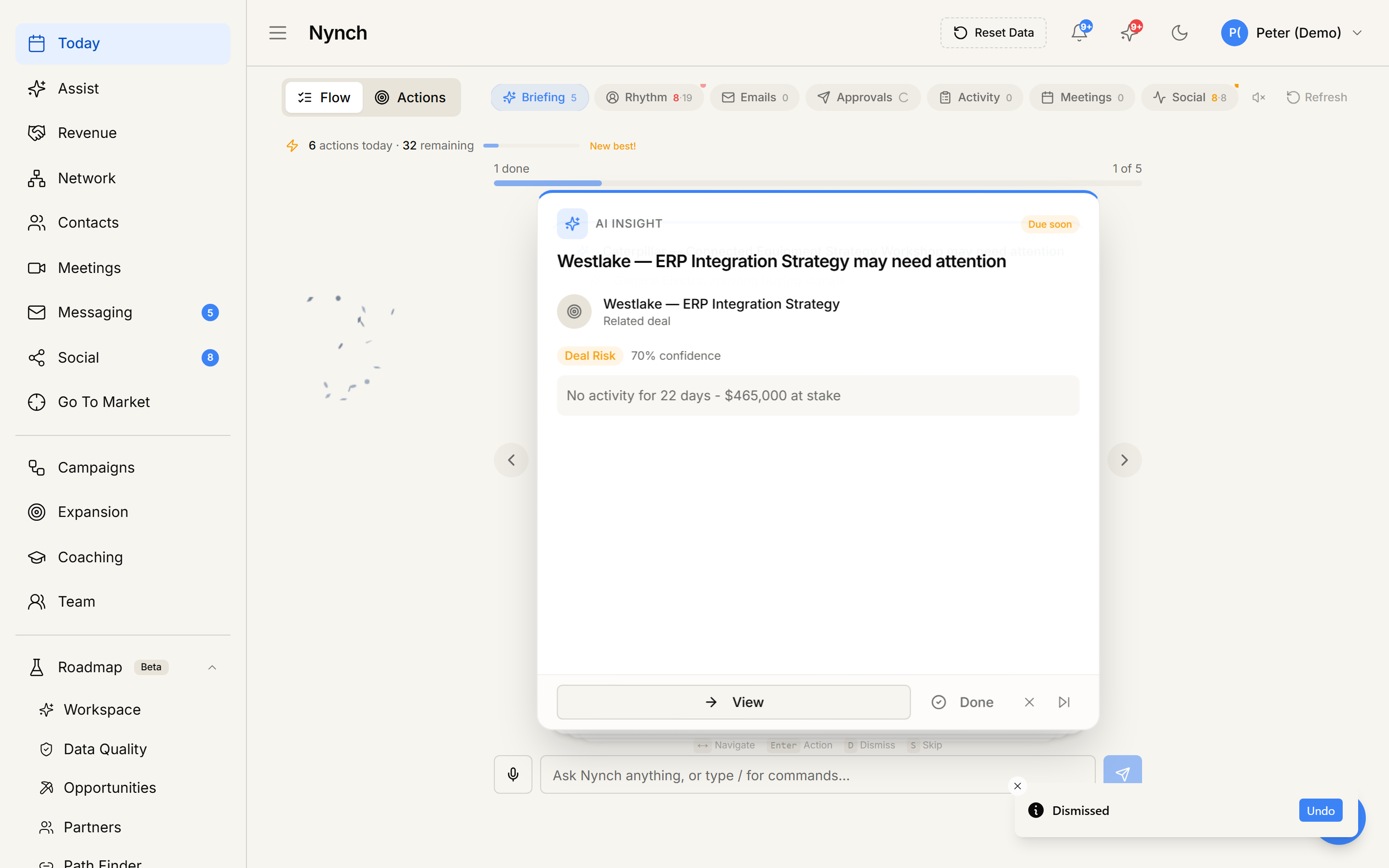
- The chip shows a brief spinner.
- A toast confirms: "Call logged".
- The card auto-completes and the next card moves into focus.
The activity is recorded on the contact's timeline with the title "Called <contact name>" and the timestamp of when you clicked.
What got created
- A new activity of type call on the contact's timeline.
- A close-out signal on whatever nudge or rhythm produced the card (so it does not keep firing).
- A behind-the-scenes event for AI scoring (your rhythm-streak goes up).
When NOT to use this
- If you want to log a call from N days ago with a specific date, the quick chip stamps "now". Use the full activity logger on the contact profile to backdate it.
- If you want to record outcome detail (e.g. "they want a follow-up next Tuesday"), use Add note instead, or open the contact and add a structured note.
If something goes wrong
- Symptom: "Failed to log activity" toast. → Fix: Network blip or session expired. Refresh the page and try again. The card will still be there.
- Symptom: "The card didn't auto-complete after Log call." → Fix: Refresh once. The auto-complete relies on a follow-up update from the server.
- Symptom: "I clicked the wrong chip." → Fix: Open the contact profile, find the just-logged activity in the timeline, and delete or edit it from there.
- Symptom: "I keep getting the same card the next day." → Fix: The rhythm that created the card is still active. Open the contact, change or pause the rhythm. See Snooze a rhythm reminder.
FAQ
Q: How do I log a call from the daily feed? Mark a call you've already had as logged on a contact, without leaving the daily feed.
Q: Where do I start in Nynch? Open Today from the left sidebar. This is the daily feed.
Q: How long does this take? About 5 seconds per card.
Q: Failed to log activity" toast? Network blip or session expired. Refresh the page and try again. The card will still be there.
Q: The card didn't auto-complete after Log call? Refresh once. The auto-complete relies on a follow-up update from the server.
Related: Log a meeting from the daily feed | Add a quick note from the daily feed | Today, the daily feed | Mark a contact as touched.