Theme
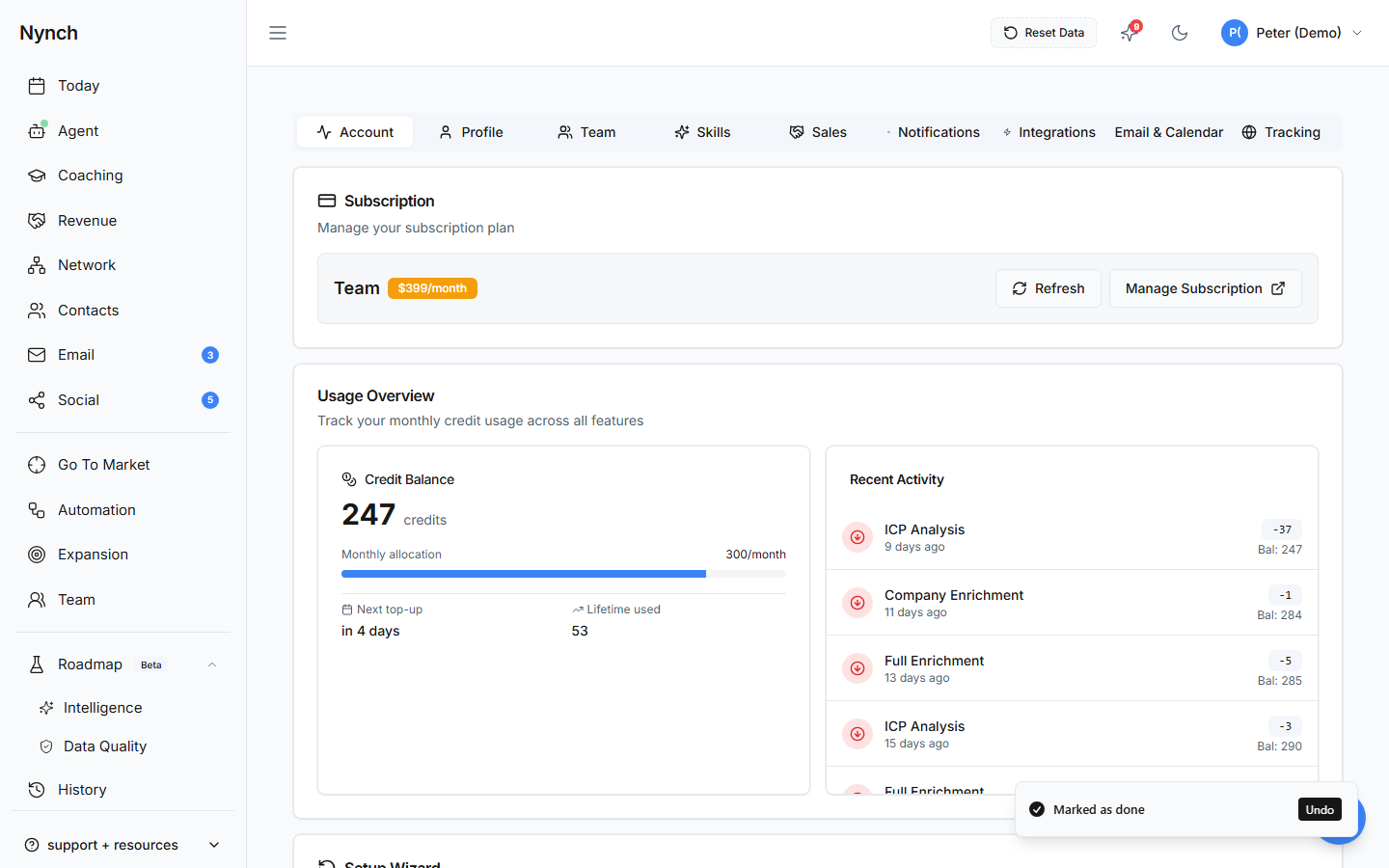
Nynch supports light and dark mode:
- Go to Settings → Preferences
- Find the Theme toggle
- Switch between Light and Dark
Dark mode adjusts all colours for comfortable viewing in low-light environments.
Date Format
Choose between international and US formats:
| Format | Example |
|---|---|
| DD/MM/YYYY | 16/03/2026 |
| MM/DD/YYYY | 03/16/2026 |
This affects dates throughout the entire app, deal timelines, activity logs, weekly worksheets.
Currency
Set your default currency for deal values and revenue reporting. This determines the currency symbol shown on your opportunity board and dashboard.
Timezone
Your timezone controls:
- Morning briefing timing, delivered at 8:00 AM in your timezone
- Notification scheduling, alerts arrive at appropriate hours
- Activity timestamps, displayed in your local time
Set your timezone in Settings → Notifications.
Good to Know
- Display preferences are per-user, each team member can set their own
- Changes take effect immediately, no restart needed
- Theme preference persists across sessions and devices
Related: Settings Overview