You'll learn how to: Build a reusable AI skill (a named prompt + behaviour bundle) you can invoke in two clicks from anywhere in Nynch.
Time: 5-15 minutes per skill. Iteration is normal.
Prereqs: Your plan includes AI Skills. You have an idea of what you want the skill to do.
What a skill is
A skill is a saved prompt + context binding. Instead of typing "Draft a follow-up email in my UK-style tone, reference the deal we discussed, and end with a soft ask for a 30-min call" every time, you save that as a skill called "UK follow-up" and invoke it with one click on any contact / deal.
Examples of good skills:
- "Brief me in 3 bullets": compress what Nynch knows about a contact into 3 lines.
- "Find one differentiator vs competitor": targeted competitive analysis per deal.
- "Draft a referral ask": ask a contact for an intro to someone specific.
- "Write a follow-up after silence": warm re-engagement after 30+ days of no contact.
Steps
- Open your avatar (top-right of the screen), then click Settings.
- Click the Skills tab.
- Click + New Skill.
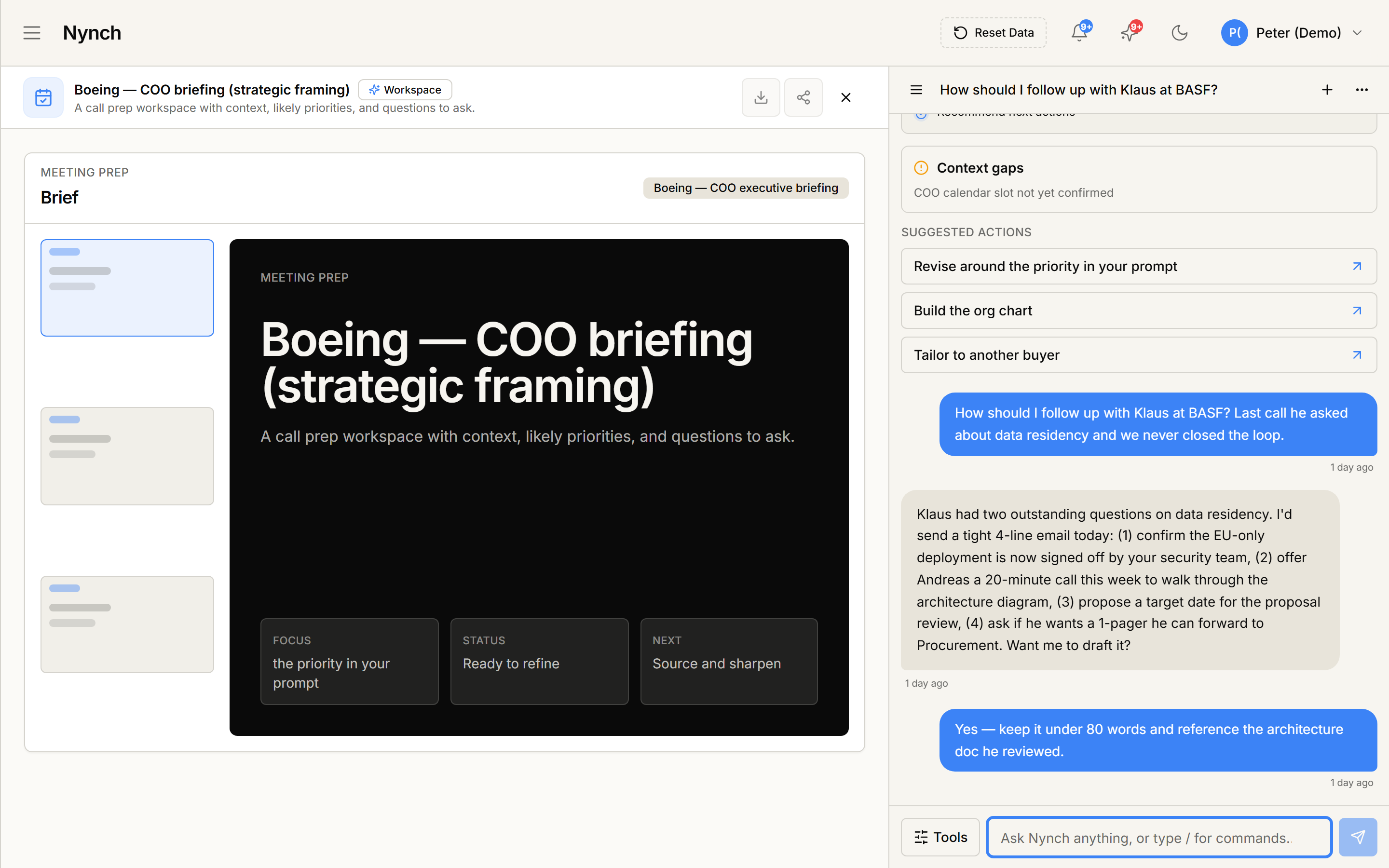
- Fill in the skill builder:
Name and description
- Name: short and verb-led (e.g. "Brief in 3 bullets").
- Description: one sentence on when to use it.
- Icon (optional): pick from the icon picker.
Prompt body
The core instructions. Write the AI's actual instructions:
You are drafting a [follow-up email / brief / analysis] for {{contact.name}}.

Context you have:
- {{contact.title}} at {{contact.company}}
- Last meeting: {{contact.last_meeting.date}}
- Most recent topic: {{contact.last_meeting.summary}}

Write [X words / format / tone].

Do NOT [things to avoid].
Use merge fields with {{...}} syntax to inject context. Common fields:
{{contact.name}},{{contact.title}},{{contact.company}}{{deal.title}},{{deal.stage}},{{deal.value}}{{user.name}},{{user.authority_claim}}{{recent_activity}}(auto-summarised last 90 days){{icp_match_reasons}}
The skill builder shows a live preview as you type.
Context inputs
Pick what entity types the skill can run on:
- Contact only.
- Deal only.
- Either.
- Standalone (no entity, just a freeform prompt run from Assist).
This determines where the skill shows up. A Deal-only skill appears in the deal canvas's Skills picker but not on contact profiles.
Visibility
- Personal: only you can run it.
- Team: every teammate can run it.
Personal for experimentation. promote to Team once it's proven.
Output style
- Markdown (default): inline rich text.
- Plain text.
- Structured (Bullets / Table / JSON for advanced).
- Click Save to commit the skill.
Test it
After saving:
- The skill builder offers a Test action.
- Pick a real contact / deal from your network.
- Run the skill against it.
- Read the output. Tune the prompt if it's off.
Iterating 3-5 times on the prompt before promoting to Team is normal.
Use the skill
See Use a saved AI skill.
If something goes wrong
- Symptom: "+ New Skill button isn't there." → Fix: Your plan may not include Skills. Check Settings > Account.
- Symptom: "Merge field resolves to {{contact.name}} literally." → Fix: Typo or wrong field name. The builder's autocomplete shows valid fields. Match exactly.
- Symptom: "Skill output is way off-prompt." → Fix: The prompt is too vague. Add specific instructions ("3 bullets, each under 15 words, written in plain English without jargon").
- Symptom: "I want to delete a skill I created." → Fix: Skill row > more-actions > Delete. Personal skills delete only for you. Team skills get a confirmation dialog because they're shared.
FAQ
Q: How do I create a new ai skill? Build a reusable AI skill (a named prompt + behaviour bundle) you can invoke in two clicks from anywhere in Nynch.
Q: What do I need before I start? Your plan includes AI Skills. You have an idea of what you want the skill to do.
Q: How long does this take? About 5-15 minutes per skill. Iteration is normal.
Q: + New Skill button isn't there? Your plan may not include Skills. Check Settings > Account.
Q: Merge field resolves to {{contact.name}} literally? Typo or wrong field name. The builder's autocomplete shows valid fields. Match exactly.
Related: Use a saved AI skill | Settings, tab by tab | Use the Reply Coach.