You'll learn how to: Mark a meeting that already happened as logged on a contact, without leaving the daily feed.
Time: 5 seconds per card.
What this does
The quick-log row on every daily feed card is for retrospective logging. You met someone, the calendar sync hasn't quite caught up, and the card is still asking you to reach out. One click closes the loop and the card disappears.
Steps
- Open Today from the left sidebar.
- Pick the card for the contact you met with.
- Scroll the card body to the bottom.
- Find the "Already done?" prompt followed by three chips: Log call, Log email, Log meeting, and an Add note chip.
- Click Log meeting.
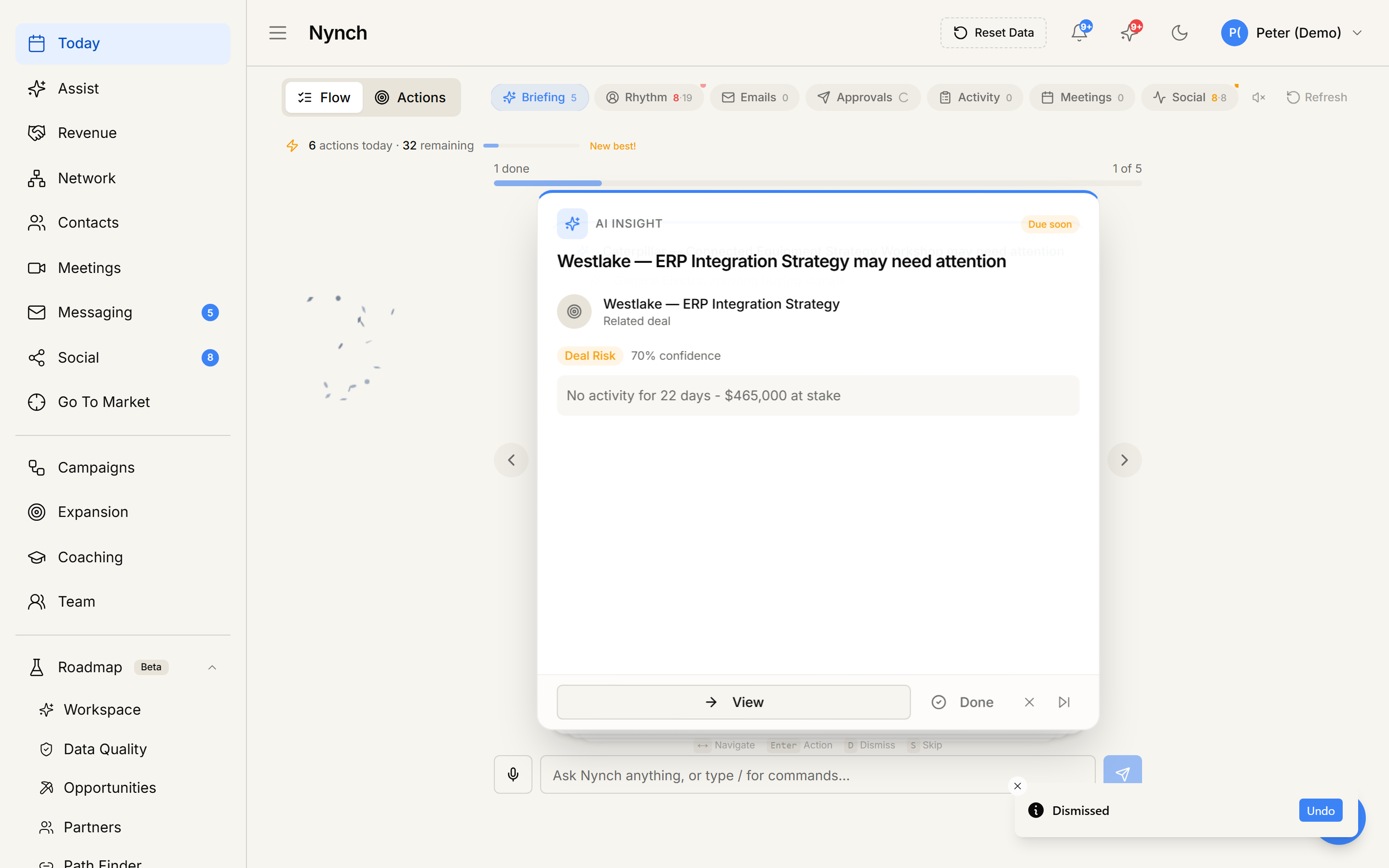
- The chip shows a brief spinner.
- A toast confirms: "Meeting logged".
- The card auto-completes and the next card moves into focus.
The activity is recorded on the contact's timeline with the title "Met with <contact name>" and the timestamp of when you clicked.
When this is the right tool
- A coffee, lunch, video call, or in-person meet that your connected calendar did not pick up (e.g. you booked it manually, or your calendar isn't linked yet).
- A short hallway chat or follow-up call that you wouldn't normally calendar-block.
- Catching up on a few days' worth of meetings in one go.
When NOT to use this
- If the meeting WAS on a connected calendar (Google or Outlook), the event will arrive on the timeline automatically. You don't need to log it manually.
- If you want to capture what was discussed, use Add note instead, or open the contact and write a structured note.
- For an opportunity-stage meeting that should drive the opportunity canvas forward, open the opportunity and log via The opportunity canvas so it counts against the right stage.
If something goes wrong
- Symptom: "Failed to log activity" toast. → Fix: Network blip or session expired. Refresh the page and try again.
- Symptom: "I see two meetings on the timeline now." → Fix: Your calendar sync arrived just after your manual log. Open the contact and delete the duplicate.
- Symptom: "I clicked the wrong contact's card." → Fix: Open the contact profile, find the just-created meeting activity, and delete or move it.
- Symptom: "The card came back the next day." → Fix: The rhythm or nudge that produced the card is still active. Pause or retune it. See Snooze a rhythm reminder.
FAQ
Q: How do I log a meeting from the daily feed? Mark a meeting that already happened as logged on a contact, without leaving the daily feed.
Q: Where do I start in Nynch? Open Today from the left sidebar.
Q: How long does this take? About 5 seconds per card.
Q: Failed to log activity" toast? Network blip or session expired. Refresh the page and try again.
Q: I see two meetings on the timeline now? Your calendar sync arrived just after your manual log. Open the contact and delete the duplicate.
Related: Log a call from the daily feed | Add a quick note from the daily feed | Schedule a meeting from a deal | Today, the daily feed.