One click. Your whole network captured.
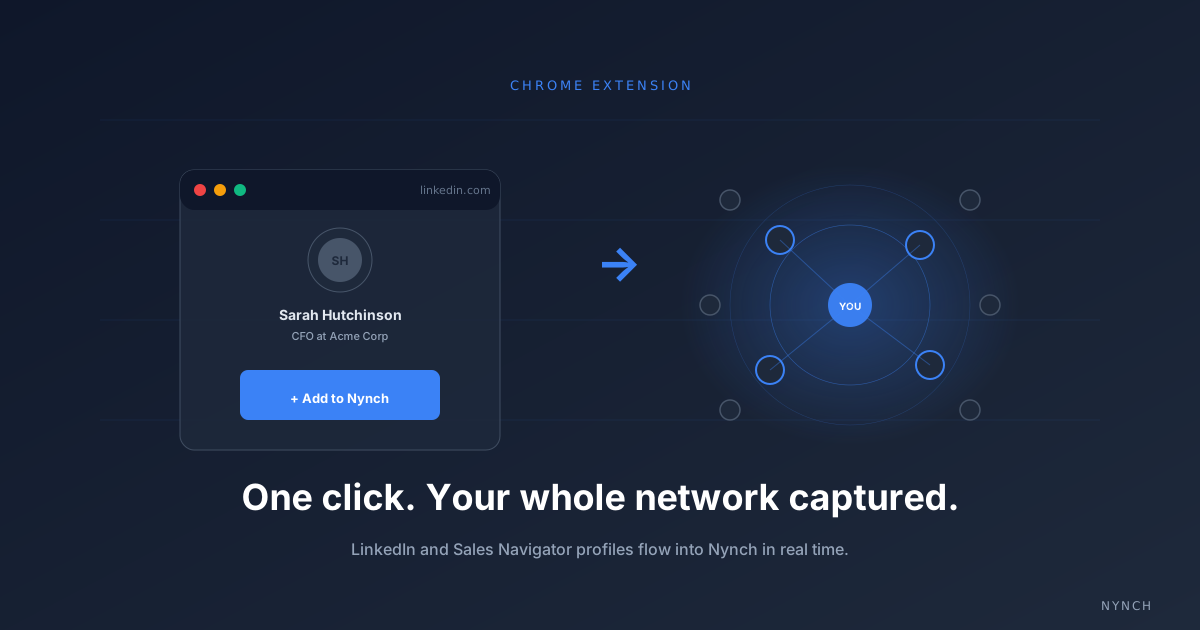
A Chrome extension that captures LinkedIn and Sales Navigator profiles into Nynch the moment you visit them. No copy-paste. No daily sync. No manual data entry. Just a button on every profile that turns “I should add this person” into “done.”
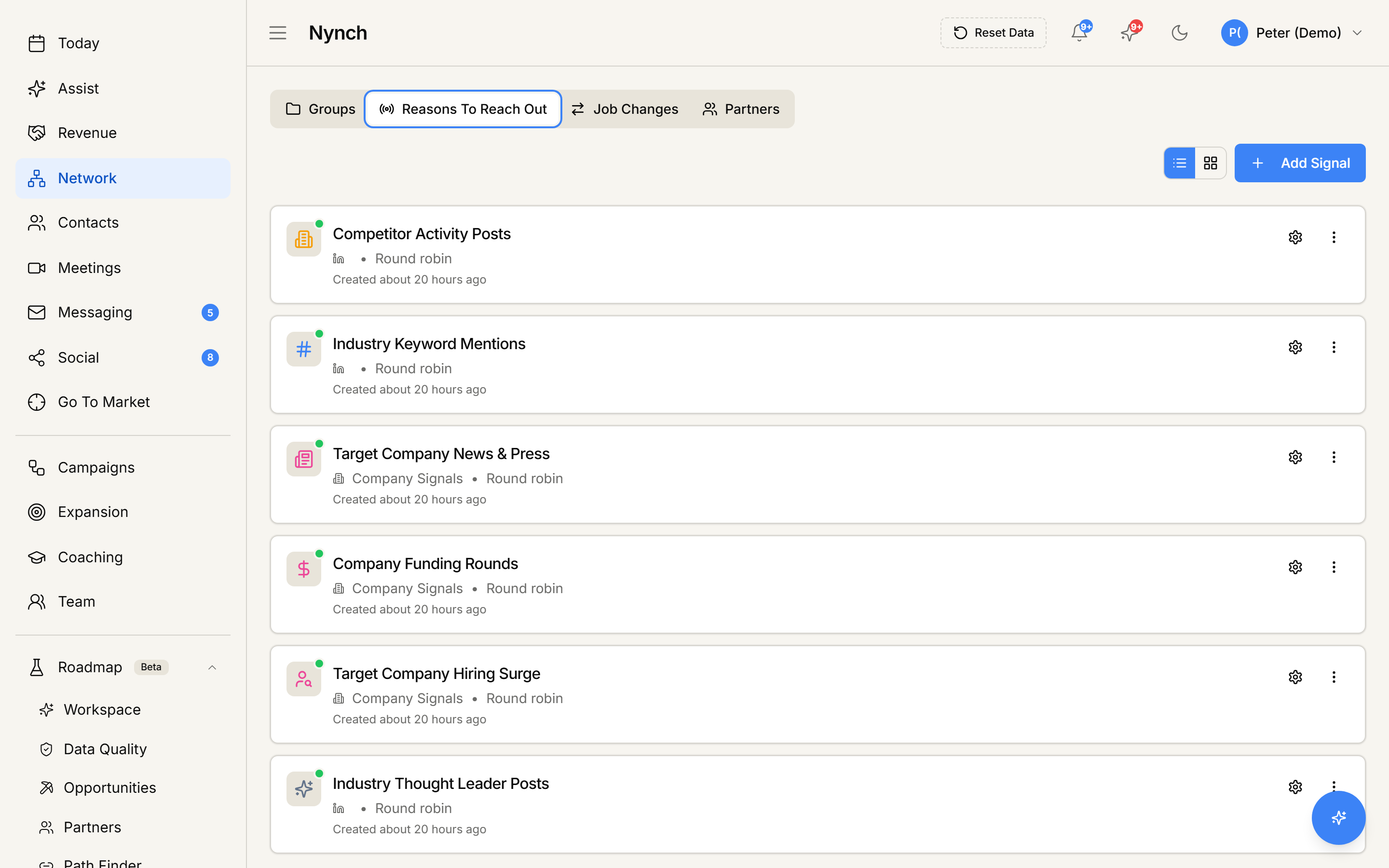
Reasons To Reach Out is the live output of the network scan. Role changes, expansion mentions, dormant champions waking up. The system runs the scan continuously, so you do not have to.
The friction was always the bottleneck.
Every consultant knows the pattern. You meet someone interesting at a conference, exchange business cards, look them up on LinkedIn that evening. By the time you remember to type their details into the CRM the following Wednesday, you’ve already lost the context.
The Network Scanner removes the gap entirely. The moment you’re on a LinkedIn profile, the extension sits in the corner with a single “Add to Nynch” button. One click and the profile is captured: name, role, company, LinkedIn URL (the canonical identity Nynch uses), and any recent activity signals.
Wherever you already are
Standard LinkedIn, Sales Navigator, search results, recruiter pages. The extension recognises whichever surface you’re on and pulls the right fields automatically.
One button, one second
The capture button sits in the corner of every profile. One click and the profile lands in Nynch, including role, company, recent activity, and signals like recent job changes.
Linked to existing context
If the contact already has emails or meetings in your connected accounts, the new record links to them automatically. No deduplication. No reconciliation. The full history just appears.
What gets captured.
The goal is a complete contact record from one click, not a stub you have to fill in later. The extension pulls everything visible on the profile and structures it into Nynch’s data model.
LinkedIn URL as canonical ID
Nynch uses the LinkedIn URL as the primary identity for every contact. One person = one record, no duplicates across systems even when emails change.
Recent role changes detected
The extension reads the Experience section directly. Recent job changes are flagged so you can review whether the timing is right for a relevant conversation.
Enriched data when available
If you’re on Sales Navigator, the extension captures the additional context Nav surfaces (industry, headcount, mutual connections, growth signals).
For relationship-led businesses.
The post-event capture flow
You’ve just done a conference and have 30 LinkedIn profiles open in tabs. Click the button on each. Thirty contacts, fully captured, in under a minute.
Cross-portfolio network building
A new role at a portfolio company means a new network. Capture stakeholders, peers, and partners as you discover them, your fractional network compounds across portfolios.
Account team network mapping
Five account leads building five client networks. Each captures their contacts as they go. The agency’s collective network builds itself, no central data-entry person required.
Install the extension.
Available on the Chrome Web Store. Once installed, the “Add to Nynch” button appears on every LinkedIn and Sales Navigator profile you visit. Most consultants capture their first 50 contacts in under 10 minutes.