You'll learn how to: Add a new credit card to your workspace's billing, set it as the default, or update an expiring card.
Time: 2 minutes.
Prereqs: You're an Owner. Members and Admins can't manage billing.
Steps
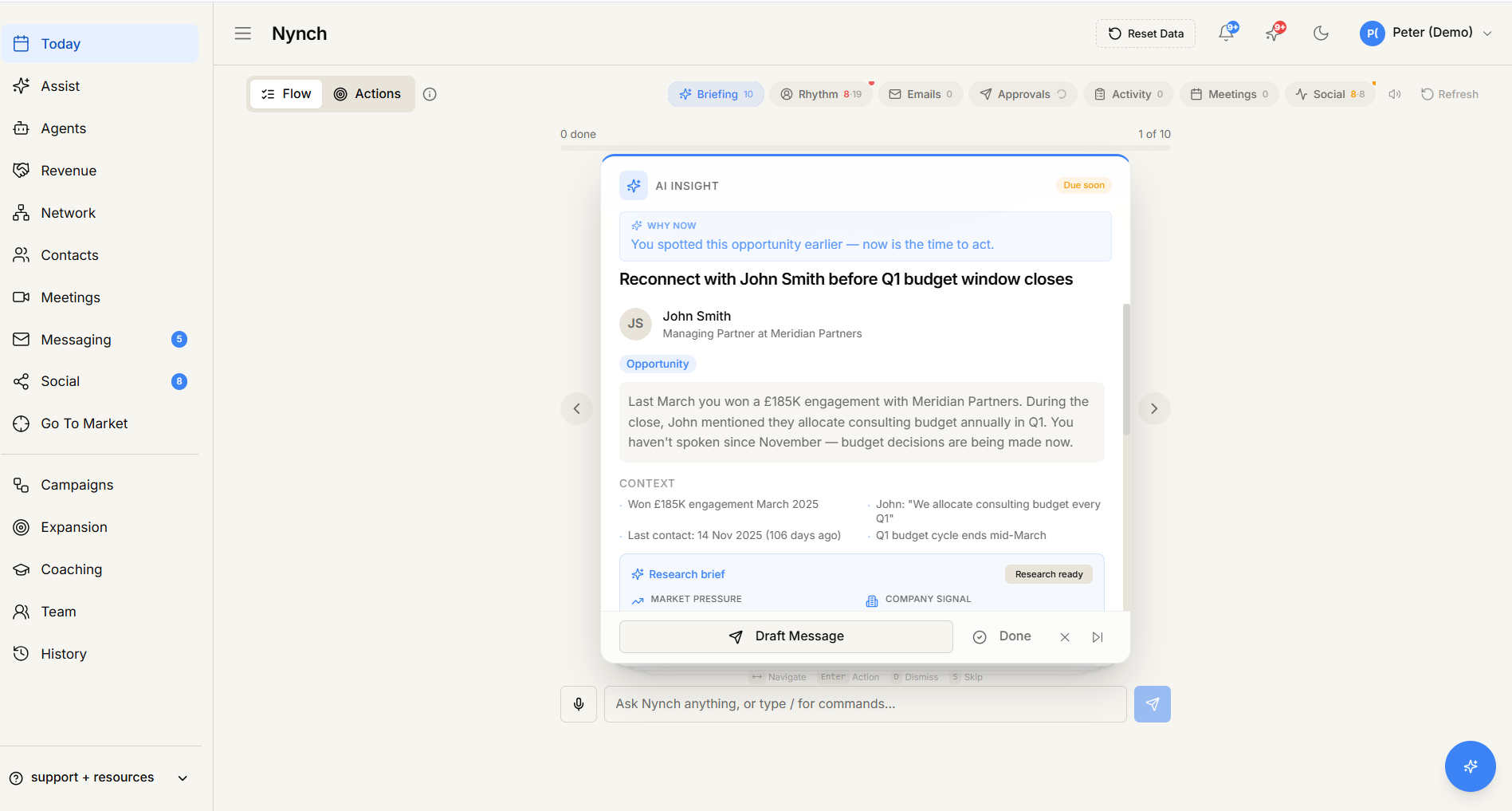
- Open your avatar (top-right), then click Settings.
- Click the Account tab.
- Scroll to the Billing section.
- Click Payment Methods (or Manage billing).
The billing portal opens (Nynch uses Stripe for payment processing, so this typically opens a Stripe-powered modal or a billing portal page).
Click + Add payment method.
Enter card details:
- Card number.
- Expiry date.
- CVC.
- Billing address.
Click Save.
The new card appears in your payment methods list.
Set as default
Each workspace has one default payment method, used for the next subscription charge and any add-on purchases.
- In the Payment Methods list, find the new card.
- Click Set as default.
- The default flips. The previous default stays in the list but is no longer used for renewals.
You can keep multiple cards on file (e.g. a backup). only the default charges.
Remove an old card
- Payment Methods list > expired or unused card > Remove.
- Confirm.
You can't remove the last remaining card if you have an active subscription. Add a new one first.
Update an expiring card
If you get an email "Your card will expire next month":
- Add the replacement card via the steps above.
- Set it as default.
- Remove the old one.
Subscription renewal will use the new default automatically.
Where the data is stored
Nynch doesn't store full card details. Stripe handles all card data on PCI-compliant infrastructure. Nynch keeps only a reference token + the last 4 digits + expiry for display.
If something goes wrong
- Symptom: "Payment Methods option isn't there." → Fix: You're not an Owner. Ask the workspace owner to add the card, or have them transfer ownership.
- Symptom: "Card fails validation." → Fix: Common causes:
- Card type not supported by Stripe (rare. most cards work).
- Billing address mismatch with what your bank has on file.
- Bank declined the verification charge (some banks block first-time service charges. call your bank).
- Symptom: "I added a card but the subscription is still using the old one." → Fix: New card isn't set as default. Update the default explicitly via Set as default.
- Symptom: "I want to use SEPA / bank transfer / invoice." → Fix: Available on higher-tier plans. Contact support to enable.
FAQ
Q: How do I add or update a payment method? Add a new credit card to your workspace's billing, set it as the default, or update an expiring card.
Q: What do I need before I start? You're an Owner. Members and Admins can't manage billing.
Q: How long does this take? About 2 minutes.
Q: Payment Methods option isn't there? You're not an Owner. Ask the workspace owner to add the card, or have them transfer ownership.
Q: Card fails validation? Common causes:.
Related: Settings, tab by tab | View your billing history | Cancel your subscription.