You'll learn how to: Authenticate Zapier with your Nynch workspace so you can build Zaps that use Nynch as a trigger or an action.
Time: 5 minutes total.
Prereqs: You have a Zapier account. You're an Owner or Admin (members can't generate workspace-level API keys).
Common Zap patterns
- New contact in Nynch -> new row in a Google Sheet.
- New email reply in Nynch -> Slack message to your team channel.
- Calendly meeting booked -> create a Nynch contact + meeting record.
- Stripe payment received -> mark related Nynch deal as Won.
- New deal in Won stage -> create a Notion task.
Zapier is best for "glue between Nynch and another SaaS" cases. For high-volume programmatic integration, prefer the webhook + API combination directly.
Steps
- Open your avatar (top-right), then click Settings.
- Click the Integrations tab.
- Find the Zapier card (or Connected Apps > Zapier).
- Click Connect or Generate API key.
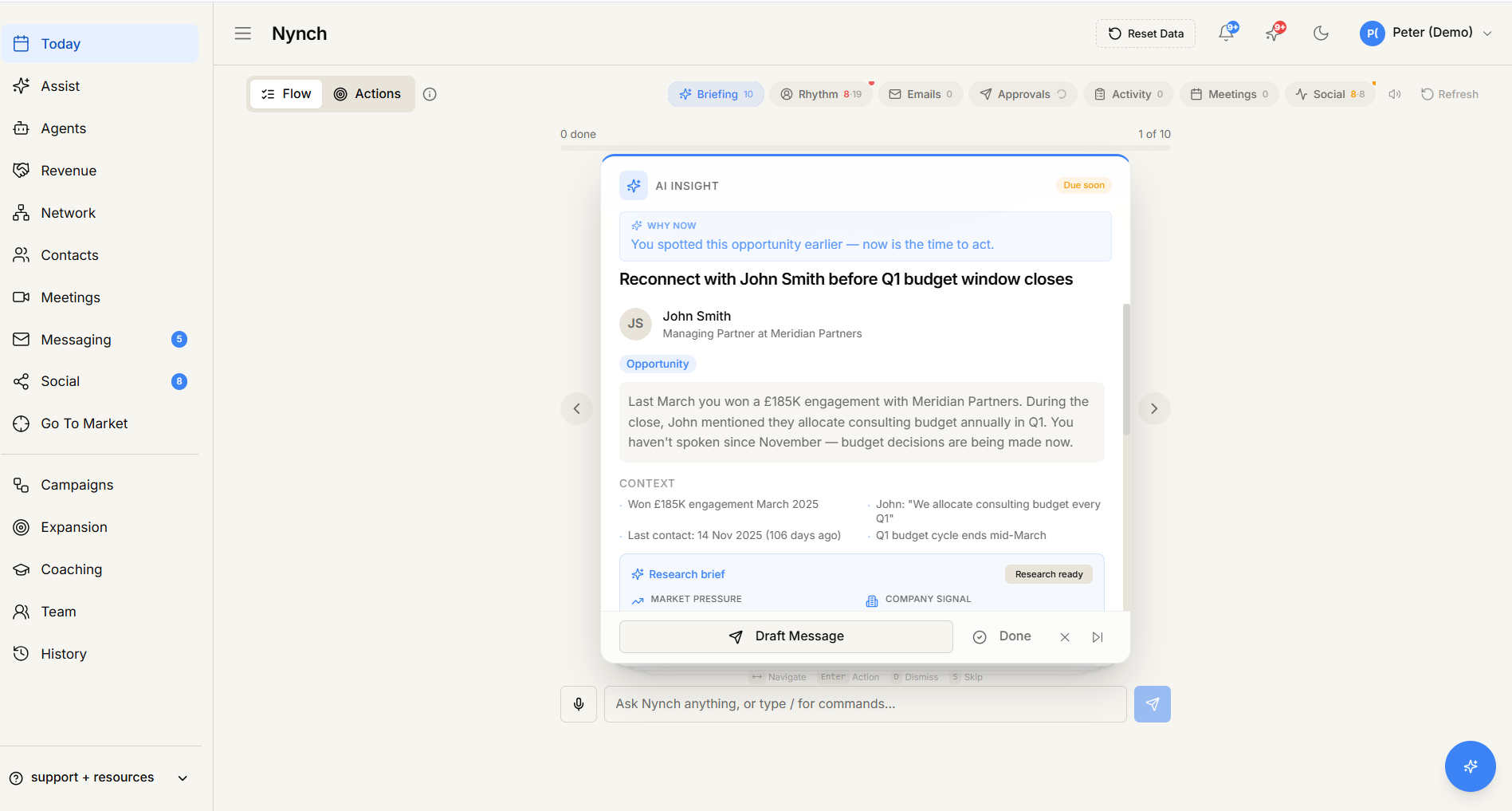
- A modal shows a generated API key (a long random string).
- Copy the key. You won't be able to see it again after closing the modal, only generate a new one.
- Switch to Zapier (zapier.com).
- Create a new Zap. Pick Nynch as either the Trigger app or the Action app.
- When Zapier asks you to authenticate, paste your API key.
- Zapier confirms the connection. The key is now stored in your Zapier account.
Available triggers and actions
Triggers (events that start a Zap):
- New Contact created.
- New Company created.
- New Opportunity created.
- Opportunity stage changed.
- Opportunity marked Won.
- Opportunity marked Lost.
- New Action Item.
- New Email received in Nynch.
- (More depending on workspace plan.)
Actions (things a Zap can do in Nynch):
- Create a Contact.
- Update a Contact.
- Add a Tag to a Contact.
- Assign a Contact to a Rhythm.
- Create a Deal.
- Update Deal stage.
- Create a Note on a Contact / Deal.
- Send a workspace event for webhook triggering.
The full list lives in the Zapier integration page.
Rotate or revoke the API key
If you suspect a key is compromised:
- Avatar > Settings > Integrations > Zapier card.
- Click Revoke key.
- The key is invalidated. Zaps using it stop working.
- Generate a new key and update your Zaps to use it.
Multiple keys per workspace
You can have multiple keys (e.g. one for each Zap, or one per teammate's Zapier account). Each row in the connected-apps list shows the key's nickname, last used date, and permissions.
If something goes wrong
- Symptom: "Generate API key fails." → Fix: Your plan may not include Zapier integration. Check your avatar > Settings > Account.
- Symptom: "Zapier rejects my API key." → Fix: You might have copied a truncated string. Re-generate and copy carefully. Make sure no whitespace at the start or end.
- Symptom: "Zap fires but Nynch doesn't see the action." → Fix: Check the Zap's history in Zapier for the request body. Common causes: required fields missing, format mismatch (e.g. date in wrong format). Nynch returns helpful error messages that Zapier surfaces.
- Symptom: "Trigger doesn't fire even though the event happened in Nynch." → Fix: Zapier polls some triggers on a schedule (often every 5-15 minutes). Wait, or trigger a test in Zapier to confirm the connection.
FAQ
Q: How do I connect nynch to zapier? Authenticate Zapier with your Nynch workspace so you can build Zaps that use Nynch as a trigger or an action.
Q: What do I need before I start? You have a Zapier account. You're an Owner or Admin (members can't generate workspace-level API keys).
Q: How long does this take? About 5 minutes total.
Q: Generate API key fails? Your plan may not include Zapier integration. Check your avatar > Settings > Account.
Q: Zapier rejects my API key? You might have copied a truncated string. Re-generate and copy carefully. Make sure no whitespace at the start or end.
Related: Set up a webhook | Settings, tab by tab.