Skip to content
Product overview
Explore all 15 product areas1. Services and Offer2. Ideal Client Profile3. Find Prospects4. LinkedIn Network5. Relationship Management6. Relationship Intelligence7. Value Audits8. Personalised Outreach9. Authority and Content10. Meeting Intelligence11. Pipeline and Opportunities12. Proposals13. Deal Rooms14. Client Management15. Grow Existing Accounts
Today and AssistSell your business
Use cases Pricing In Person Workshop Resources Sign in Book a call
← Back to changelog
New

Turn one useful idea into a week of distinct posts

Write the week develops several angles from a seed post, giving you a set of drafts to review instead of another blank content calendar.

Release note added 30 October 2026. Screenshots show the current demo app.

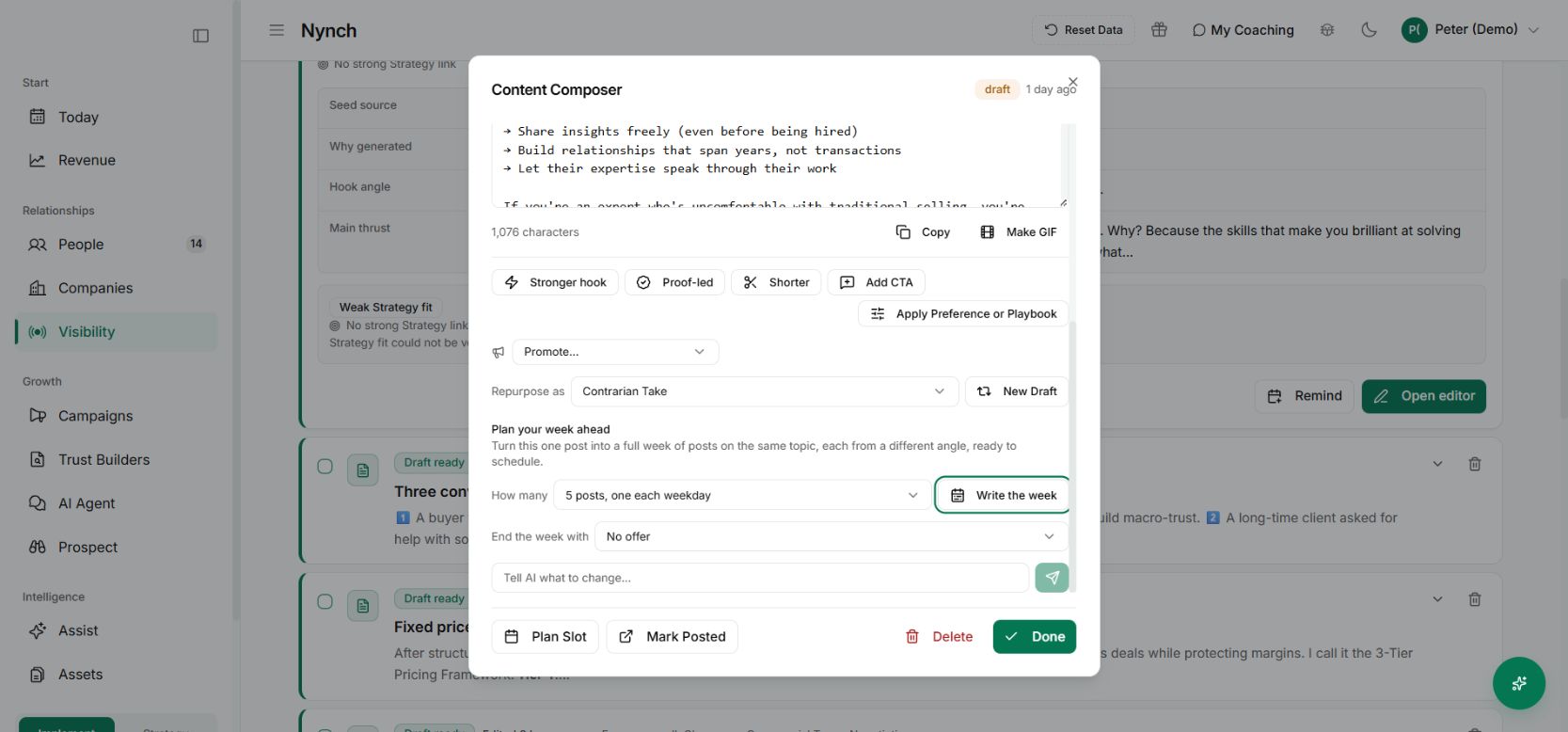
LinkedIn Content Composer with GIF and weekly planning controls
A saved demo draft in the Content Composer. No post was scheduled or published for this capture. Demo workspace with illustrative data. Open the image to see it full size.

You finally write a post that expresses something useful. The next morning, the content calendar asks for another idea.

Often the first idea has more to give. You could explain the mistake, show the method, answer an objection or offer a practical example.

The change

The Content Composer includes Write the week. Start from one saved post, choose the number of posts and prepare a set of different angles around the same topic. Where appropriate, select the offer the final post should lead towards.

The result is a set of drafts to inspect. Generating a week and publishing a week are separate decisions.

Put it to work

Choose a seed with a clear point and evidence you can stand behind. Open it in Visibility → Write, select the week options and prepare the drafts.

Read them as a sequence. Remove repeated openings, check that each post teaches something distinct and correct any unsupported claim. Then schedule the finished pieces through your connected publishing workflow.

Why it is useful

You can develop a subject properly without starting every post from nothing. Your audience gets several useful ways into the same idea, and your content stays connected to what you want to be known for.

A week of five near-identical posts is not the goal. Keep the ones that earn their place.

Check each post has a different job

Read the week’s drafts together. One might explain the problem, another illustrate the method and another answer an objection. If all of them repeat the same claim with different openings, improve the substance before scheduling.

Review any supporting visuals and then use the publishing workflow for the final versions. A generated week is prepared material. The schedule and confirmed publication remain separate states.
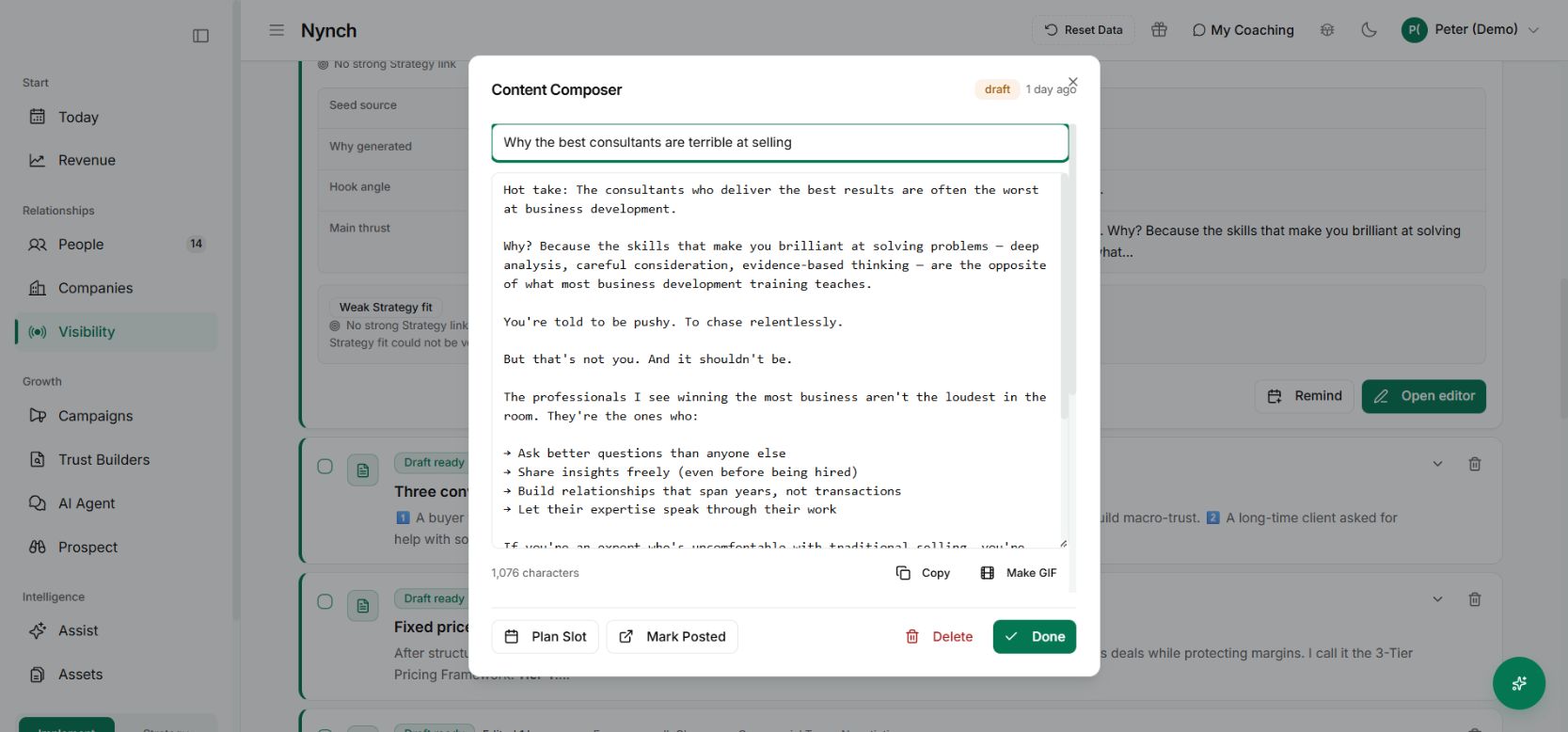
The saved Content Composer where an individual post can be reviewed
Take each draft back through the composer before it becomes a scheduled post. Demo workspace with illustrative data. Open the image to see it full size.
See it for yourself

See Nynch from start to finish

The complete walkthrough: 28 minutes, every screen. Or pick the part you need.

Choose where to start

Chapters Jump to any partHide chapters
  1. Why relationships win the work
  2. A memory that thinks
  3. Every contact arrives already researched
  4. Your inbox, with intelligence
  5. Arrive prepared, every time
  6. A network that never goes cold
  7. Personal outreach, at scale
  8. Campaigns, run with AI agents
  9. Turn conversations into signed work
  10. The procrastination beater
  11. Your AI partner, on every screen
  12. Build the network you do not have yet
  13. Part two: build the foundations
  14. Name the problem, and prove it
  15. Know exactly who you serve
  16. Sell outcomes, not hours
  17. Stand for something
  18. Get the right clients coming to you
  19. Now watch it all work

See this working for your business

Bring a real relationship or opportunity. We will show you where Nynch can help.

Book a call

30 minutes. On your real data. Not generic slides.