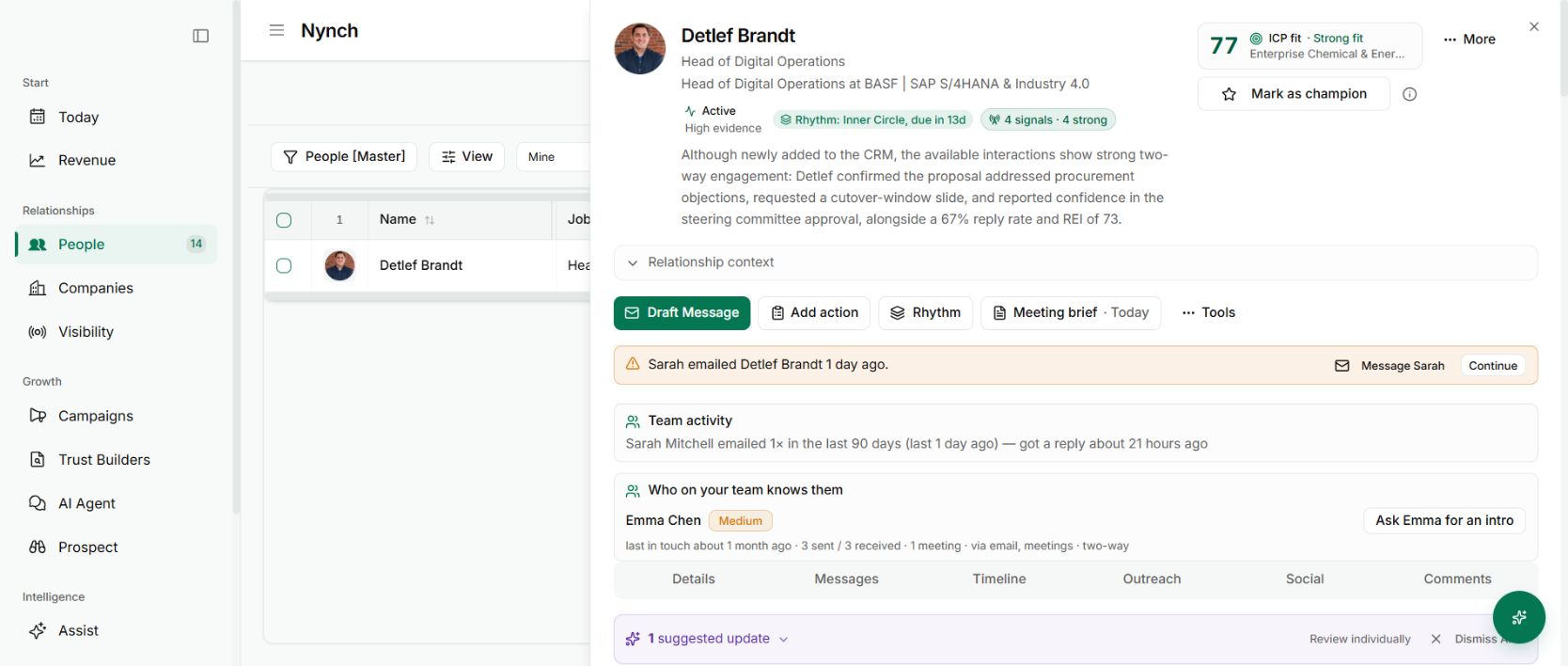
Someone asks for an update in chat. You find the account, write a summary and paste a link. Two weeks later, the useful decision is buried in the chat thread.
The change
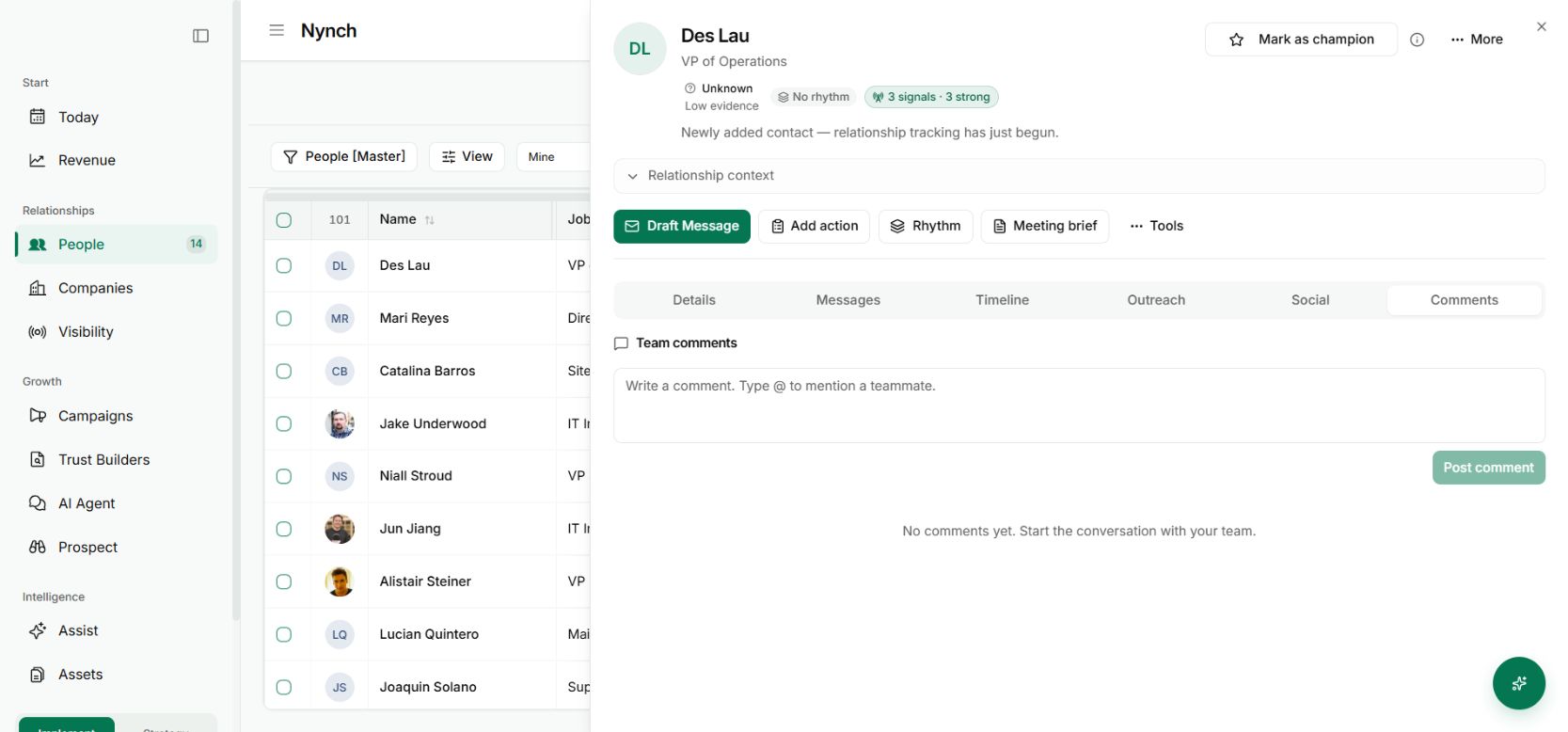
Team comments give the internal discussion a home on the person, company or opportunity record. Mention a teammate when you need their attention, while keeping the conversation beside the work it refers to.
That is especially useful when someone else owns the relationship or has context you do not. The comment can point them to the exact record instead of relying on a familiar name.
Use it on your next handover
Open the record and go to Comments. Leave the decision, the supporting context and the question you need answered. Mention the appropriate teammate rather than notifying everyone.
Keep a comment distinct from a message to the client. It is an internal discussion, and permissions still determine who can see the record.
Why it is useful
The next person reviewing the account can see the conversation where it belongs. You spend less time forwarding fragments and less time wondering whether a decision was made somewhere else.
Start with one active opportunity where two people need to coordinate. A concise comment with a clear request is enough.
Leave a decision another colleague can act on
Write the comment around the next move: what has changed, who will act and what they need from the team. “Please review the scope before Thursday’s vote” is easier to use than a long stream of unstructured thoughts.
Keep private source material in its permitted location. A shared comment can point to the decision without copying a teammate’s private correspondence. Combine comments with warm introduction paths and collision warnings when several colleagues know the same person.