You have done the research. The proposal refers to it. The buyer still has to search another message for the report that explains the recommendation.
The change
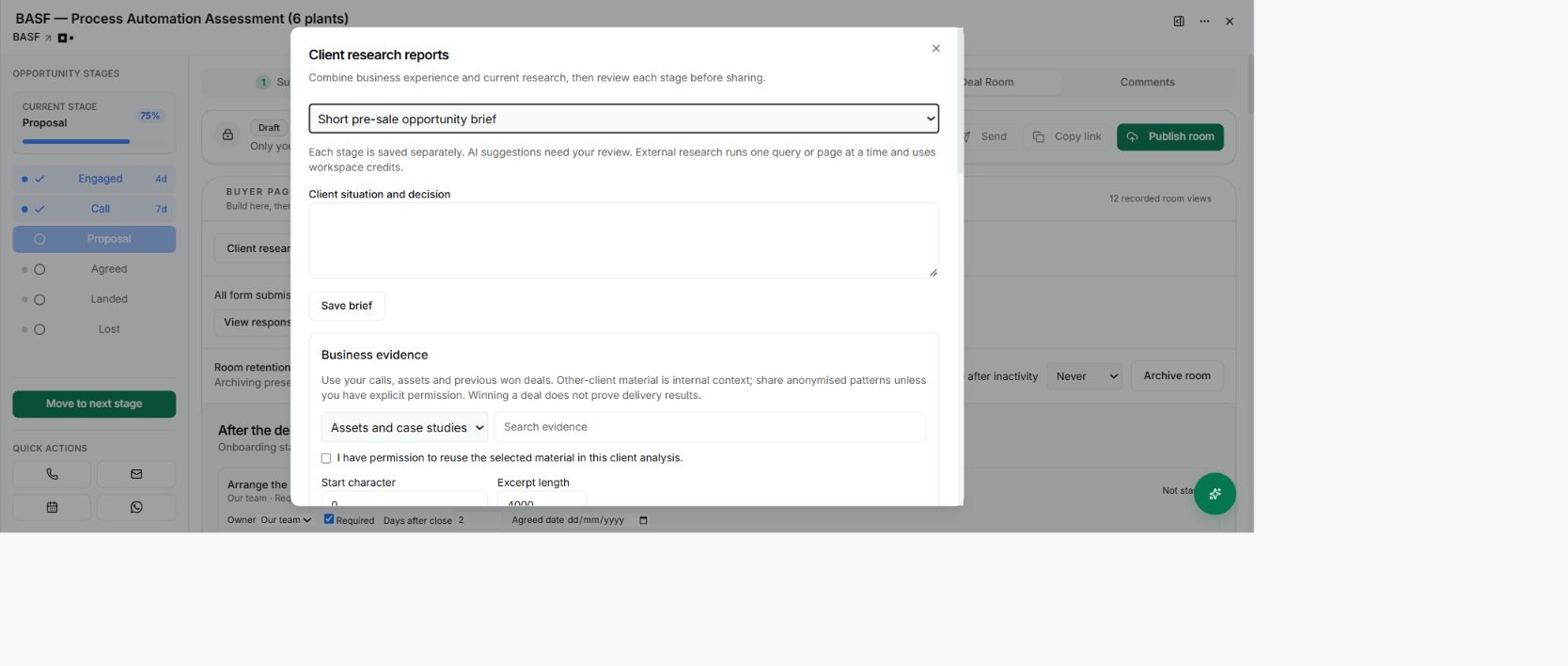
Open Client research reports inside the Deal Room to prepare a short pre-sale opportunity brief or a fuller onboarding consulting report. The workflow combines your business experience with current research, with a review point between stages.
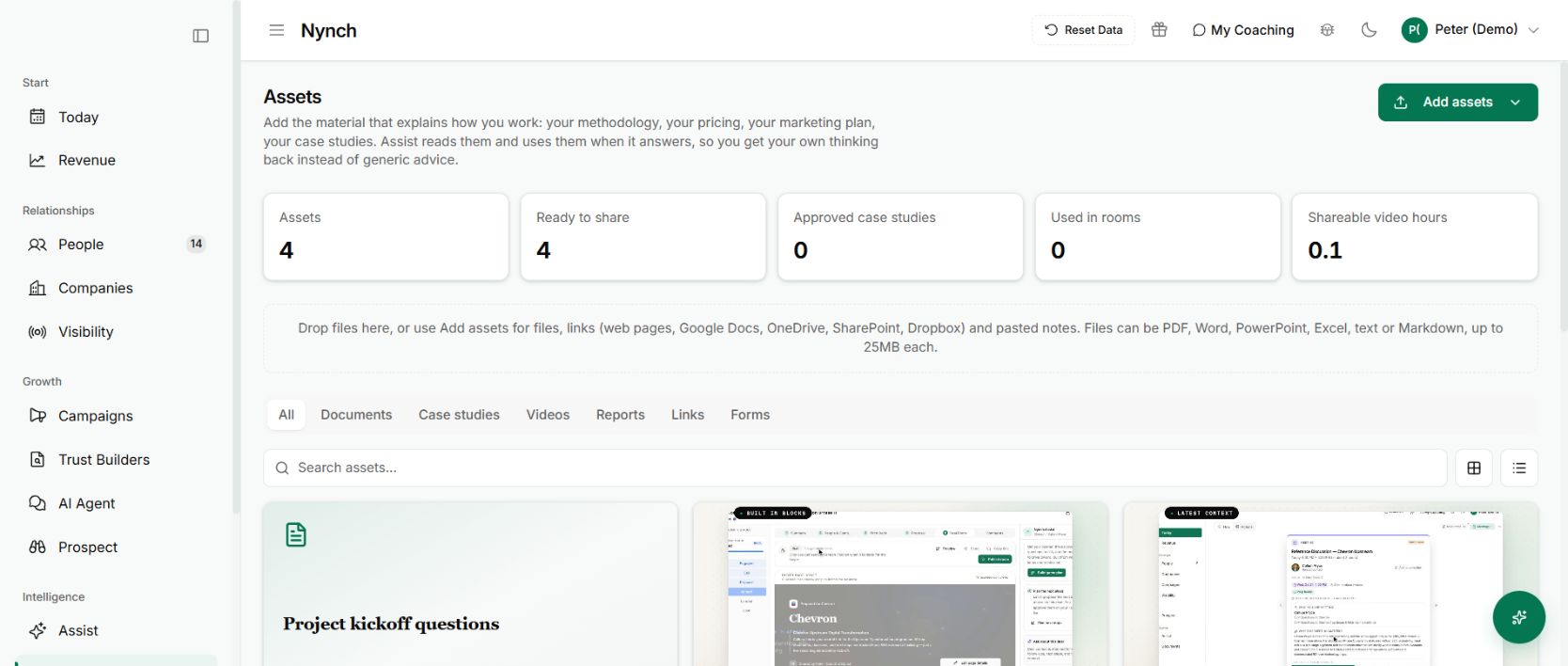
The approved report can be saved to Assets and brought into the buyer-facing room. Its supporting work stays connected to the decision you are helping the client make.
Begin with the decision, not a research dump
Write the client situation and the decision the report needs to support. For example: which operational problem should the first assessment investigate, and what evidence would justify that choice?
Bring in the relevant business evidence from assets, call recordings or previous won opportunities. Use only material you have permission to reuse. Previous client work may inform your thinking without being appropriate to reveal to a different client.
The workflow then takes you through a decision brief, evaluation framework and source plan before external research. Those first three stages need approval before you spend credits on research queries or pages.
That order matters. Decide what you need to know before collecting a large pile of information.
Build the argument in reviewable stages
Review the evidence and findings, challenge the assumptions and then assemble the consulting report. Each stage is saved separately. You can write your own analysis or ask for a suggestion to review.
A narrow query or a specific source page gives you a controlled next step. External research uses workspace credits, so check the source plan and keep each request focused on a question that changes the recommendation.
The workflow is useful for a short pre-sale brief as well as a fuller onboarding report. Choose the depth the decision requires rather than treating a longer document as a better answer.
Share the reviewed version
Review the report before sharing it. Check its sources, remove private working notes and make sure any assumptions are labelled. Then add the appropriate report to the room and preview the buyer’s view.
Check that you are sharing the intended version. A later change to research should not silently make a previously reviewed recommendation mean something else.
Why it is useful
The buyer can move from the recommendation to its supporting material without reconstructing your argument from separate files.
It also makes the room easier to pass on internally. Someone who missed your conversation has a better chance of understanding why the proposal says what it does.
Give the report a useful destination
After review, choose the report from Assets for the relevant room and explain the decision it supports. Keep a short summary near the proposal so the buyer understands why the report is there.
Ask a colleague to read the proposal and supporting material without your spoken explanation. If they cannot follow the connection, improve the introduction rather than adding more pages. The goal is a usable argument, not a larger attachment collection.