A contact you have known for three years should not look like a stranger because you connected a CRM this morning.
The mailbox import now reaches into historical correspondence, with a supported limit of 50,000 messages. The import filters unwanted categories such as spam and newsletters so the relationship history is less likely to become a pile of mailing-list traffic.
Connect, import, then check the record
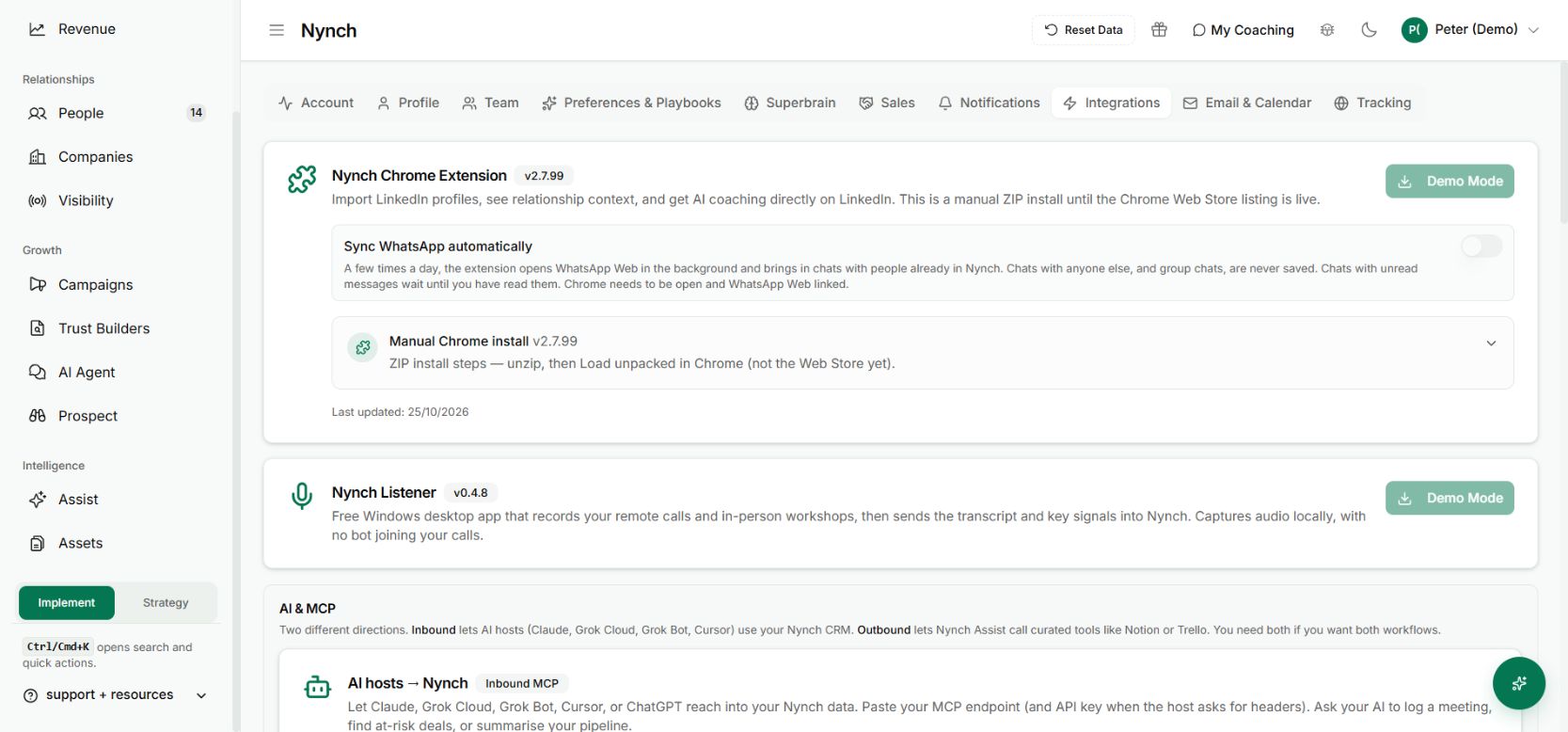
Connect the appropriate mailbox in Settings → Integrations and review the import and sync preferences. A larger import is background work. Check its status before assuming that every earlier conversation is already available.
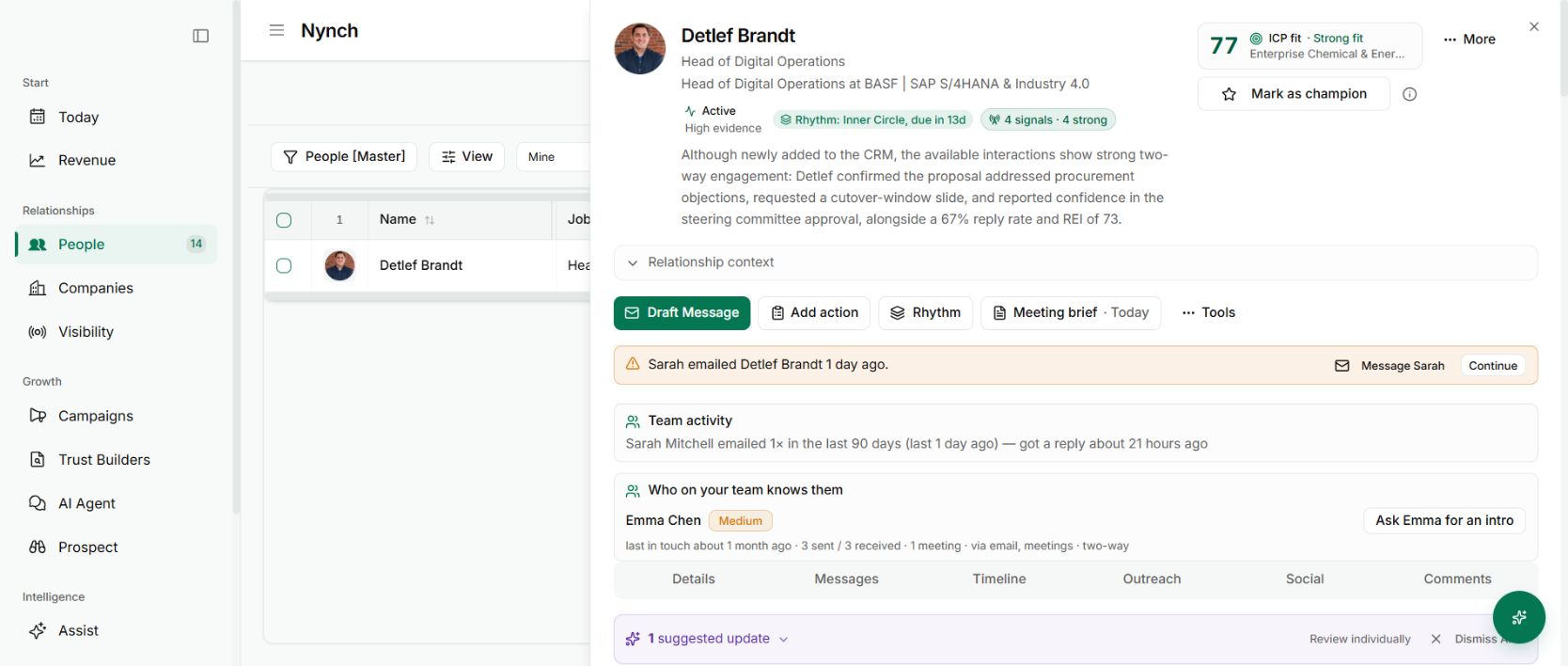
Open a contact you know well and inspect the timeline. Look for both sides of the correspondence and the dates of important conversations. Importing mail and allowing new CRM contacts to be created are separate settings.
Give AI better material to work from
Imported conversations can contribute to the saved context used when preparing work. A follow-up can start closer to the actual relationship when relevant correspondence is available, instead of depending on a name and job title.
This is ingestion and retrieval of your connected records. It is not a claim that a foundation model has been privately retrained, or that every message will be read for every answer.
Provider permissions, filters and the import limit still matter. If history is missing, check those boundaries before treating the absence as evidence that the relationship never happened. The relationship memory guide explains how the saved summary develops from that evidence.