Skip to content
Product overview
Explore all 15 product areas1. Services and Offer2. Ideal Client Profile3. Find Prospects4. LinkedIn Network5. Relationship Management6. Relationship Intelligence7. Value Audits8. Personalised Outreach9. Authority and Content10. Meeting Intelligence11. Pipeline and Opportunities12. Proposals13. Deal Rooms14. Client Management15. Grow Existing Accounts
Today and AssistSell your business
Use cases Pricing In Person Workshop Resources Sign in Book a call
← Back to changelog
New

Make the pitch about this buyer’s decision

Prepare an account version of your core pitch from the opportunity’s own context, review it and approve it before placing it in the buyer room.

Release note added 30 October 2026. Screenshots show the current demo app.

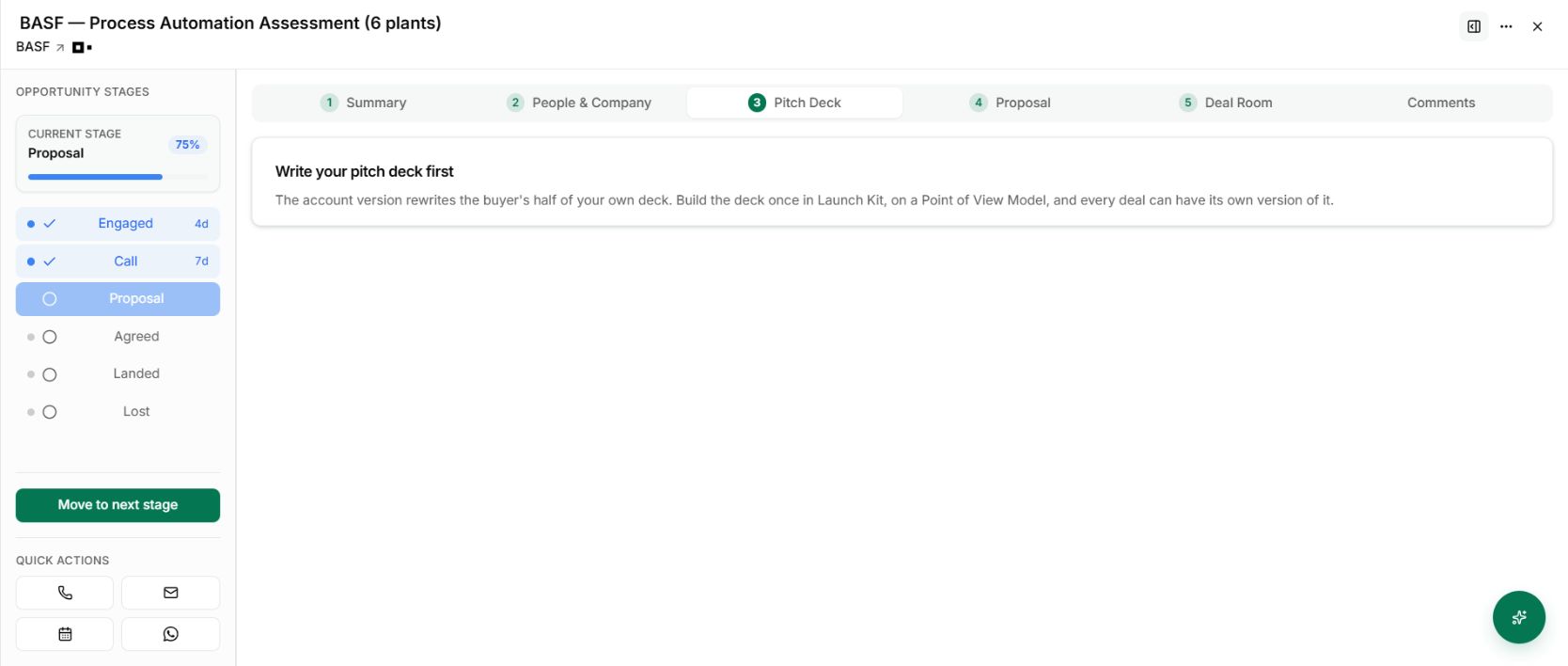
The opportunity Pitch Deck tab shows the prerequisite for a saved core deck.
The opportunity Pitch Deck tab shows the prerequisite for a saved core deck. Demo workspace with illustrative data. Open the image to see it full size.

The buyer has told you what matters. Your presentation should show that you listened.

The opportunity’s Pitch Deck workflow connects the reusable core deck to the deal’s notes and context. It gives the account version its own draft and approval, so preparing a deck and sharing it are separate decisions.

Start with a usable core

Save a core pitch deck against the relevant Point of View Model first. Then open the opportunity and its Pitch Deck tab.

The screenshot shows that prerequisite in the demo. It is the start of the workflow, not a completed personalised presentation.
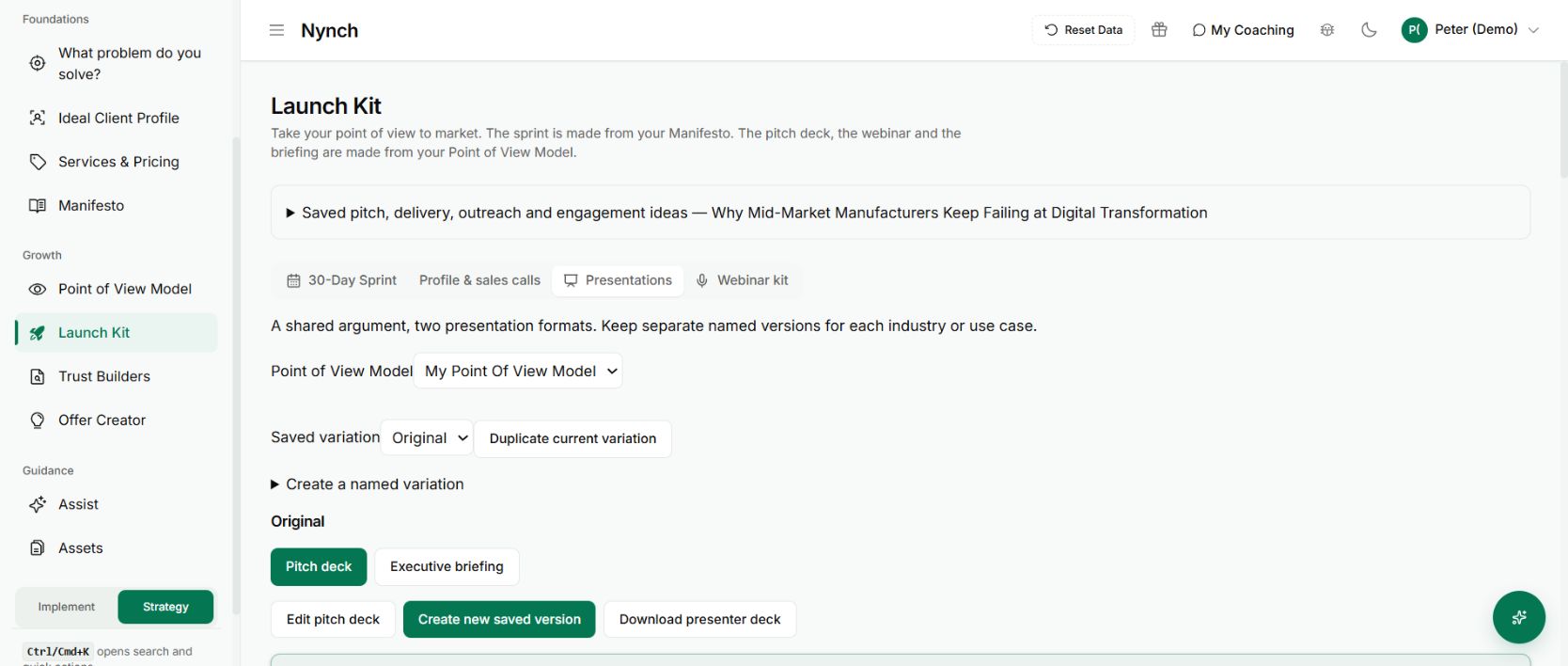
The reusable pitch deck stored in Launch Kit
Prepare and review the core explanation before adapting it to an account. Demo workspace with illustrative data. Open the image to see it full size.

Review the account version

Check the buyer’s problem, the proposed approach and the decision you want the presentation to support. Treat details drawn from old notes as things to verify, particularly deadlines, scope and commercial assumptions.

Approve the version you intend to use. Adding an approved deck to a room does not replace the room’s own publishing step. If the deck changes, review the new draft before presenting it as the approved account story.

Saved versions help you return to earlier work. Restoring a version brings it back as a draft for review, rather than silently making old content current.

Make the next meeting more specific

If the buyer is deciding between a one-site assessment and a wider programme, lead with that choice. Use the core method to explain the route, then make the next step concrete.

The benefit is a presentation connected to the opportunity you are actually working. It still needs your judgement about what is accurate, relevant and appropriate to share.

See it for yourself

See Nynch from start to finish

The complete walkthrough: 28 minutes, every screen. Or pick the part you need.

Choose where to start

Chapters Jump to any partHide chapters
  1. Why relationships win the work
  2. A memory that thinks
  3. Every contact arrives already researched
  4. Your inbox, with intelligence
  5. Arrive prepared, every time
  6. A network that never goes cold
  7. Personal outreach, at scale
  8. Campaigns, run with AI agents
  9. Turn conversations into signed work
  10. The procrastination beater
  11. Your AI partner, on every screen
  12. Build the network you do not have yet
  13. Part two: build the foundations
  14. Name the problem, and prove it
  15. Know exactly who you serve
  16. Sell outcomes, not hours
  17. Stand for something
  18. Get the right clients coming to you
  19. Now watch it all work

See this working for your business

Bring a real relationship or opportunity. We will show you where Nynch can help.

Book a call

30 minutes. On your real data. Not generic slides.