01Relationship context
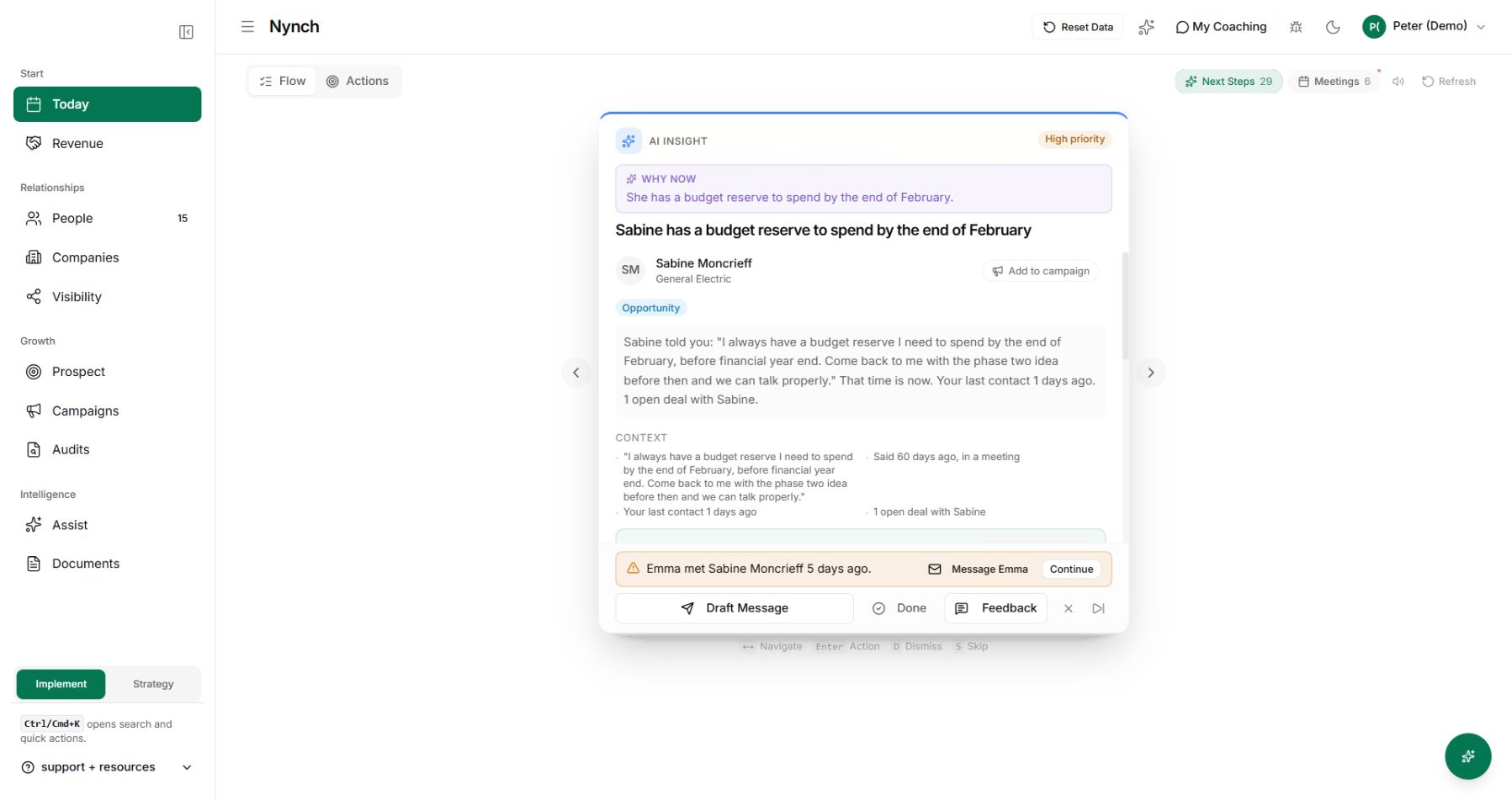
Remember the person before writing the message.
Review the recent conversation and what you know about the person’s work.
Choose an opening that fits this relationship.
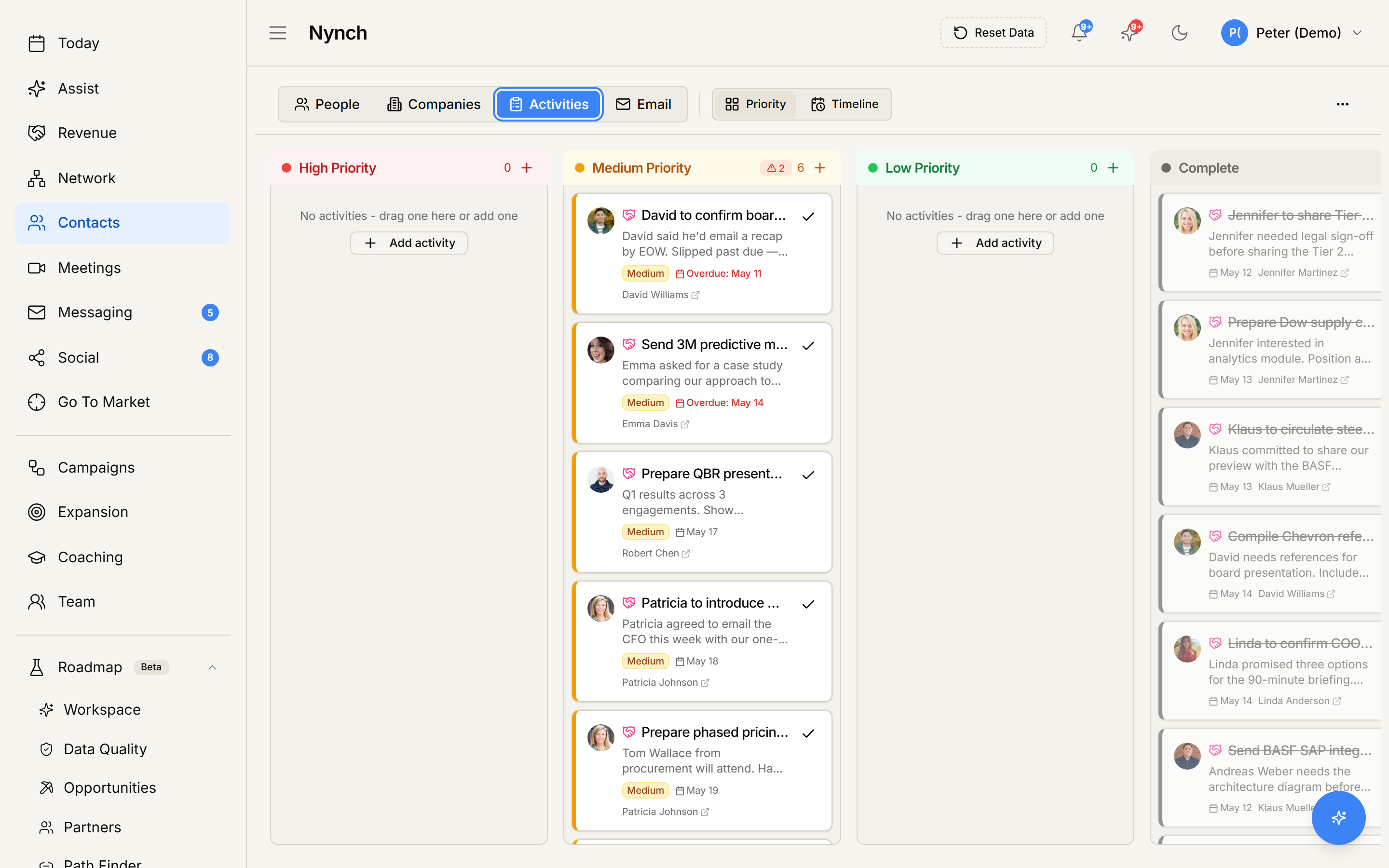
Prepared actions
Prepare personal emails with the relationship and the reason for reaching out in view. Review the draft, add your judgment and choose when to send.
See how it works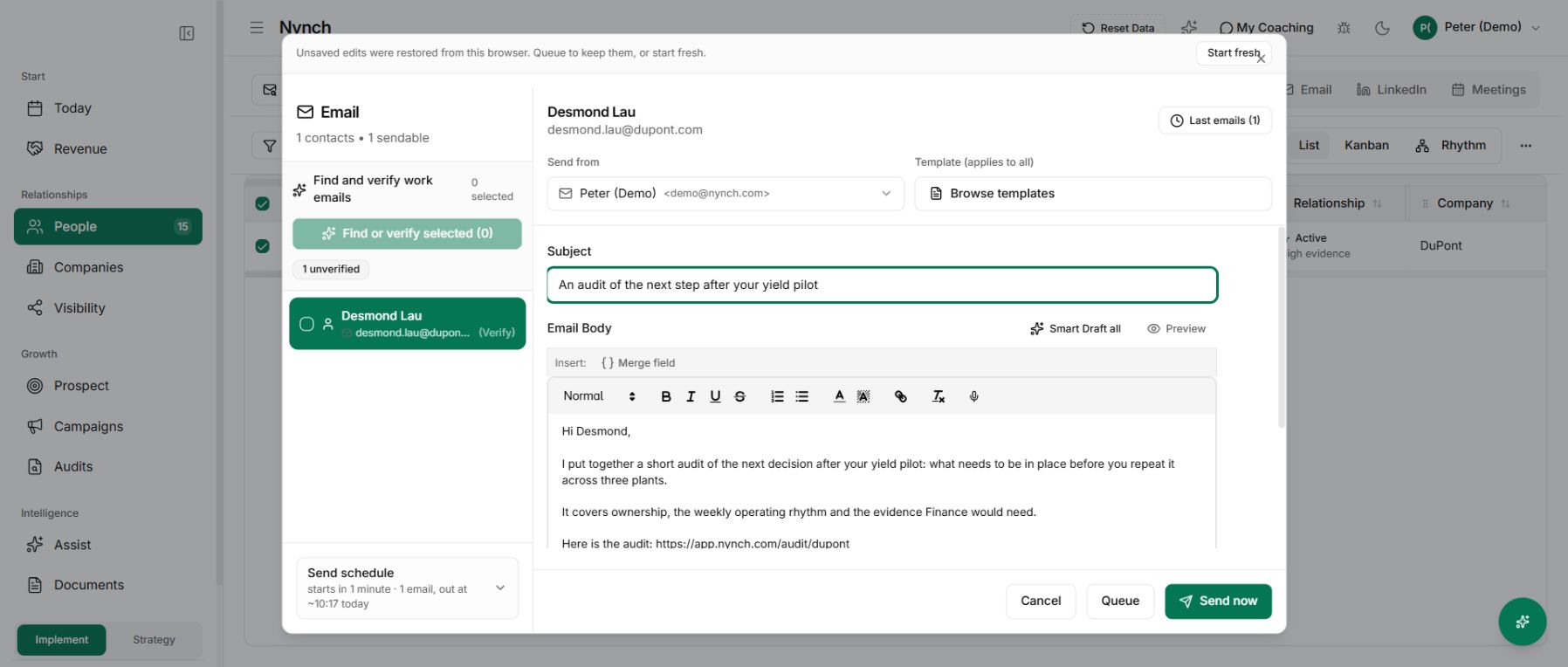
What gets in the way
You need to remember what happened, find a useful reason to reconnect and explain it in a way that sounds like you.
You search the history before writing the opening line.
The message is fluent but says nothing specific to the person.
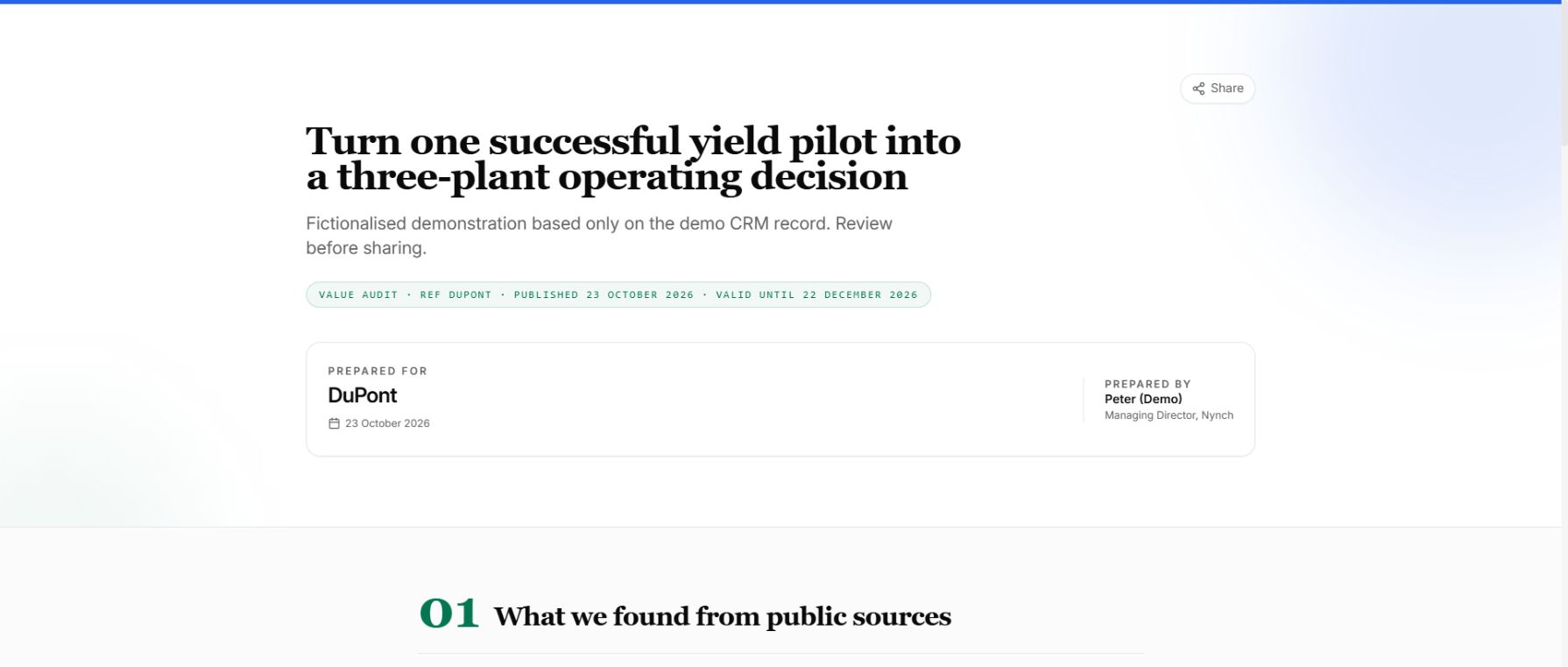
The audit or insight you prepared never makes it into the introduction.
How Prepared actions works
Bring the relationship context into a draft you can review before it leaves your account.
Review the recent conversation and what you know about the person’s work.
Choose an opening that fits this relationship.
Bring a relevant insight, follow-up or Value Audit into the message.
Only share findings you have checked and can explain.
Write and refine the email with the recipient and the purpose in view.
Check the name, claim, link and request before sending.
Return to Today and the contact record to continue the conversation and track what comes next.
A sent message is the start of follow-through, not the finish.
What Nynch decided, and why
Nynch prepares the next step so that it takes a click rather than an afternoon. These are the rules about what it holds back, what it will not send by itself and why each is awkward to keep by hand.
Every automated sender asks one shared guard before it sends, so three campaigns cannot email the same buyer three times in a day. The guard is on in every workspace by default, and quiet hours follow the workspace time zone. An email over the limit waits for the next allowed slot rather than being dropped.
Doing it yourself: You would have to check every running sequence against every other each morning, to stop two timers reaching the same person.
A person who has just replied should not wait behind a sequence step, and a deal email should come before a general one. The order is fixed, so the result does not depend on which campaign happened to be created first. Ties go to whoever joined earlier.
Doing it yourself: You would need to see every waiting email to one person and decide the order yourself each time the limit is reached.
The guard covers only mail Nynch sends on a schedule or in bulk, and mail sent by an agent. A message you write and send yourself does not pass through it, so an urgent note to a client goes when you send it. A limit on automated mail should not slow down the person you are working with.
Doing it yourself: Before writing a personal email you would need to remember which automated messages had already gone to that person that day.
With personalisation on, a campaign reads the signals Nynch detected about the person or their company in the last 90 days, and each keeps the date it was spotted. Anything older is not read into the email. With personalisation off, the campaign uses the fixed wording you wrote and adds no reason of its own.
Doing it yourself: You would have to date every change on every contact and decide yourself whether an old one still justified a first line.
When a deal is missing a role, Nynch picks someone already involved to ask for the introduction. It skips anyone marked as a blocker and anyone without an email address. A champion or coach comes first, then the most engaged person, then the most influential, and the request is a draft for you to send.
Doing it yourself: You would scan each deal’s people, check who has an address and who is blocking, and then write the request from scratch.
One connected Nynch platform
Prospecting, relationships, meetings, proposals, Deal Rooms and client growth work together in Nynch. Start with the job you need to do today. Keep the context as the relationship develops.
The details
Yes. Review the draft and change the wording before sending. Add the detail that only you know and remove any statement you cannot support.
Bulk email supports individual drafts for selected contacts. Review each recipient and message. You do not need to build a multi-step campaign to send a set of personal introductions.
Yes. Publish the audit, check its public page and include the link in the introduction. Explain why the observation is relevant to that person.
No. Drafting and sending are separate actions. Check the recipient, connected mailbox and content before choosing to send or schedule.
You need a usable address for email. Review the contact details and choose another appropriate way to reach the person when no address is available.
Use a real reason to write, keep the request proportionate to the relationship and edit the language into your own voice. More personal data is not a substitute for a useful message.
See a personal introduction prepared inside Nynch.