Skip to content
Product overview
Explore all 15 product areas1. Services and Offer2. Ideal Client Profile3. Find Prospects4. LinkedIn Network5. Relationship Management6. Relationship Intelligence7. Value Audits8. Personalised Outreach9. Authority and Content10. Meeting Intelligence11. Pipeline and Opportunities12. Proposals13. Deal Rooms14. Client Management15. Grow Existing Accounts
Today and AssistSell your business
Use cases Pricing In Person Workshop Resources Sign in Book a call
← Back to changelog
New

Give the buyer a clear payment step beside the option

Attach your existing payment URL to a proposal option so the buyer can reach the appropriate checkout from the proposal.

Release note added 30 October 2026. Screenshots show the current demo app.

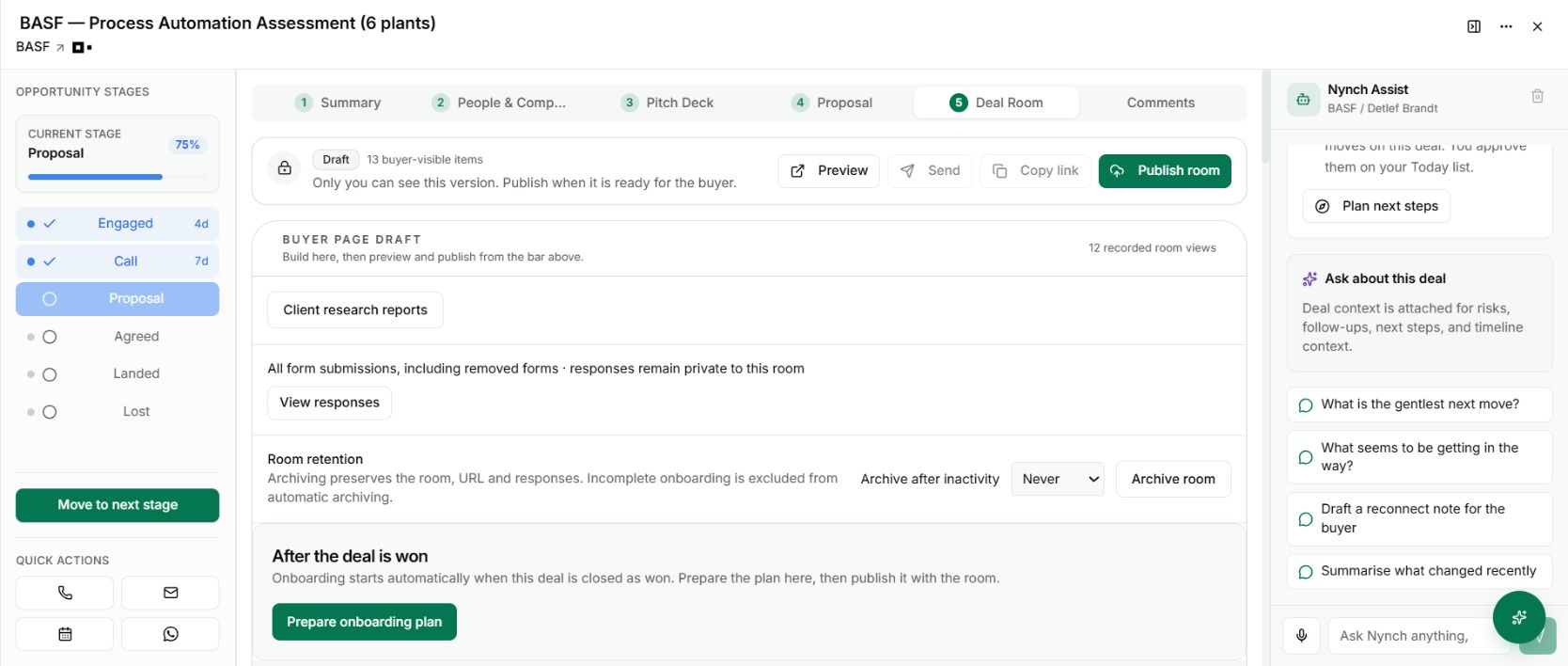
The demo deal room is where proposal material and the next buyer actions are prepared.
The demo deal room is where proposal material and the next buyer actions are prepared. Demo workspace with illustrative data. Open the image to see it full size.

The buyer has chosen an option. Then the next step disappears into another email asking where to pay.

Proposal options can carry a seller-provided payment link. That connects the commercial choice to your existing checkout rather than making the buyer hunt for a separate instruction.

Use the proposal’s payment-link field for the relevant option. Supply the HTTPS checkout URL from your payment provider and confirm it belongs to the right offer.

Check the amount, currency and whether the destination starts a subscription or a one-off payment. Those details are controlled by the checkout you link to, so changing the proposal wording does not automatically change the payment provider’s terms.

Preview the buyer’s next step

Review the proposal and the Pay and start destination before sharing. A buyer should understand what they are choosing and where the link will take them.

Nynch provides the link in the proposal. It does not process the payment through this feature or replace your provider’s receipt, tax treatment or payment status.

Keep the handover explicit

Payment, proposal acceptance and recording a won deal are related but distinct steps. Confirm the commercial outcome in the workflow that owns it, then use the onboarding plan to make the delivery responsibilities clear.
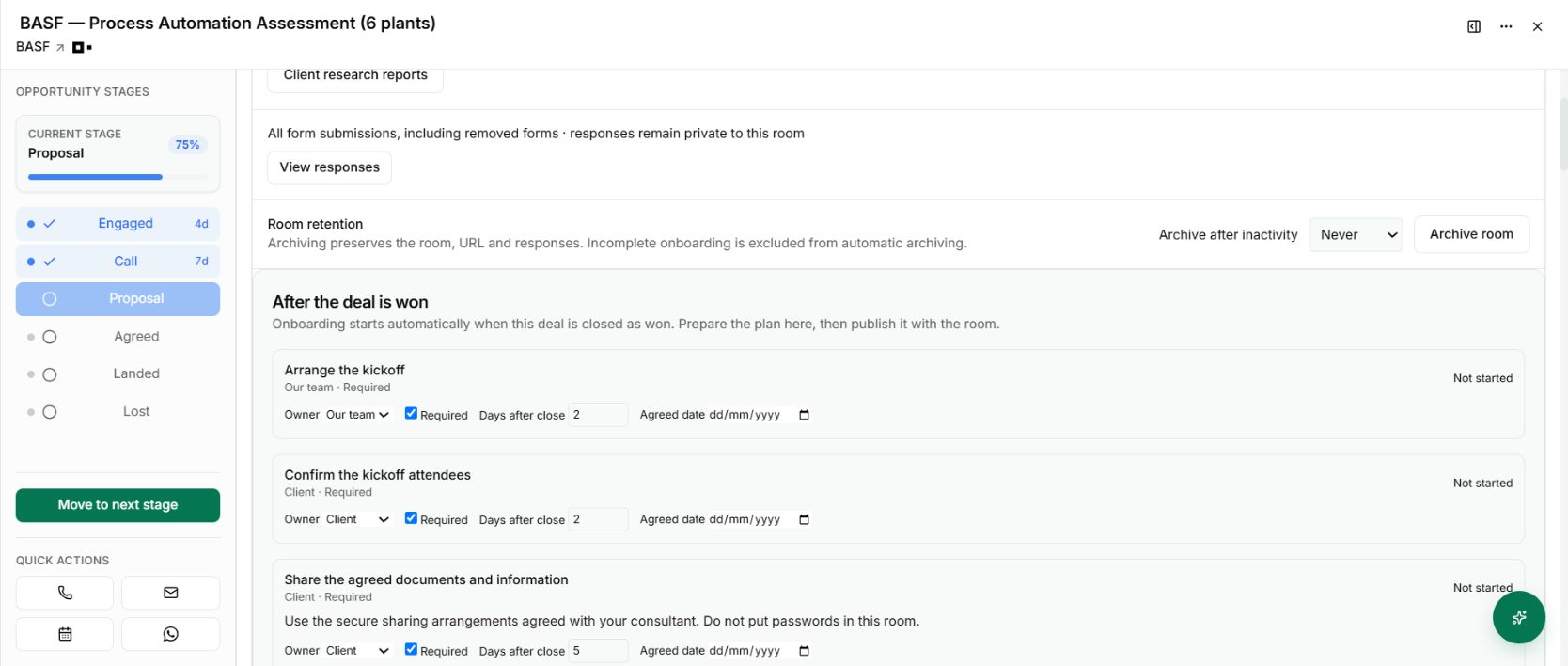
The prepared onboarding plan following the proposal workflow
After the commercial steps are confirmed, the prepared plan gives both sides a next action. Demo workspace with illustrative data. Open the image to see it full size.

The benefit is removing an avoidable gap between a buyer’s choice and the next practical action. The screenshot shows the surrounding room workflow, not a payment or a successful transaction.

See it for yourself

See Nynch from start to finish

The complete walkthrough: 28 minutes, every screen. Or pick the part you need.

Choose where to start

Chapters Jump to any partHide chapters
  1. Why relationships win the work
  2. A memory that thinks
  3. Every contact arrives already researched
  4. Your inbox, with intelligence
  5. Arrive prepared, every time
  6. A network that never goes cold
  7. Personal outreach, at scale
  8. Campaigns, run with AI agents
  9. Turn conversations into signed work
  10. The procrastination beater
  11. Your AI partner, on every screen
  12. Build the network you do not have yet
  13. Part two: build the foundations
  14. Name the problem, and prove it
  15. Know exactly who you serve
  16. Sell outcomes, not hours
  17. Stand for something
  18. Get the right clients coming to you
  19. Now watch it all work

See this working for your business

Bring a real relationship or opportunity. We will show you where Nynch can help.

Book a call

30 minutes. On your real data. Not generic slides.