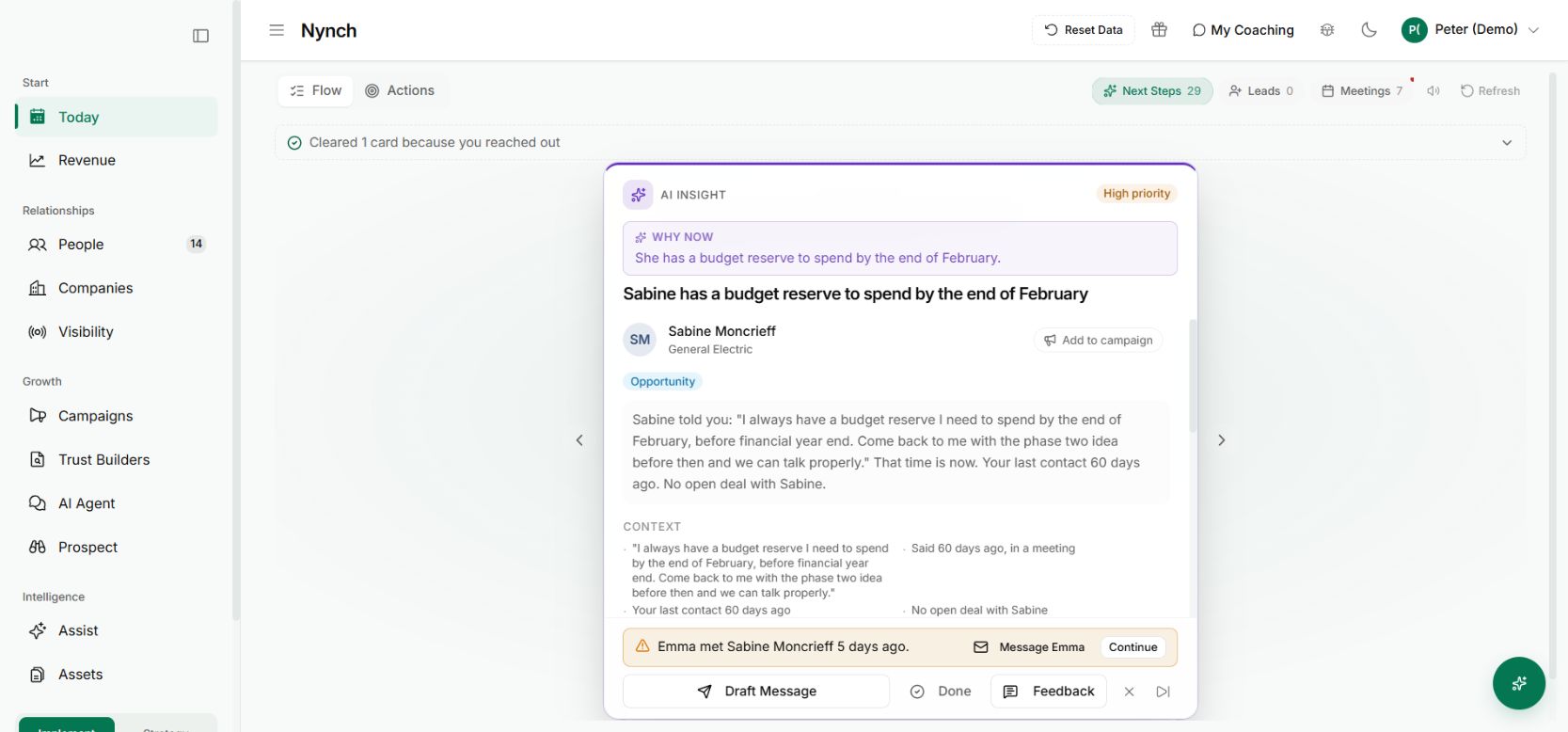
You are looking at a client record when the call comes in. Finding a separate preparation screen should not be the next task.
The change
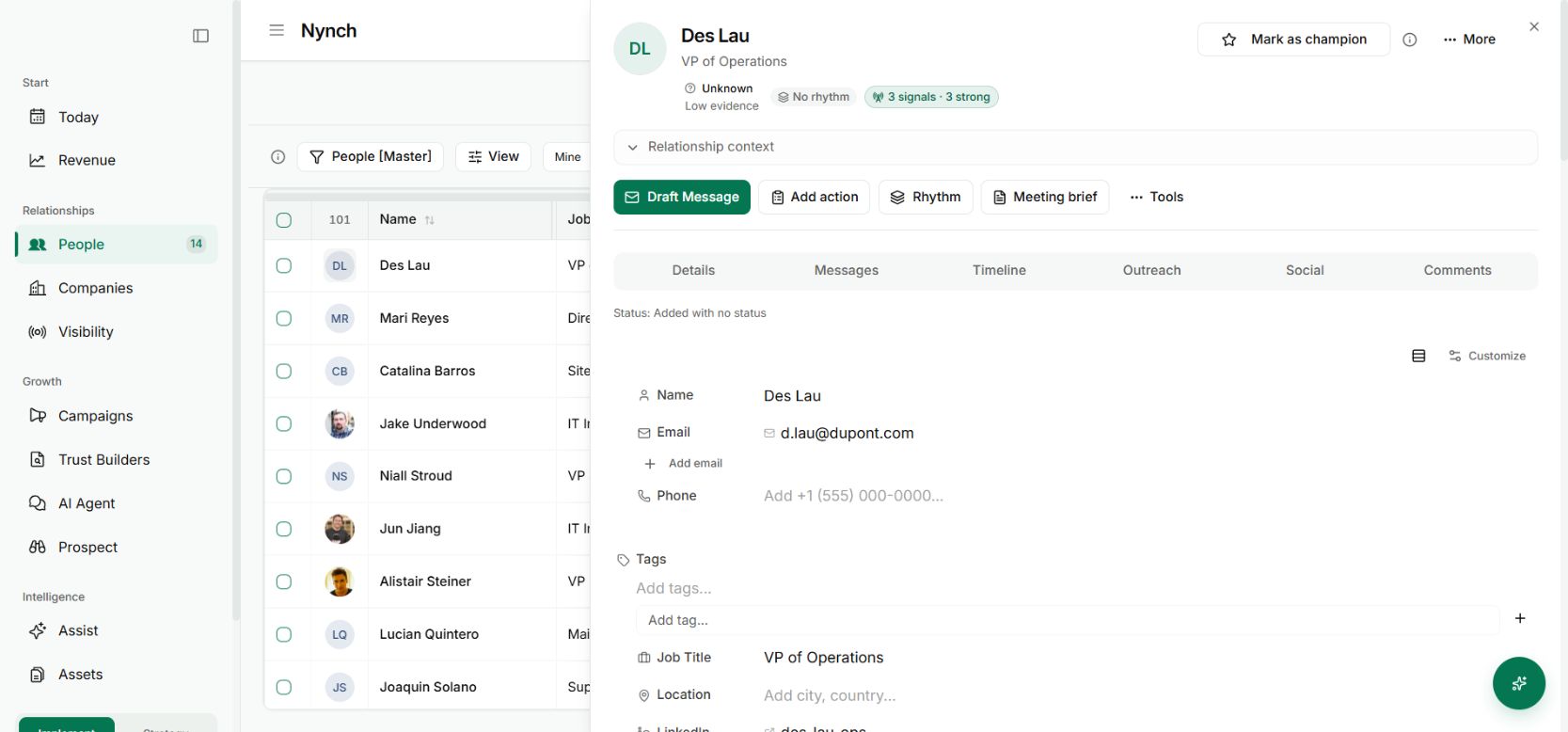
Meeting brief is now in the person’s action row, alongside Draft Message, Add action and Rhythm.
The entry point keeps the person attached to the preparation. You can move from reviewing the relationship to preparing the conversation without starting a new search.
Put it to work
Open a contact in People. Check that you have the right person, then choose Meeting brief.
Review the available context and use it to decide what you need from the conversation. The brief should help you recall what they said, what remains open and which question would be useful now.
For an informal call, keep the preparation light. One accurate reminder and one thoughtful question may be all you need.
Why it is useful
Preparation becomes part of the relationship workflow. You can use it when the conversation is happening, including calls that do not fit a carefully planned diary routine.
The screenshot shows the button on a demo contact. A brief still depends on the relationship information available in your workspace.
Use the brief to choose the opening question
Read the latest context, then decide what the first few minutes need to establish. If the last exchange left a decision unresolved, start there instead of repeating the full introduction.
After the call, capture what changed and review the follow-up draft. The brief is one part of a loop: prepare from the record, have the conversation, then bring the new context back.