The buyer asks what the work could be worth. You can give them a confident number, or you can show how the number depends on their situation.
Assist can prepare client calculator drafts using supported cost-saving and coaching-revenue frameworks. The result is an editable workpiece with explicit inputs and assumptions, rather than an unexplained ROI claim.
Start with the question and the evidence
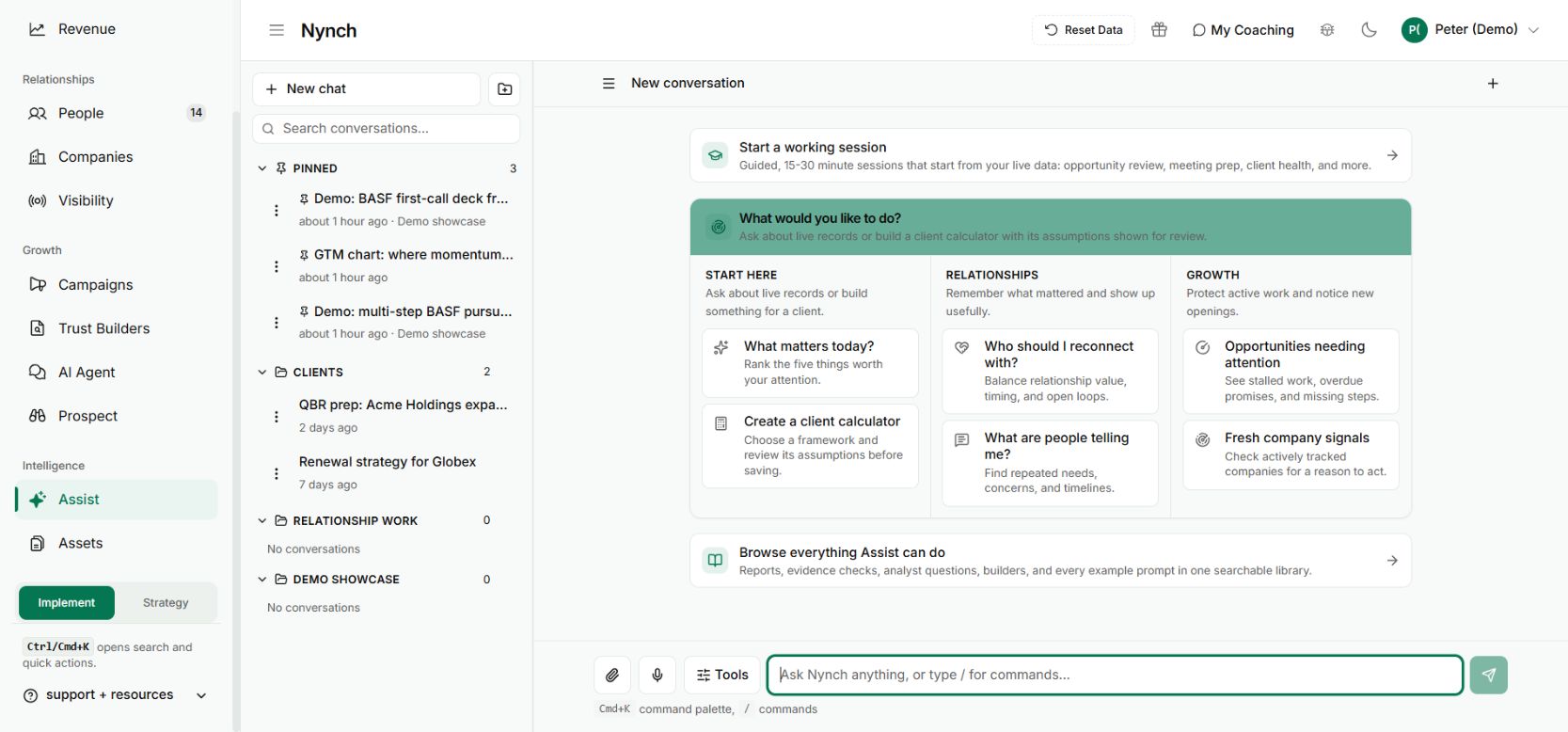
Ask Assist to Create a client calculator and describe the outcome you want to explore. Is it an annual cost reduction, or a comparison of client wins and revenue around a coaching investment?
Use comparable periods and one currency. Leave missing evidence blank until the client can supply it. A plausible estimate is still an assumption and should be labelled that way.
Work through a scenario together
For a cost-saving discussion, start with the relevant annual cost and a proposed reduction. Then ask what would need to be true for that reduction to happen.
For a coaching comparison, distinguish qualified opportunities, wins, first-year revenue and the investment. Revenue is not profit, and a before-and-after change does not prove that coaching caused it.
Review before sharing
Check the calculation, labels, exclusions and the conclusion a buyer might draw. The supported frameworks are bounded. This is not a promise to generate any arbitrary financial model correctly.
Keep the draft private while you review it. Sharing or publishing is a separate action in the relevant workflow.
The benefit is a better commercial conversation: both sides can see which inputs drive the result and where confidence is missing. Use the calculator to test a business case, not to manufacture a guarantee that the proposal will pay for itself.