01Capture
Save the person while the context is fresh.
Use the Nynch extension on supported LinkedIn pages to bring profile information into your network.
Install the extension from Settings, then review captured profiles in People.
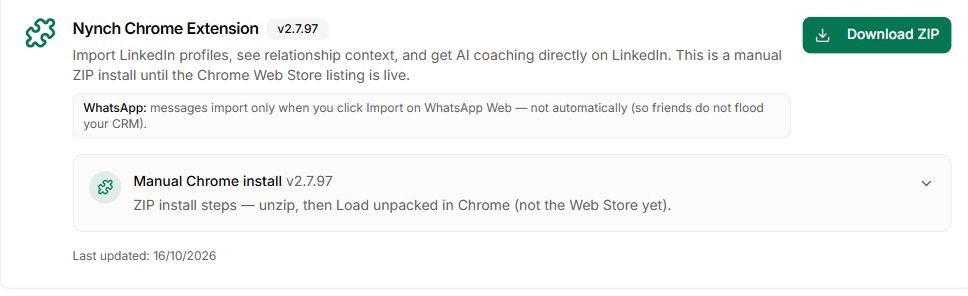
Chrome extension
Capture LinkedIn profiles with the Nynch browser extension, then keep the person, company and next conversation together in your workspace.
See how it works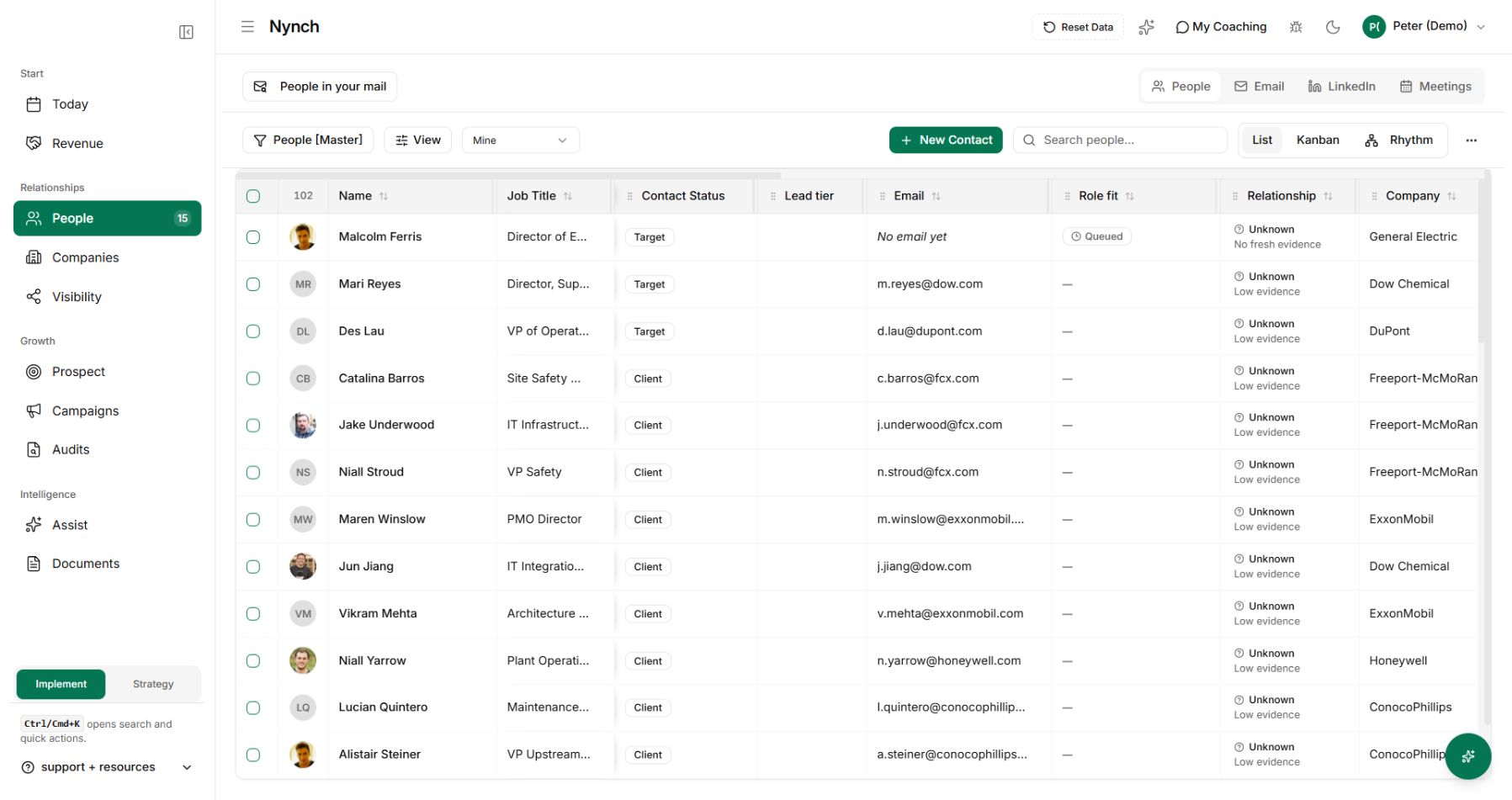
What gets in the way
Copying a profile into a spreadsheet is easy to put off. By the time you return to it, you may have forgotten why that person mattered.
You save the person for later and lose the reason you wanted to connect.
Names, roles and company details have to be copied between tools.
Imported contacts need a place in your wider relationship work.
How Chrome extension works
Capture the relationship, check the record and decide how you want to stay in touch.
Use the Nynch extension on supported LinkedIn pages to bring profile information into your network.
Install the extension from Settings, then review captured profiles in People.
Review the company and role information on the record so you can see where your expertise may fit.
Check imported details before relying on them in an introduction.
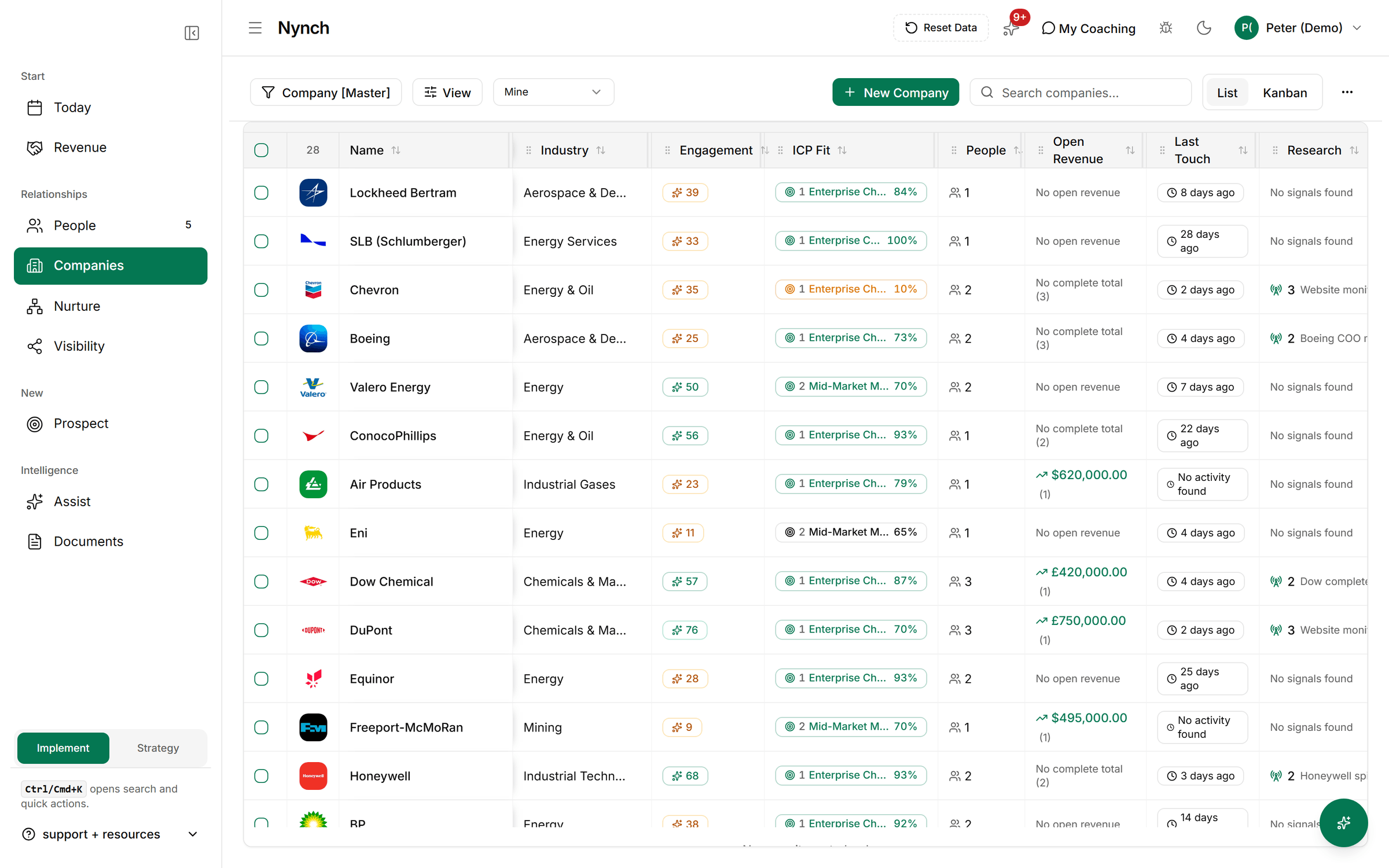
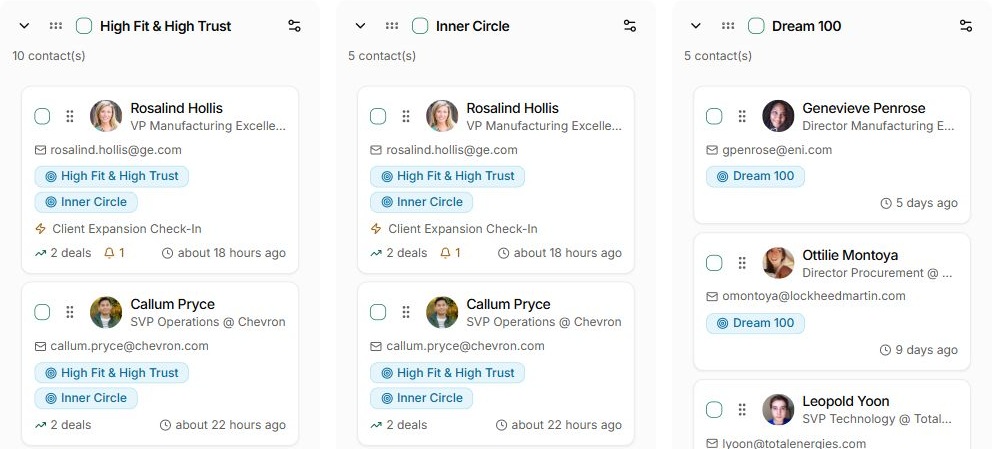
Add the person to the appropriate relationship group and choose a sensible contact rhythm.
A new connection does not need the same cadence as a close client.
Return to the relationship in Today and prepare a message around why you wanted to speak.
You review the words and decide when to reach out.
Nynch is annual only. Solo is $179 a month, billed once a year at $2,148, for one person monitoring 300 people. Firm is $1,000 a month, billed once a year at $12,000, for up to 5 users monitoring 2,000 people, and includes a one-day business development workshop with Nynch set up for you. Contacts are unlimited on both. Prices are in USD. There is no free trial and no 90-day pilot. See pricing.
One connected Nynch platform
Prospecting, relationships, meetings, proposals, Deal Rooms and client growth work together in Nynch. Start with the job you need to do today. Keep the context as the relationship develops.
The details
It brings supported LinkedIn profile information into Nynch, including the person’s identity and available professional details. Review the saved record because profile completeness and available information vary.
The extension includes support for Sales Navigator capture. Use the supported capture controls and inspect the resulting records in Nynch before starting outreach.
Captured people become records in your Nynch workspace. From there you can review their company, add context and organise them into relationship groups.
No. Capturing a profile and contacting the person are separate steps. Prepare and review your introduction before choosing to send it.
No. A LinkedIn profile does not guarantee an available or verified email address. Check the contact details before using an email workflow.
Review the record, add the reason the relationship matters and choose an appropriate group or next action. Capturing the name is the start of the relationship work.
See how a captured profile becomes part of your Nynch network.