The value in a CRM is not the empty software. It is the relationship history, decisions and context you build while using it.
You should have a way to take that work with you.
The change
Nynch added a full-workspace memory export workflow. It prepares a download of eligible workspace information under the access and privacy rules that apply to the account.
It is an export, not a promise that another product can recreate every Nynch workflow from the files. Private operational information and credentials do not belong in the package.
Put it to work
Read the Take it with you guide and review what is included before starting an export. Choose the appropriate workspace and check the resulting package before relying on it for a handover or migration.
Store the download somewhere you control, with access suitable for the relationship information it contains.
Why it is useful
You can build context without treating it as something you must abandon if your needs change. That makes Nynch easier to use as a long-term working tool.
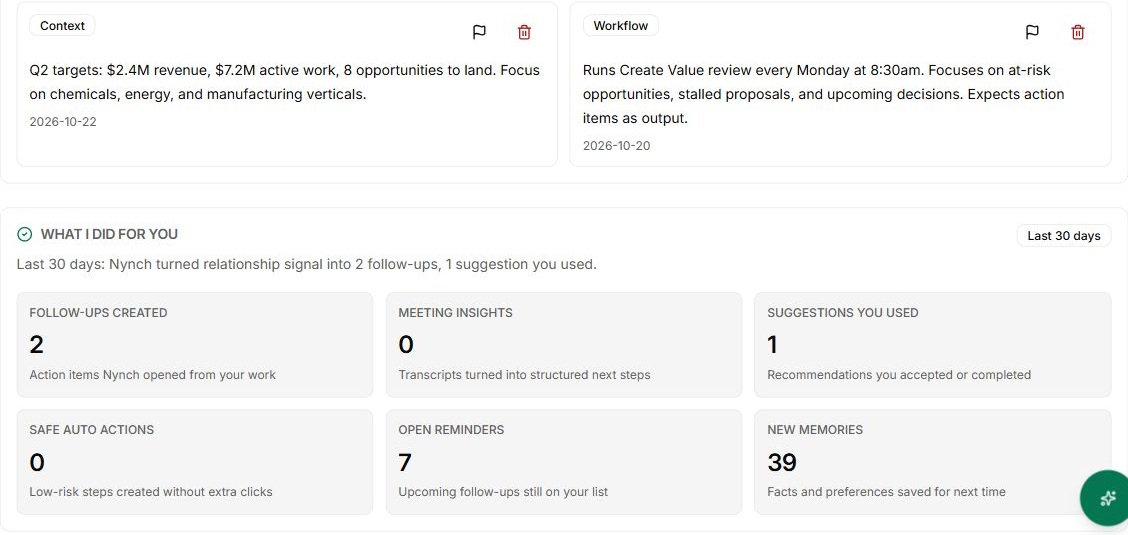
The screenshot shows saved memory in the demo app. It is the material being discussed, not an export completion receipt.
Inspect the export before relying on it elsewhere
Open the downloaded material and check that the relationships and work you need are represented. Keep the export’s source dates and provenance when using it to brief another tool or colleague.
An export is a snapshot, not a continuing sync. Later corrections in Nynch will not automatically rewrite a copy you have already downloaded. Choose the appropriate sharing destination and keep private material within the permissions you agreed with the people involved.