A fixed sequence treats two people the same even when one has read your introduction and the other has already asked a detailed question. The calendar moves forward. Their needs may have moved somewhere else.
The change
Smart Nurture can choose the next approved piece of content using the person’s recorded engagement and the campaign’s stage. You can inspect the per-person plan instead of relying only on a single sequence for everyone.
Smart campaigns are available in enabled workspaces. If your campaign chooser only offers standard playbooks, ask Nynch about access before planning around this workflow.
The first two emails for each person are reviewed before subsequent messages run automatically within contact limits. That review is where you check relevance, tone and whether the source material deserves to be sent at all.
Start with a small, coherent library
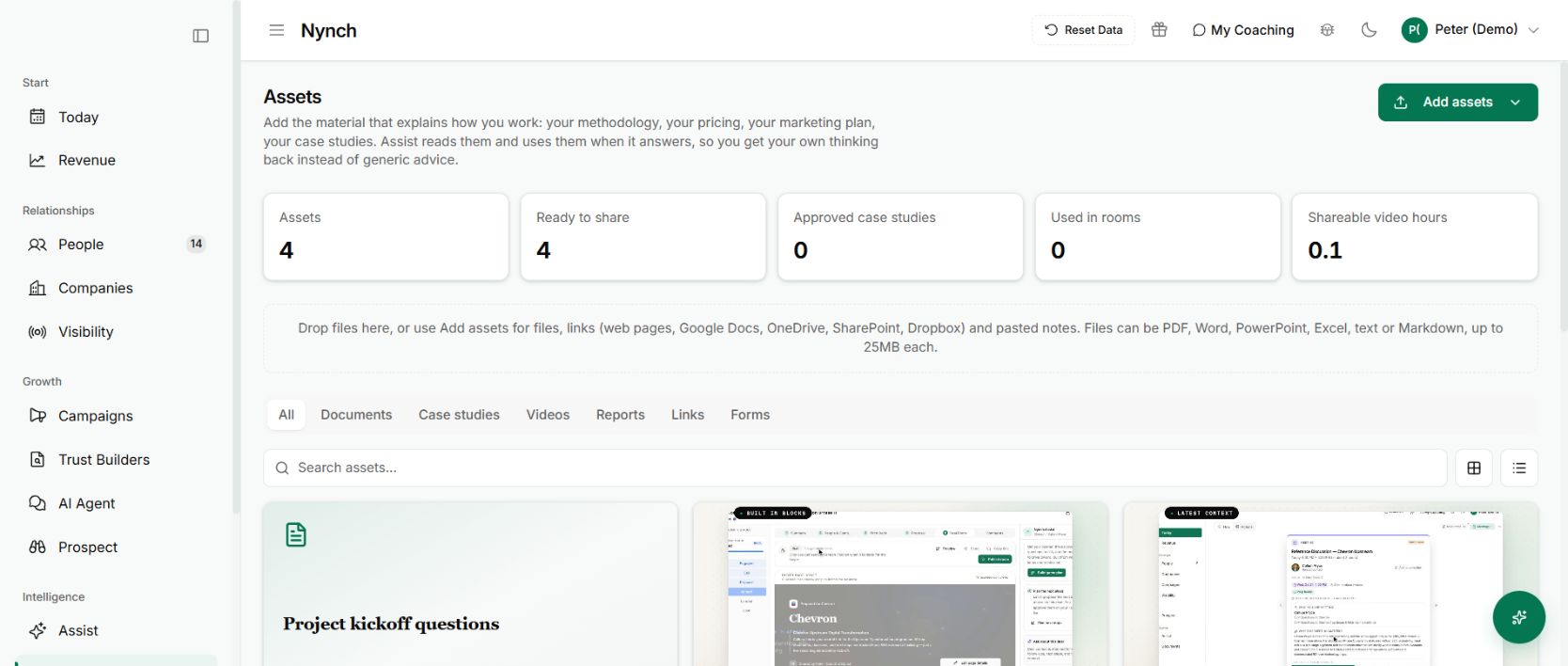
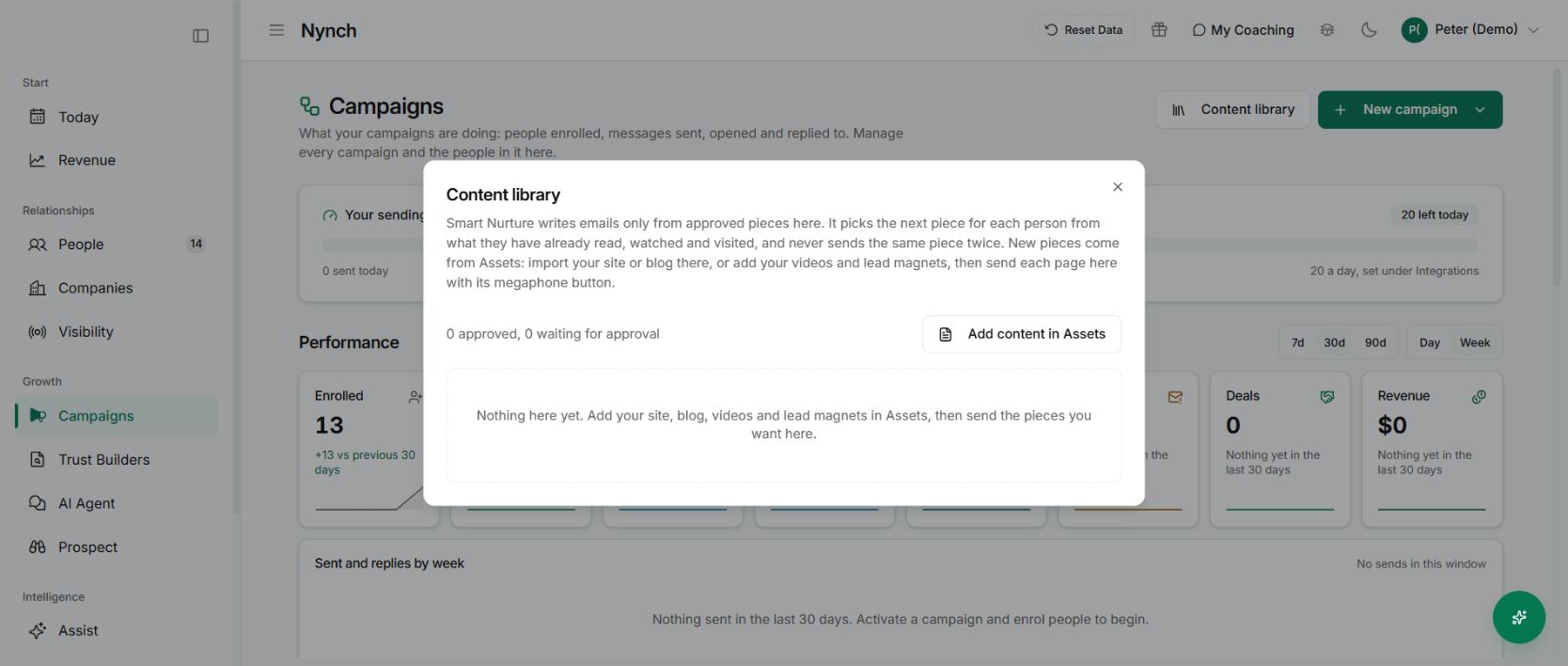
Choose one audience and one reason to stay in touch. Add a useful public page to Assets and let it finish processing. Use its megaphone control to send the page to campaigns as a draft. Then open Campaigns → Content library, where a workspace owner or admin approves the piece for nurture. Approval for use in buyer rooms is a separate setting.
A practical explanation, an appropriate example and a useful next step make a better starting set than a large pile of promotional links.
Open the campaign’s Smart Nurture controls and set its goal. When you turn it on, each person’s first two messages wait for approval. Review them and check that the content meets the person at the right stage. Someone still understanding the problem may need a clear explanation before a detailed proposal or booking request.
Approve those first messages only when they read like something you would be comfortable sending yourself.
Keep automation connected to the relationship
Nurture stops when the person reaches Opportunity, Client or Asked. A request for a conversation should move into a conversation, rather than trigger another generic educational email.
The campaign can retain a fixed-step comparison group. Its comparison needs enough people before the interface presents a result. Treat it as evidence to learn from, not a promised uplift from switching on a setting.
Why it is useful
You can maintain a useful presence without manually choosing every next piece for every person. Your approved material does more work while the review points and relationship state keep the campaign grounded.
The benefit is relevance and continuity. It still depends on having something worth sending. Begin with one audience, inspect the early messages and improve the content before expanding.
Follow the content through to the person
Start in Assets with the source material, review the campaign draft in the Content library, then inspect the first messages prepared for a person. That is the point where a generally useful article has to become relevant to a particular relationship.
If the person replies, use reply decisions to change the path. If several campaigns overlap, the shared contact guard helps coordinate eligible automated email work.