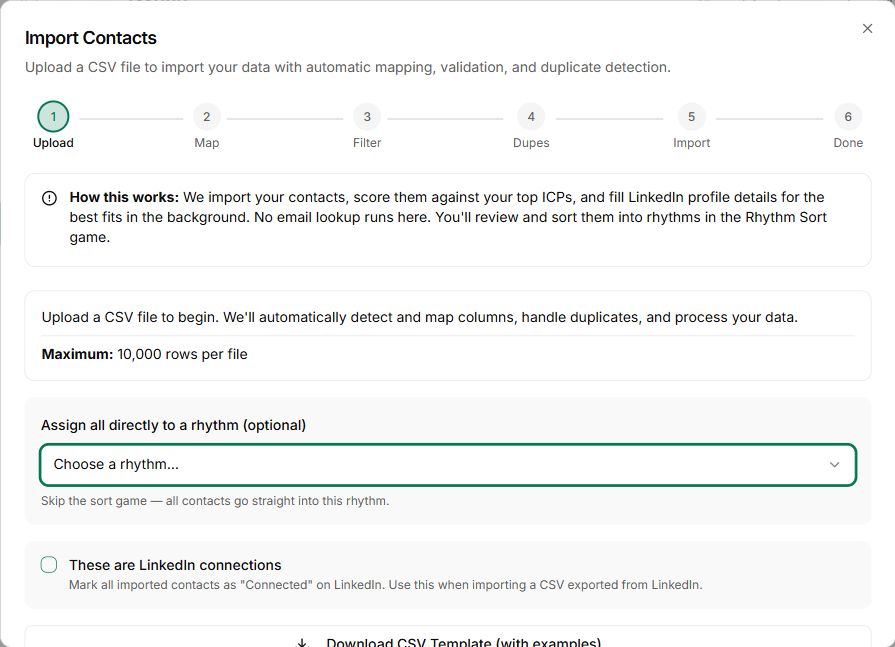
01Import
Bring the people into the workspace.
Use a supported contact import or capture workflow, then review the resulting records.
Check names, company details and usable contact information.
Contact imports and first conversations
Bring your contacts into Nynch, review the people and companies, then choose a relevant first conversation. Make the import useful beyond the upload.
See how it works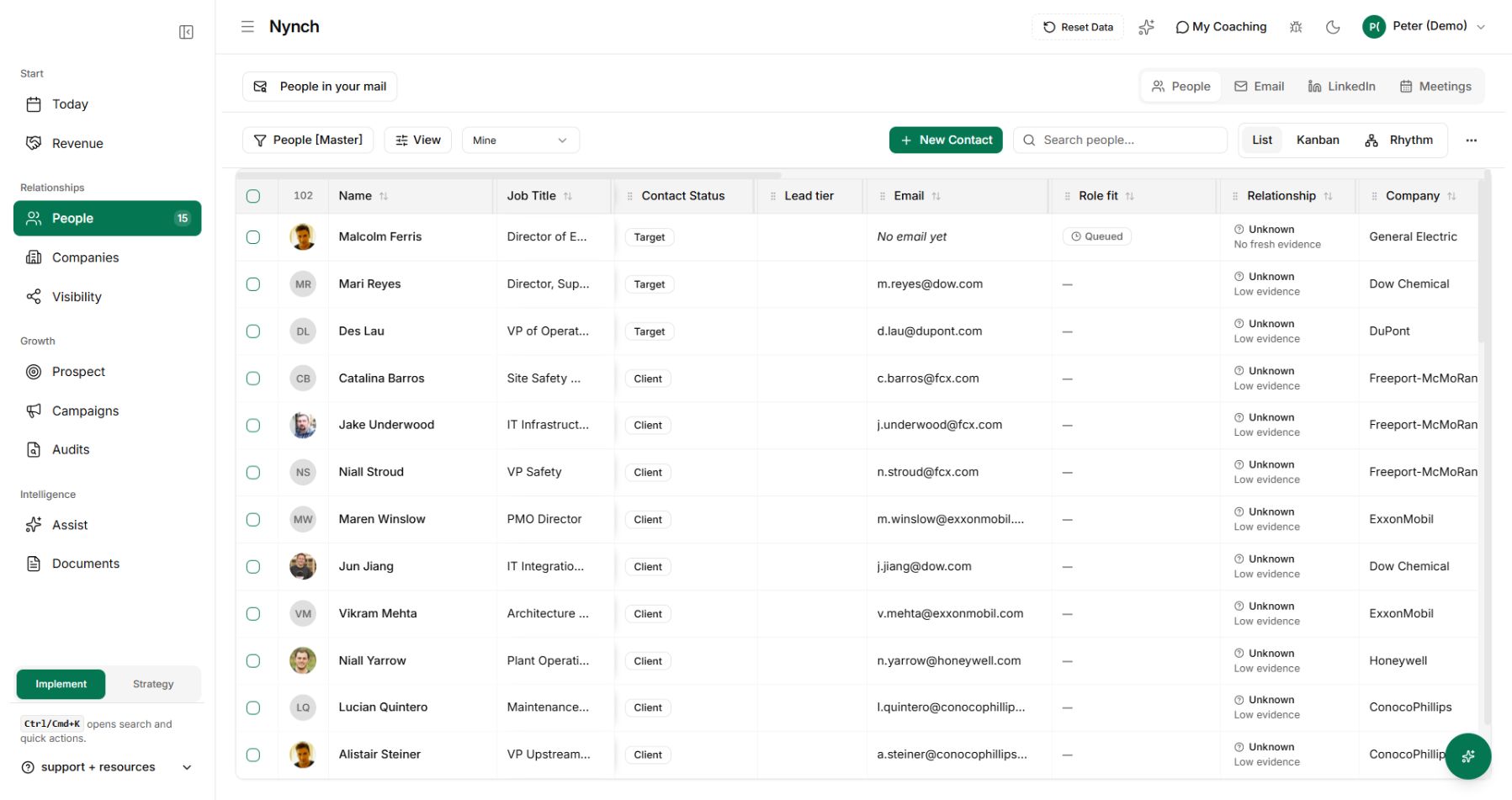
What gets in the way
The names arrive, but you still need to decide who fits, what you know about them and whether there is a reason to reconnect.
Old roles and incomplete records make an introduction harder to trust.
People who know you sit among hundreds of distant contacts.
You finish the import without deciding whom to talk to.
How Contact imports and first conversations works
Start with a manageable group and a real reason to make contact.
Use a supported contact import or capture workflow, then review the resulting records.
Check names, company details and usable contact information.
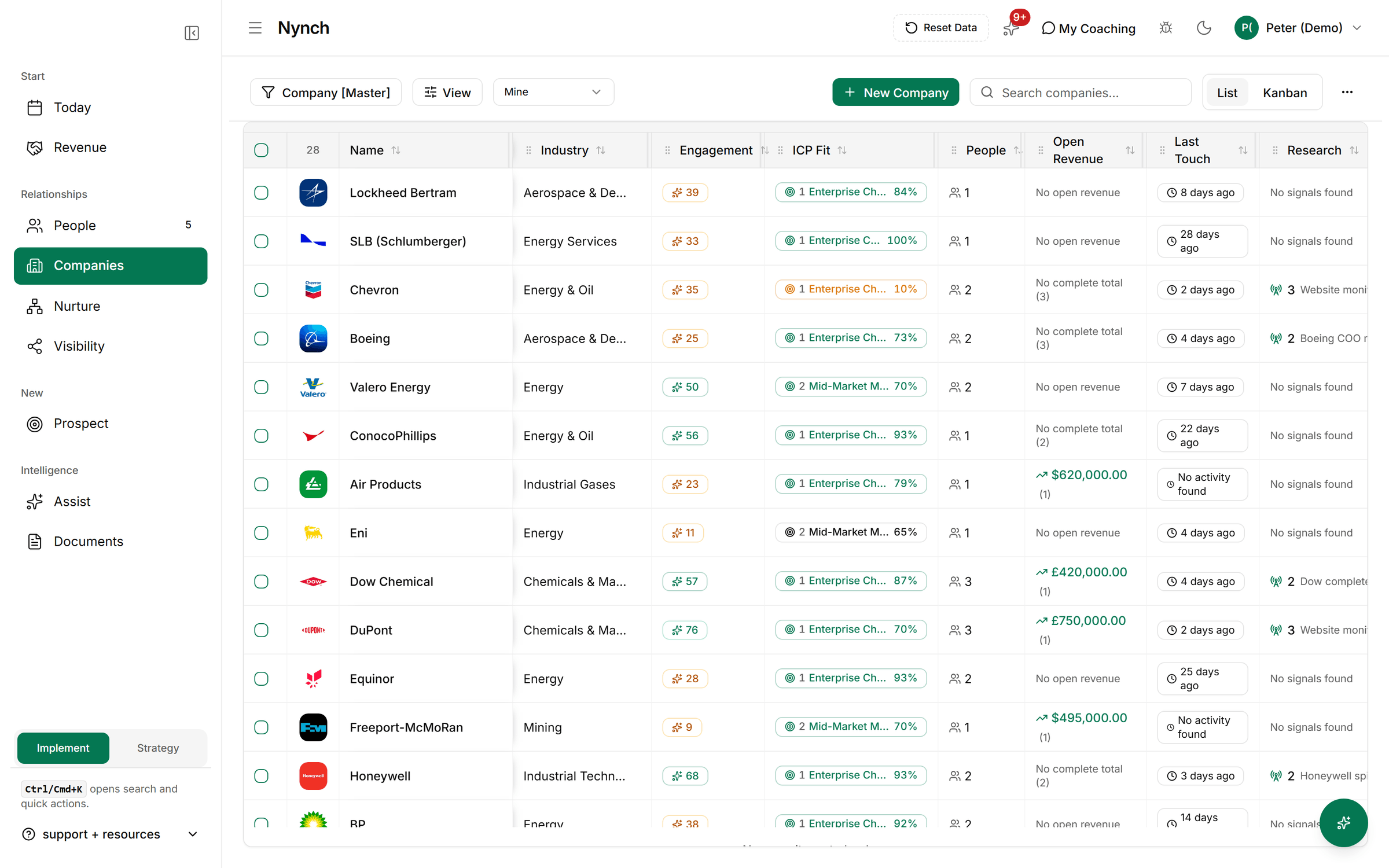
Review their company and role before deciding whether your service fits.
Old data is a reason to check, not a reason to guess.
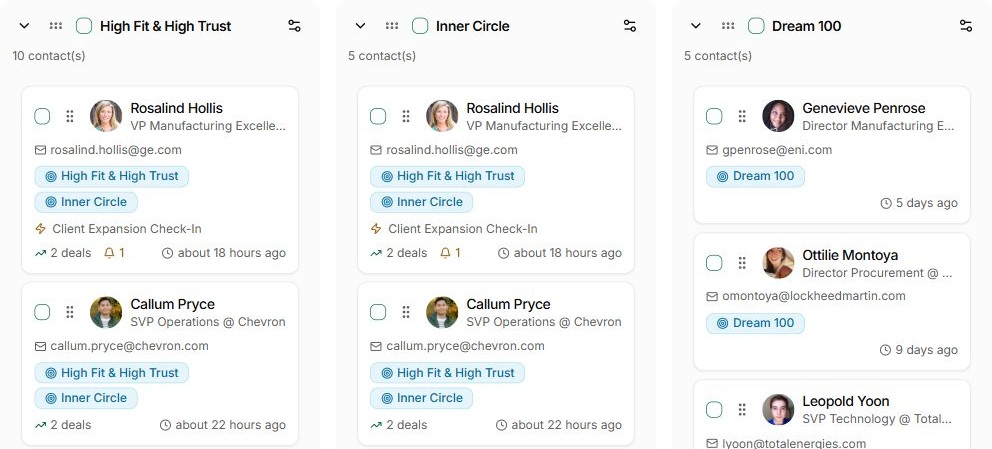
Organise the people into useful groups and choose a manageable first set.
Give close relationships and new prospects appropriate rhythms.
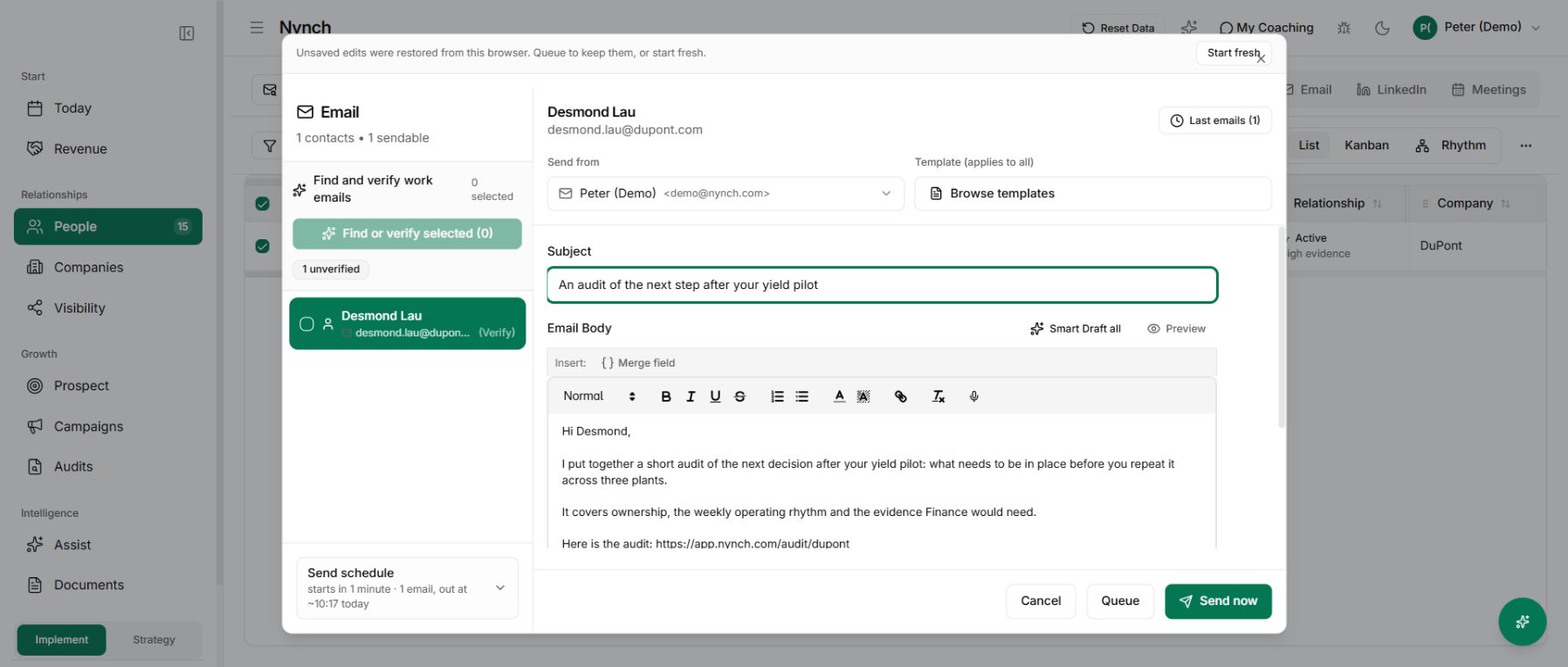
Use the relationship context to prepare a useful message and review it before sending.
A successful import does not grant permission for indiscriminate outreach.
One connected Nynch platform
Prospecting, relationships, meetings, proposals, Deal Rooms and client growth work together in Nynch. Start with the job you need to do today. Keep the context as the relationship develops.
The details
Review a representative set of people for names, roles, company links and contact details. Correct obvious errors before using the records for outreach.
No. Bringing records into your workspace and sending a message are separate steps. Choose the people and purpose before preparing outreach.
Start with a small, relevant group you can review properly. Use your relationship knowledge and buyer fit to prioritise rather than contacting the entire list at once.
Check the current role and consider whether the change creates a useful reason to reconnect. Do not assume that the old email or company context still applies.
Yes. Use relationship groups to establish a practical contact rhythm once the records have been reviewed.
One that fits the relationship and offers a relevant observation, question or resource. Avoid a generic announcement simply because the import is complete.
See how contacts become organised relationship work in Nynch.