What are the Start campaigns (blue)?+
Connect Then Message starts when you are not yet connected to someone on LinkedIn. Act on a Warm Signal starts when something has just changed, such as a new role, funding, hiring, company news or a post worth answering. Create a Warm Path starts when you need a way in through a partner, champion or event contact. Watch for a matching role watches a company’s jobs page and writes the next email into your Approvals when a matching role appears.
What are the Nurture campaigns (orange)?+
Welcome new subscribers starts when someone joins your list. After the event starts when someone attends your webinar, workshop or talk. Nynch checks what the person did or said, and the drafted note waits in your Approvals.
What are the Convert campaigns (green)?+
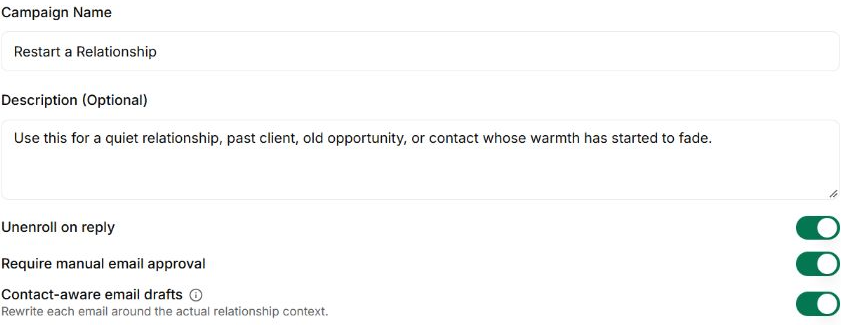
Warm to a call starts when someone is interested but not ready to talk. Nudge a Stalled Deal starts when an open deal has had no activity for 14 days. Follow Up a Proposal starts when a proposal has no reply after 7 days. Win Back a Lost Deal starts when someone said no or went quiet before becoming a client, 60 or more days ago. Win Back a Former Client starts when a client has churned and 60 or more days have passed since the work stopped. Restart a Relationship starts when someone has gone quiet, such as a past client or an old opportunity. Bring back quiet leads starts when a lead has had no reply or visit for a few months. Nynch checks what has changed since you last spoke, and each drafted note waits in your Approvals.
What are the Grow campaigns (gold)?+
Grow campaigns are for existing clients. Client Onboarding starts in the first 30 days of a new client. Expansion Offer starts 30 days before a project ends, or right after a result lands, and offers the next piece of work. Ask for a Referral starts after good feedback or a result. Check In With a Past Client starts 90 days after a project ends. Nynch checks what has changed at that client, and each drafted note waits in your Approvals.
What is a Why now card?+
Every person in a campaign has one. It shows the reason the campaign started and the facts behind it, such as “New role: VP Operations (6 days ago)” or “Last contact 3 months ago”.
What can a campaign include?+
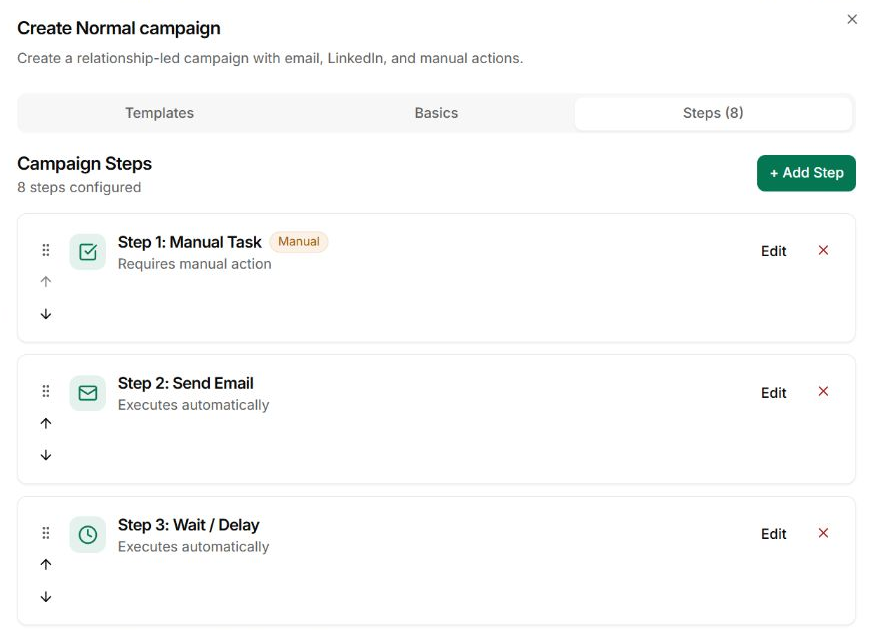
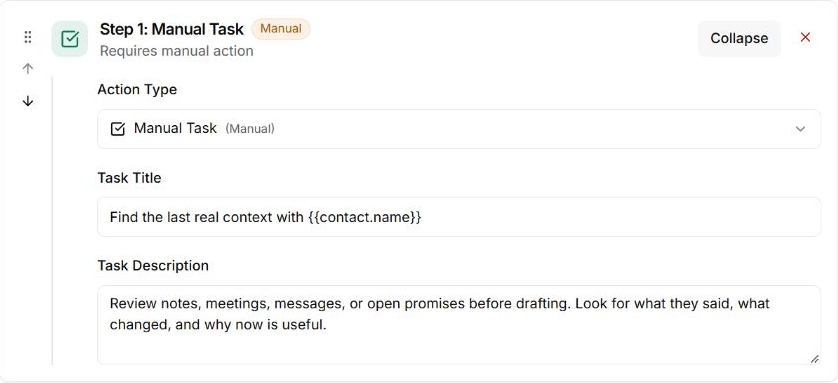
Campaign steps include email, manual tasks, calls or meetings, commitments and waiting periods. LinkedIn and social actions also appear as supported step types. Check each step to understand whether it runs automatically or needs your action.
How do people join a campaign?+
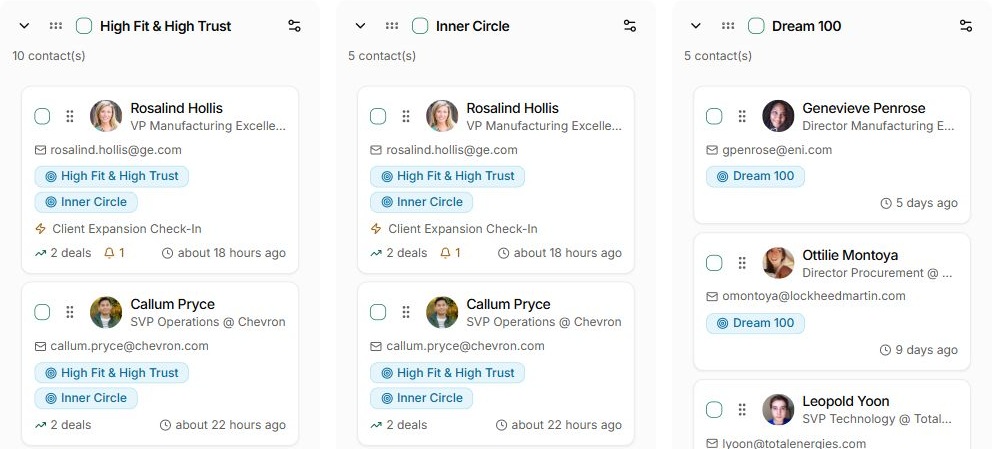
You can enrol people manually or configure automatic enrolment using supported relationship-group and tag triggers. Review the chosen audience before activating the campaign.
Can I review emails before they send?+
Yes. Campaigns have an email approval setting. When it is on, every drafted note waits in your Approvals until you approve it. Check the sending account, content and timing before activation.
What happens when someone replies?+
Use the campaign’s unenrol-on-reply setting when the campaign should stop once a conversation begins. Review replies and continue the relationship personally.
Can I pause a campaign?+
Yes. Campaigns have draft, active and paused states. You can also review individual enrolment progress and any manual action waiting to be completed.
How do I see progress?+
The campaign view keeps contact progress, completed enrolments and replies together. Use those records alongside the actual conversation to judge whether the campaign is helping.