01Look ahead
See the next stretch of relationship work.
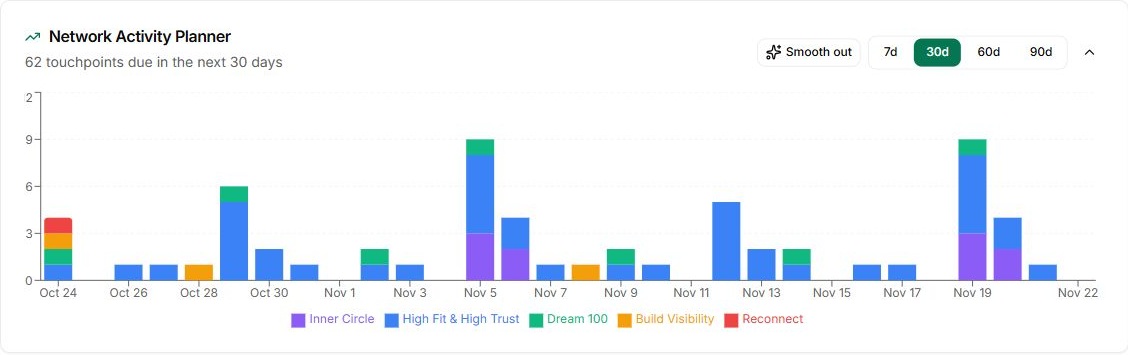
Review planned touchpoints over the coming days and weeks in the Network Activity Planner.
Use the time ranges to see beyond today’s reminders.
Relationship Planner
See upcoming relationship touchpoints across your groups. Spot crowded days and spread the work into a rhythm that fits around client delivery.
See how it works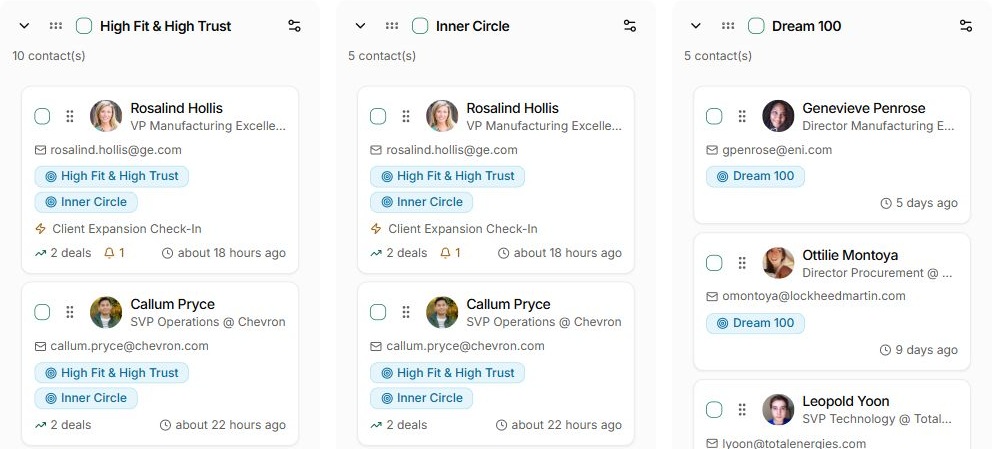
What gets in the way
You set a cadence for important people, then discover that everyone is due at once. The plan stops being useful when the week cannot hold it.
Too many touchpoints land on the same day.
The relationship plan ignores the time already committed to clients.
Overdue reminders roll forward without a realistic plan.
How Relationship Planner works
Use the planner to make a practical relationship rhythm, then act through Today.
Review planned touchpoints over the coming days and weeks in the Network Activity Planner.
Use the time ranges to see beyond today’s reminders.
Review the contact rhythms behind the plan and decide where the cadence needs adjusting.
Keep the highest-value relationships in view when time is limited.
Review the person and their context so an important commitment is not treated as an optional check-in.
The plan supports your judgment about timing.
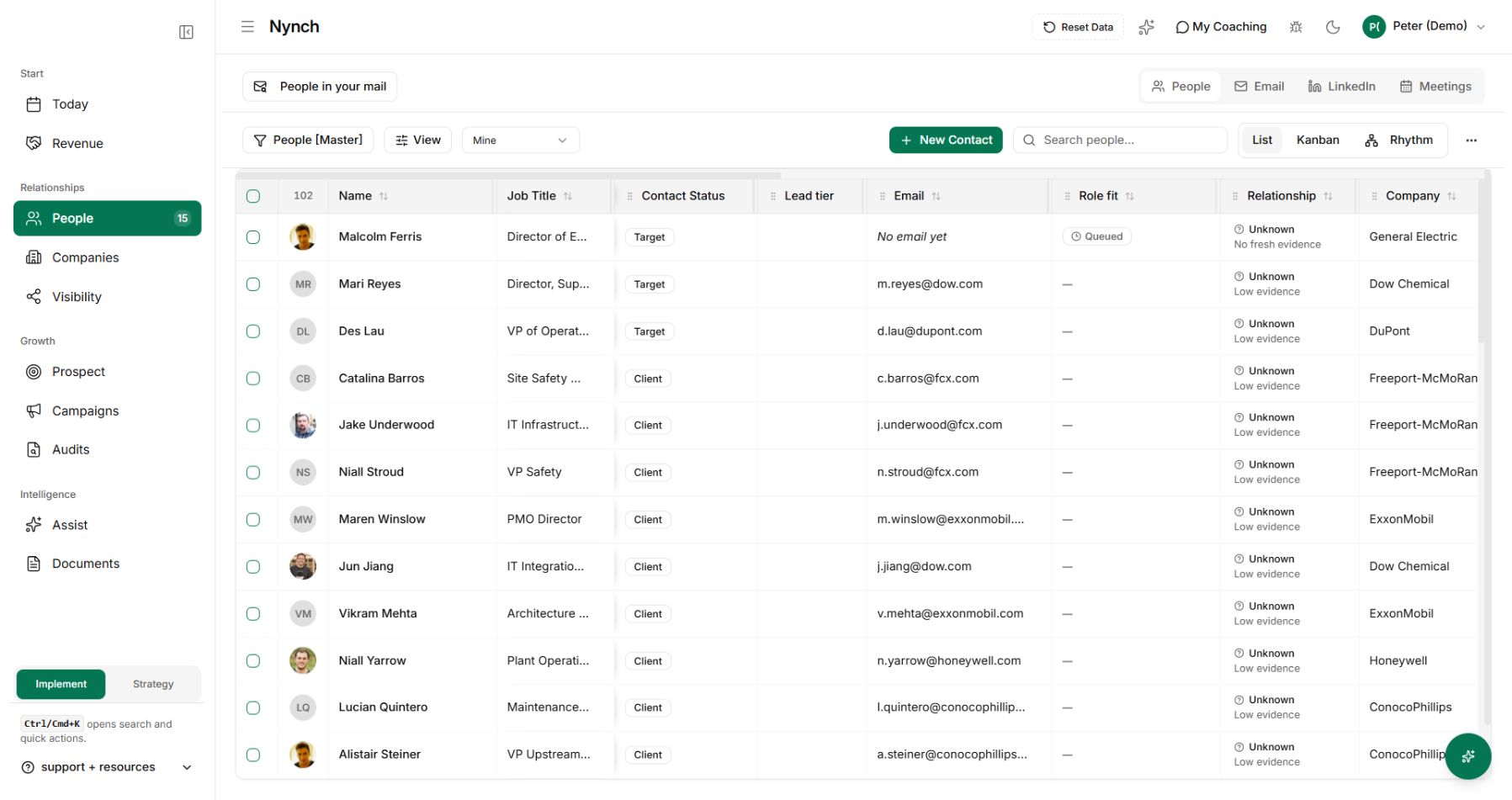
Use Today to prepare and complete the relationship work you choose to take on.
Review the plan regularly as delivery and conversations change.
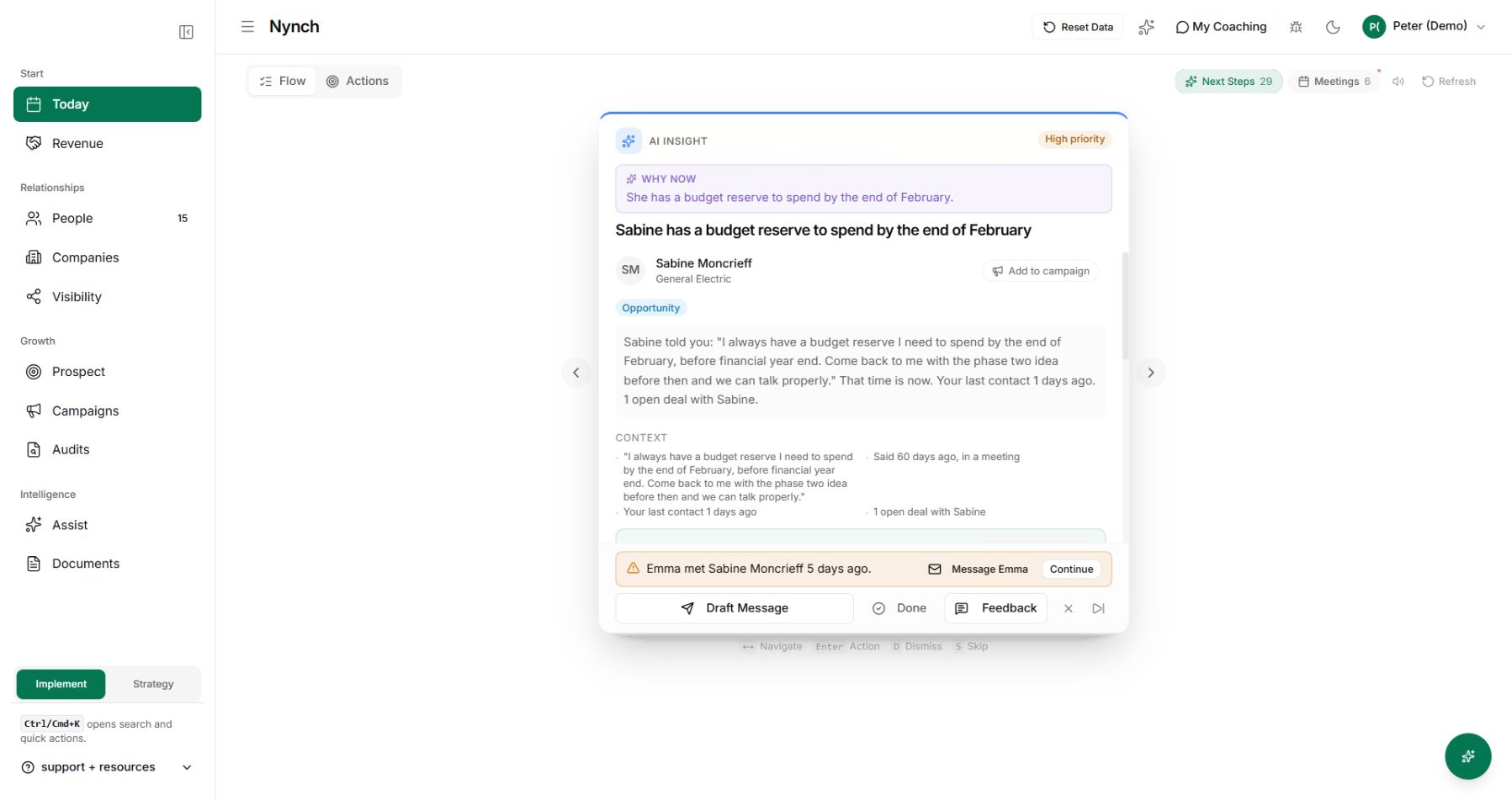
One connected Nynch platform
Prospecting, relationships, meetings, proposals, Deal Rooms and client growth work together in Nynch. Start with the job you need to do today. Keep the context as the relationship develops.
The details
It shows upcoming relationship touchpoints across your groups, making the distribution of contact work visible over time. The screen includes short and longer time ranges.
No. A relationship touchpoint is a plan to reconnect, not necessarily a booked meeting. Keep fixed appointments in your calendar and use the planner to manage the surrounding relationship work.
They are connected to the contact rhythms and relationships you organise in Nynch. Review those settings when the workload no longer reflects your priorities.
Yes. The activity chart makes crowded days and quieter stretches visible so you can review the plan before the work becomes overdue.
No. A promise made to a client has a different priority from a flexible check-in. Keep real deadlines intact and use your judgment when adjusting relationship work.
Use the relationship record or Today to prepare the message and take the next step. The planner helps decide when the work should happen.
See your contact rhythms as a plan you can maintain.