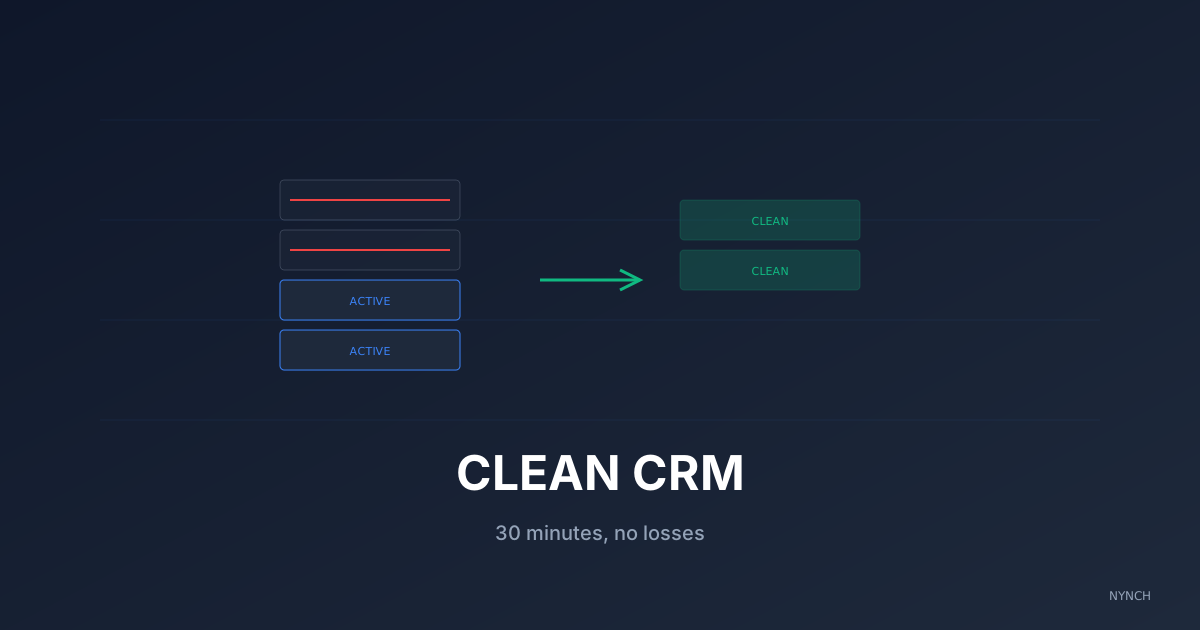
A messy contact database kills email deliverability and buries the people you should actually be talking to. The fastest fix is a 30-minute quarterly pass that protects your sender reputation, surfaces job changes, and archives the dead weight. A list of 200 verified active contacts will outperform a list of 2,000 unverified ones every time, because your emails reach inboxes instead of triggering spam filters.
You have 2,000 contacts. The number feels productive. Underneath it, maybe 500 have changed jobs, 200 of the emails bounce, and you cannot remember who half of them are. You do not delete anything “just in case,” so the clutter grows. You hesitate to send a newsletter because you dread the wave of “Undeliverable” replies.
If you keep bad data, you damage your sender reputation and your own clarity. A list of 2,000 bad contacts is worth less than a list of 50 good ones. You end up hunting for the right person inside a mess you built yourself.
You do not need a weekend project to fix this. You need three light habits, once a quarter, about half an hour total.
1. The “bounce purge” to protect your sender reputation
When you send an email to an address that no longer exists, it bounces. Email providers like Gmail and Outlook track your bounce rate. If you keep sending to dead addresses, they start flagging you as a spammer and your emails to real clients land in junk folders.
The bounce purge is a safety measure. Search “Undeliverable” or “Mailer-Daemon” in your inbox from the last 90 days. Every receipt points to a contact whose email address is dead. Open each one, find the address inside, and update or delete that contact in your CRM.
Say you sent a newsletter and got 10 “system administrator” replies saying “user unknown.” That is your list for this pass.
Open your inbox. Search “Undeliverable” or “Mailer-Daemon.” Open the last five notifications. Find the email address listed inside each. Open your CRM and either delete those five contacts or update the email if you can find a new one. The whole step should take 5 to 10 minutes.
2. The “job change” check to find dead ends
Consultants move around. So do clients. The average tenure of a CMO is less than three years. If your data is three years old, large parts of it are wrong.
The job-change check verifies your most important contacts before you reach out. Sending an email to “sarah@acme.com” when Sarah left Acme six months ago makes you look out of touch. The fix is to check the top 50 contacts (the ones who matter for revenue), not all 2,000.
The payoff is not only accuracy. You often uncover new people. If Sarah left, she is at a new company (new contact). Someone replaced her at Acme (another new contact). One dead email can equal two openings if you check.
Take a warm contact you have not verified since 2024 as your mental model for this step.
Pull your top 50 CRM contacts ranked by revenue or strategic value. Copy each name into LinkedIn. If their current employer matches your records, move on. If not, update the record and add the replacement contact at their old company. It should take about 15 minutes if you keep moving and refuse to perfect the whole database in one sitting.
3. The “archive rule” to hide the ghosts
You do not have to delete everything. You have to stop treating inactive people as if they were active. The archive rule helps you get past the fear of loss while keeping the daily list focused.
Create a view in your CRM called “Archive.” Move anyone you have not spoken to in 24 months into it. They are still there if you ever need them, but they do not clutter your daily view.
The payoff is focus. Your active list becomes a list of people you can actually call. The archive is the safety net that lets you clean without panicking that you threw something away forever.
Think of the 500 webinar sign-ups from 2023 you never spoke to. Most of them do not belong in your working view.
Filter your contact list by last activity date older than two years. Select all matches. Move them to Archive. It should take about five minutes. Your active list will feel quieter, and that is the point.
How Nynch Helps You With This
Cleaning data is low-value admin. You did not become a consultant to manage a database. Nynch removes most of the manual hygiene work by running it in the background.
Nynch checks email validity automatically. If an address bounces, the contact is flagged so you do not send to it again.
When a contact updates their LinkedIn profile to a new job, Nynch updates their record and surfaces the move as a Career Move alert, so you can act while the window is open.
Nynch also suggests archiving contacts who have not engaged with you in over a year, so the dashboard stays pointed at active revenue rather than ghosts.
Stop hoarding. Start pruning. Once your data is clean, you can wake up your dormant network knowing the emails will actually reach real people.
Read next
- AI for consultants, what actually helps, the parts of AI that move revenue, and the parts that just make the dashboard prettier.
- 5 Ways To Systematise The “Circle Back” And Stop Treating Relationships As Transactions, Stop relying on your memory to maintain your network.
- Your CRM should not do more, it should pay attention, why most CRMs fail consultants and what relationship-led growth replaces them with.
Frequently Asked Questions
How often should a consultant clean their CRM?
Quarterly is the right cadence for most consultants. A 30-minute pass every three months keeps the database current without becoming an admin task. Between audits, run a quick bounce purge after every email campaign and a job-change check on your top 50 contacts before any major outreach push.
What’s the fastest way to clean a CRM with thousands of stale contacts?
Start with the bounce purge (search “Undeliverable” in your inbox and delete every dead email). Then run a job-change check on the top 50 contacts only, don’t try to verify all 2,000 in one session. Then archive everyone with no activity in 24+ months. The whole pass should take 30 minutes if you don’t try to perfect it.
Should I delete contacts I haven’t spoken to in years?
Archive rather than delete. Move contacts you haven’t spoken to in 2-3 years into an Archive folder so they don’t clutter your active view, but you can find them if you ever need them. Only delete contacts with confirmed bad email addresses or those who’ve explicitly asked to be removed.
Why does CRM data go stale so fast?
Roughly 30% of CRM data decays per year, according to Salesforce research, because people change jobs, change emails, change companies, and change priorities. Within 18 months, half the records in an unmaintained CRM are stale, incomplete, or wrong. Without a quarterly hygiene pass, the CRM stops being useful.
What’s the cost of running outreach to a stale list?
Two costs. First, deliverability: high bounce rates flag you as a spammer and your emails to real clients land in junk folders. Second, opportunity cost: time spent chasing dead emails is time not spent talking to people who would actually buy. A list of 200 verified active contacts will outperform a list of 2,000 unverified ones every time.