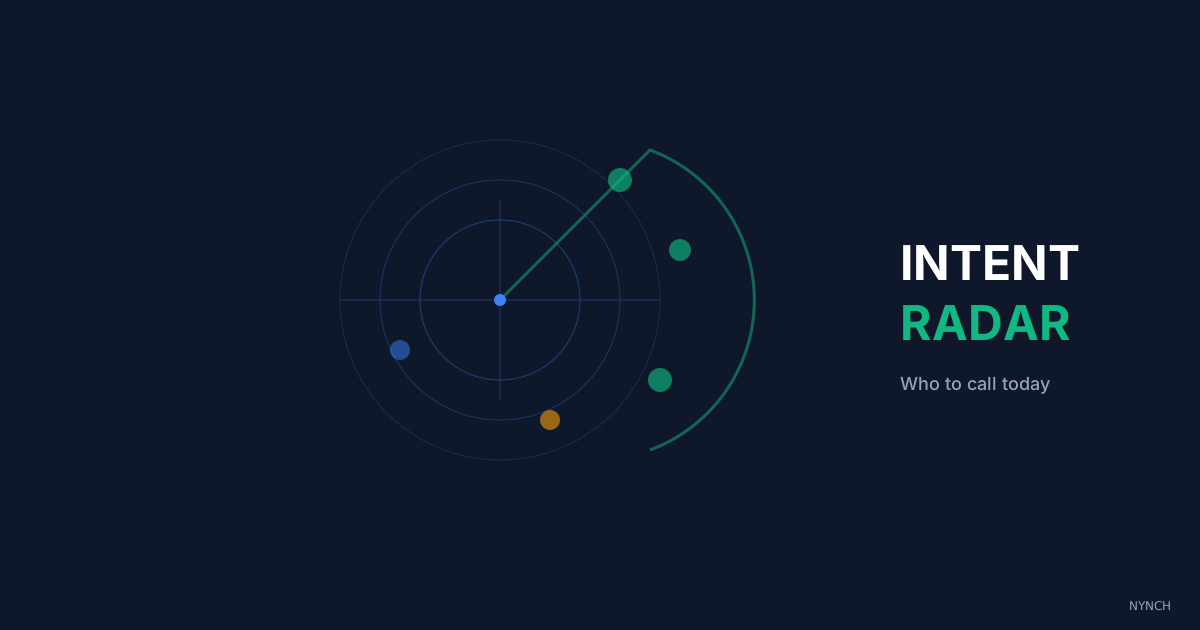
Instead of working through a list alphabetically, build a simple intent radar that tells you who is actively signalling readiness right now. The five strongest signals are newsletter link clicks, repeated LinkedIn profile views, a dormant proposal being reopened, social engagement spikes, and multi-threaded account activity where several people from the same company are researching you at once.
Do you wake up on Monday and guess who to call?
You have a list of a hundred contacts. You start at the top (Adam) and work down to the bottom (Zoe). You get voicemails, “not interested,” and silence. Meanwhile contact 54 (Sarah) was actively looking for a consultant like you yesterday. By the time you reach S in your alphabetised list next week, she has hired someone else.
If you reach out alphabetically or at random, you waste most of your energy. Learn how to filter active opportunities so you focus on what is actually moving. Treating every contact as equally likely to buy is false. In any list of a hundred people, a few are buying now, a handful are thinking about it, and most do not care this week.
I would rather you call the three people waving than the ninety who are not. Here is how to spot them without expensive data platforms.
1. The “Newsletter Click” to identify interest
Open rates are vanity. Click rates are intent. If a contact clicks a link in your newsletter about how to fix pricing, they have a pricing problem on their mind.
The newsletter-click habit is simple: call or email the people who clicked. Not to say “I saw you clicked,” but to start a conversation about the topic.
You already know what is on their mind. Once you identify them, execute micro-outreach to turn that interest into a real conversation.
Concrete example: Sarah clicks the link to your audit service PDF.
Action Step:
Open your email marketing report. Filter by clicks. Find the three people who clicked the most specific link. Email them:
“I’m doing a lot of thinking about [Topic of Link] this week: curious if that’s a focus for you right now?“
2. The “Profile View” loop to catch the stalkers
If someone views your LinkedIn profile, they are checking your credibility. If they view it twice, they are often considering hiring you, or at least comparing you to someone else.
The profile-view loop is straightforward. If they look at you, you message them. Do not be weird about it. Assume a professional connection is fair game.
You strike while you are still top of mind. Wait a week and you are a stranger again.
Concrete example: A Director of Ops views your profile.
Action Step: Check who viewed your profile on LinkedIn. Connect with them:
“Saw you popped up in my feed. Looks like you’re doing interesting things at [Company].“
3. The “Document Re-Open” to spot the board meeting
You sent a proposal three months ago. It went quiet. Suddenly your tracking software shows it opened four times on a Sunday night.
A document re-open often means they are prepping for a meeting to discuss it. That is the moment to help, not to wait politely for them to email you first.
You can influence the final decision while the file is still open on their desk.
Concrete example: Proposal opened at 9 PM Sunday.
Action Step: Email Monday at 8 AM:
“I assume this project is back on the table. Do you need any refreshed data for your meeting today?”
Do not write “I saw you opened it.” Be useful without performing surveillance. The timing does the work.
4. The “Social Engagement” spike to finding fans
If a contact likes three of your posts in a row, they are already a fan of how you think. That is permission to start a private conversation.
An engagement spike is your cue to move them from audience to DM. They already like what you say. A coffee invite is not cold. It is overdue.
Concrete example: John comments on your post for the second time this week.
Action Step: DM John:
“Loving the support on the posts recently, John. We should probably actually chat properly. Are you open to a virtual coffee?“
5. The “Multi-Thread” signal to see the consensus
One person looking at you is interest. Three people from the same company looking at you is a project.
A multi-thread signal is activity from more than one stakeholder at one account. In my experience this is the strongest intent signal on the list. Someone inside is almost certainly building a shortlist, and you may already be on it.
Concrete example: The CEO, CMO, and CTO of Acme Corp all visit your LinkedIn in the same week.
Action Step: Map the account. Reach out to the most senior person you can reach cleanly:
“It seems like [Topic] is a big focus for the leadership team at Acme right now…”
How Nynch Helps You With This
You cannot monitor clicks, views, and likes by hand around the clock. You have to sleep and deliver client work.
Nynch acts as that radar in the background.
Signals get pulled together: Nynch brings data from your email, your website, and your documents into one view of who is showing interest.
The list gets ranked: Instead of an alphabetical list, you get a morning view ordered by who is showing the most activity today.
Spikes get flagged: If a quiet account suddenly wakes up (for example, opens a document five times), Nynch can prompt you to call while that heat is still real.
Run the manual version first for a month. You will learn which signals actually matter in your practice. Automation only helps after you know what you are looking for.
Read next
- The client command centre, the dashboard consultants actually open every morning to spot risk and expansion early.
- Wake up your dormant network, fill your week with warm conversations from people you already know.
- Your CRM should not do more, it should pay attention, why most CRMs fail consultants and what relationship-led growth replaces them with.
Frequently Asked Questions
How do consultants know which contacts are ready to buy right now?
Intent signals tell you who to call today. The five strongest signals are newsletter link clicks on specific topics, repeated LinkedIn profile views, a previously dormant proposal being reopened, social engagement spikes where a contact likes or comments multiple times in one week, and multi-threaded account activity where several people from the same company are researching you simultaneously.
What is intent-based outreach and how does it differ from cold calling?
Intent-based outreach means contacting someone at the moment they are actively researching your type of solution, rather than working through a list in alphabetical or arbitrary order. Cold calling treats all contacts as equally likely to buy. Intent calling focuses only on the small percentage who are showing active signals of readiness, making conversations warmer and conversion rates significantly higher.
What are the strongest readiness signals for a B2B consultant?
The strongest single signal is a dormant proposal being reopened multiple times in a short window - especially on a weekend evening, which suggests board meeting preparation. Second is multi-threaded account activity: when three or more people from the same company view your profile in the same week, a procurement conversation is almost certainly underway internally.
How do consultants build an intent radar without dedicated sales tools?
At a minimum, check your email marketing click report weekly and filter by the most specific links clicked, review your LinkedIn profile views daily, and use a document tracking tool that alerts you when a proposal is re-opened. Together these three free or low-cost signals surface the highest-intent contacts in your existing network without requiring expensive intent data platforms.