01Contact sources
Bring the people into one working network.
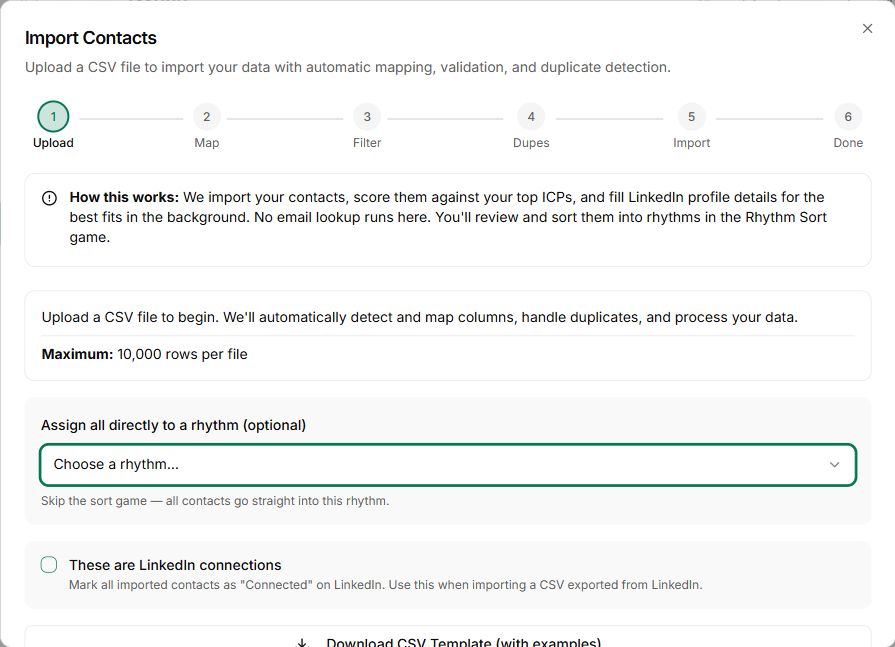
Use supported imports and the browser extension to bring contacts into Nynch.
Review the resulting people and company records.
Integrations
Connect the tools that hold your emails, meetings and contacts. Make that context available where you prepare the next conversation in Nynch.
See how it works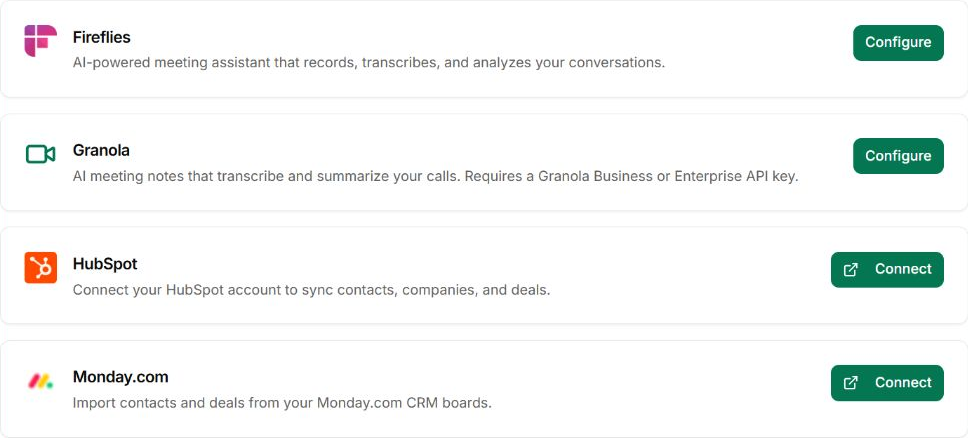
What gets in the way
A meeting, an email thread and a LinkedIn profile each hold part of the story. Switching between them makes every follow-up slower.
You search several tools to reconstruct one conversation.
Manual copying competes with the actual client work.
The next brief misses something already said elsewhere.
How Integrations works
Start with the tools you already use for client conversations.
Use supported imports and the browser extension to bring contacts into Nynch.
Review the resulting people and company records.
Connect supported meeting sources so available transcripts and meeting information can support your relationship work.
Check the integration status and the source record when something is missing.
Review the activity history as email and meeting context becomes available.
Correct incomplete records before using them in an important decision.
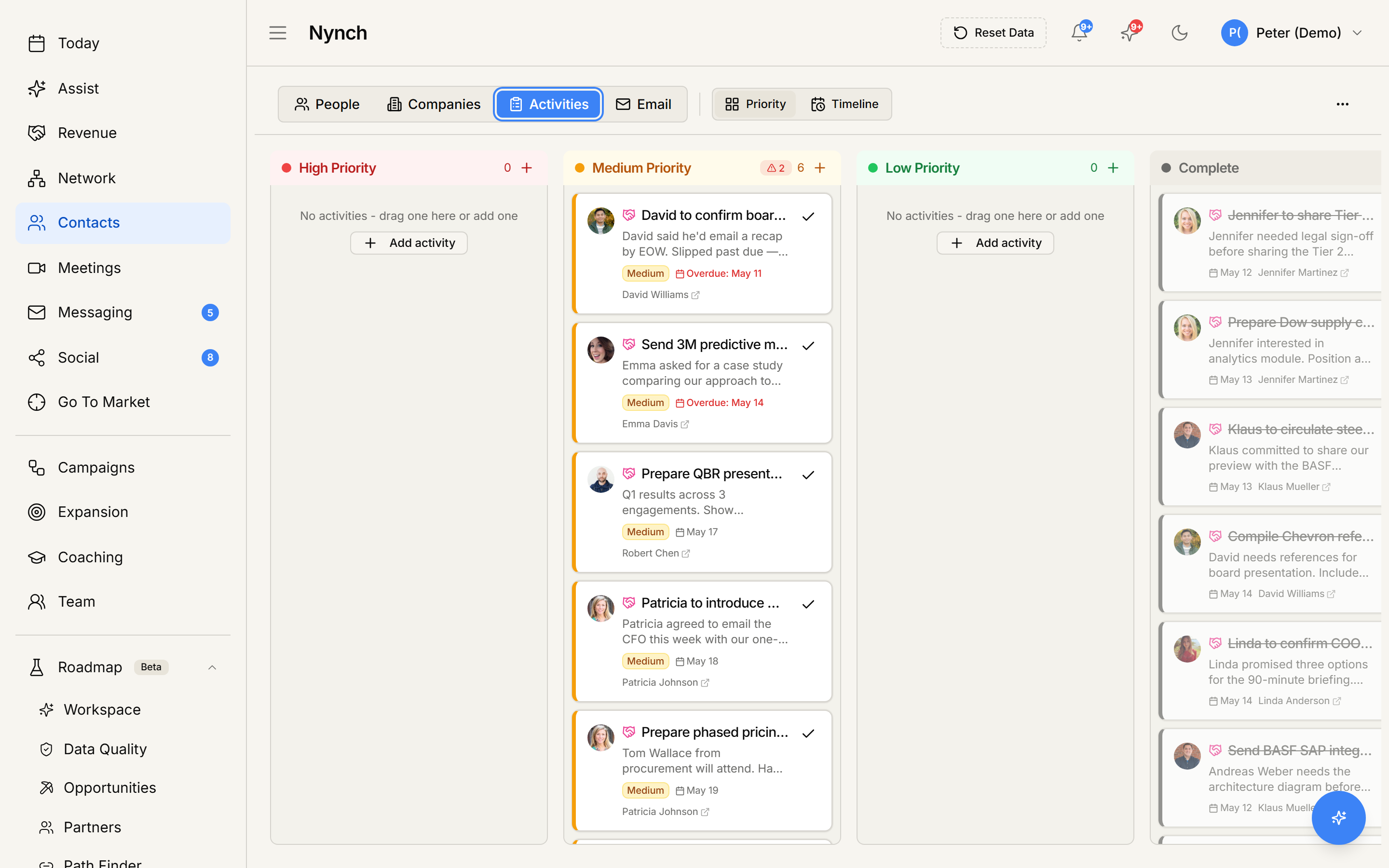
Open Today or Assist to prepare with the information available in your workspace.
The value of a connection is the work it helps you do.
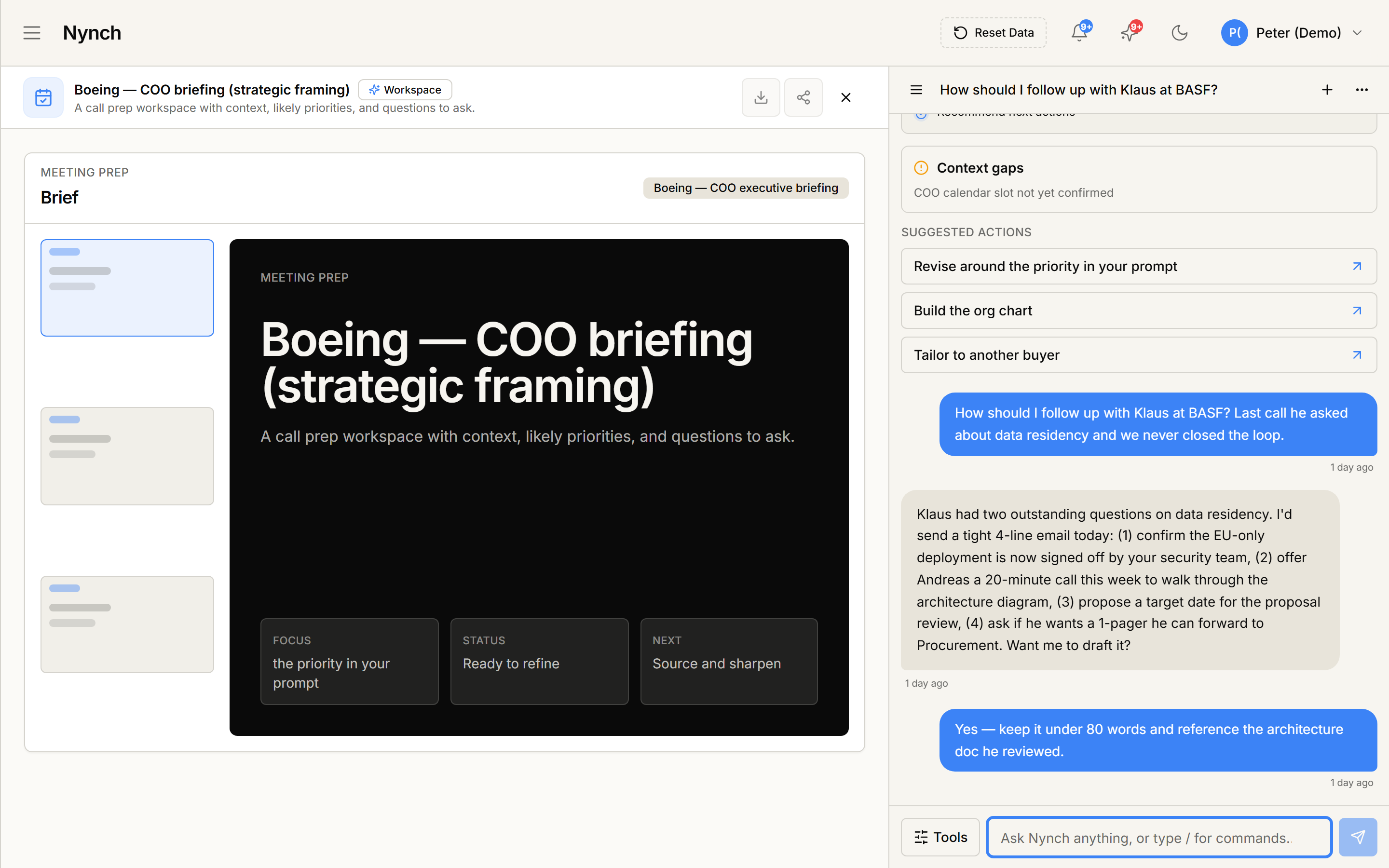
One connected Nynch platform
Prospecting, relationships, meetings, proposals, Deal Rooms and client growth work together in Nynch. Start with the job you need to do today. Keep the context as the relationship develops.
The details
Nynch supports Gmail and Outlook email connections. Use the connection settings in your account to see the available options and current connection status.
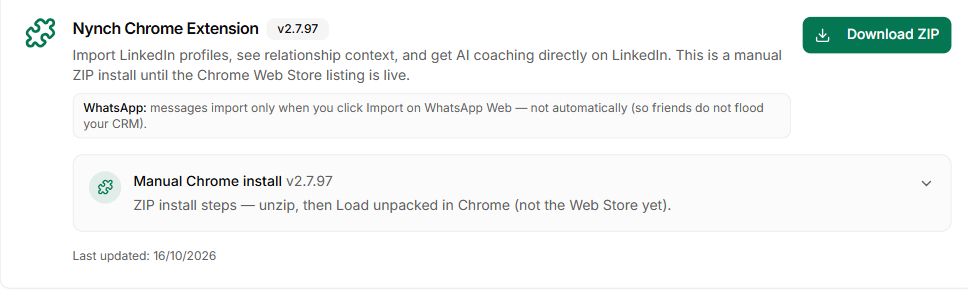
Use the Nynch browser extension on supported LinkedIn pages, then review the captured people in your workspace. Profile capture and sending a message are separate actions.
Settings includes Fathom, Fireflies, Granola and Zoom. Granola requires a Business or Enterprise API key. Zoom requires cloud recording and audio transcripts on an eligible plan. Nynch Listener also captures calls locally on Windows without a bot joining the meeting.
No. Start with the tools that contain your important relationship context. Add another source when it supports a workflow you actually use.
Review the connection status, the account you connected and whether the original source contains the information. An empty record does not prove that no interaction happened.
Connecting a source makes permitted information or actions available to the relevant workflow. Review any sending or automation settings separately before enabling outbound work.
See the connected workflow in a Nynch walkthrough.