You'll learn how to: Open the Pitch Deck tab on a deal, check which sections are yours and which are rewritten for the buyer, and choose the point of view model.
Time: 5 minutes.
Prereqs: The deal canvas and at least one opportunity on the board.
Open the Pitch Deck tab
- In the left sidebar, click Revenue.
- Click a card to open the deal canvas.
- Click the Pitch Deck tab. It is the third tab, after Summary and People & Company.
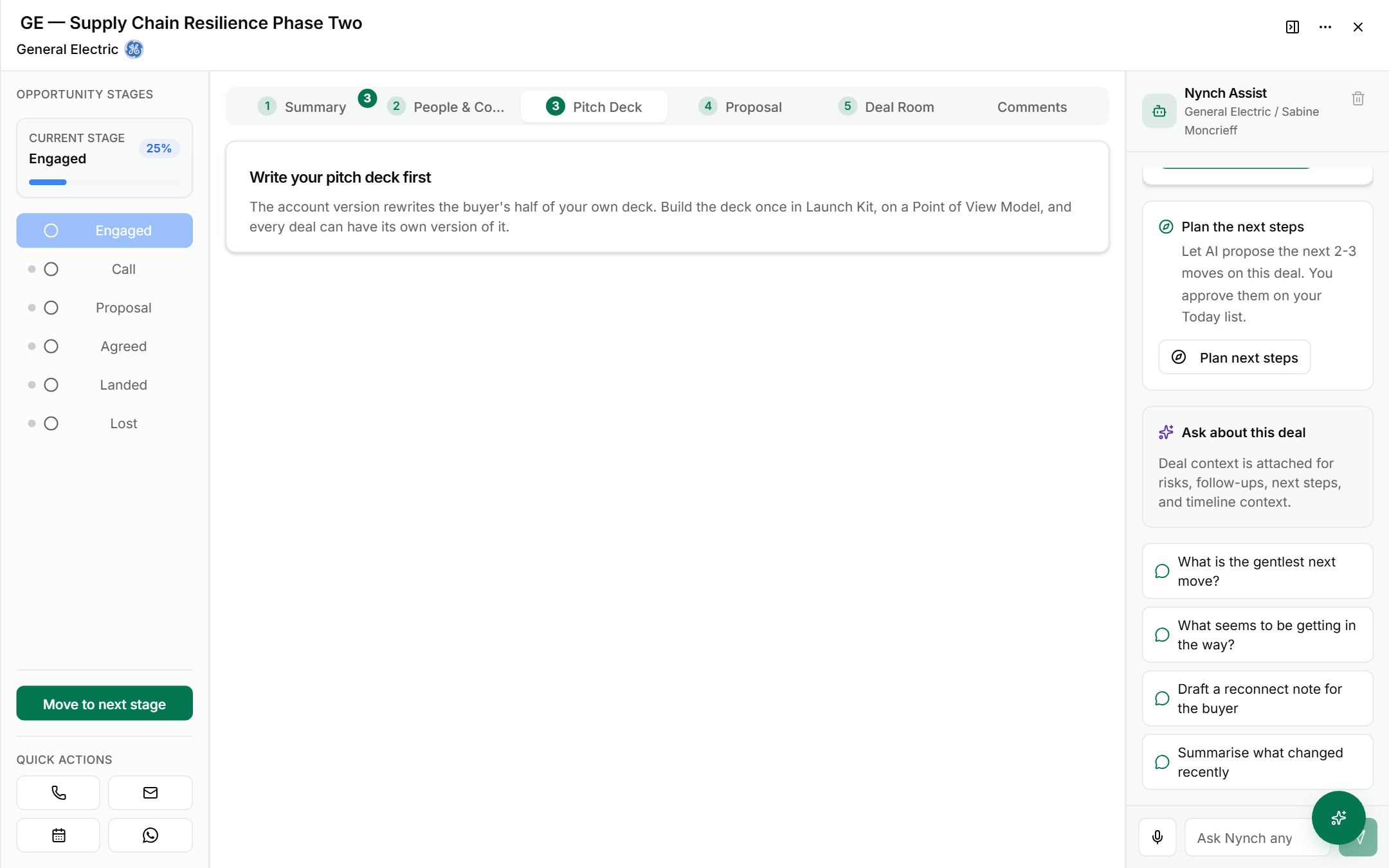
Read the deck
- The panel at the top reads Pitch deck for and the company name.
- The text under the heading explains the rule: your own sections stay exactly as you wrote them. Only the sections marked as this buyer's are rewritten from what the buyer said on your calls.
- Each section has a label on the right. Your words means the text is yours and will not change.
- Scroll down to read the sections, such as Why we are here today and Pains by person.
Choose the point of view model
- Click the dropdown under Pitch deck for. It shows My Point Of View Model by default.
- Pick the model you want the deck to follow. The deck reads the sections from that model.
Personalise for the buyer
- Click Personalise for the company name when you want the buyer-specific sections rewritten.
- Read the new sections before you use them in a call or send them on. The rewrite is a draft from your call notes.
Your own sections are not changed by this button. Only the buyer sections are rewritten.
FAQ
Q: Which parts of the pitch deck does Personalise change? Only the sections marked as this buyer's. The panel says that your own sections stay exactly as you wrote them.
Q: Where does the buyer wording come from? From what the buyer said on your calls. Log your calls and meetings on the deal so the deck has something to work from.
Q: Can I change which point of view the deck uses? Yes. Use the dropdown under Pitch deck for to pick the point of view model.
If something goes wrong
- Symptom: The deck does not show the sections you expect. → Fix: Check the point of view model in the dropdown, then pick the one that holds your sections.
- Symptom: The buyer sections still use old wording after you click Personalise. → Fix: Wait a few seconds, then reload the page and check the new wording before you use it.
Related: The deal canvas, Deal canvas: Summary tab, Deal canvas: Proposal tab, Deal canvas: Deal Room tab