01Relationship records
Keep the story with the person.
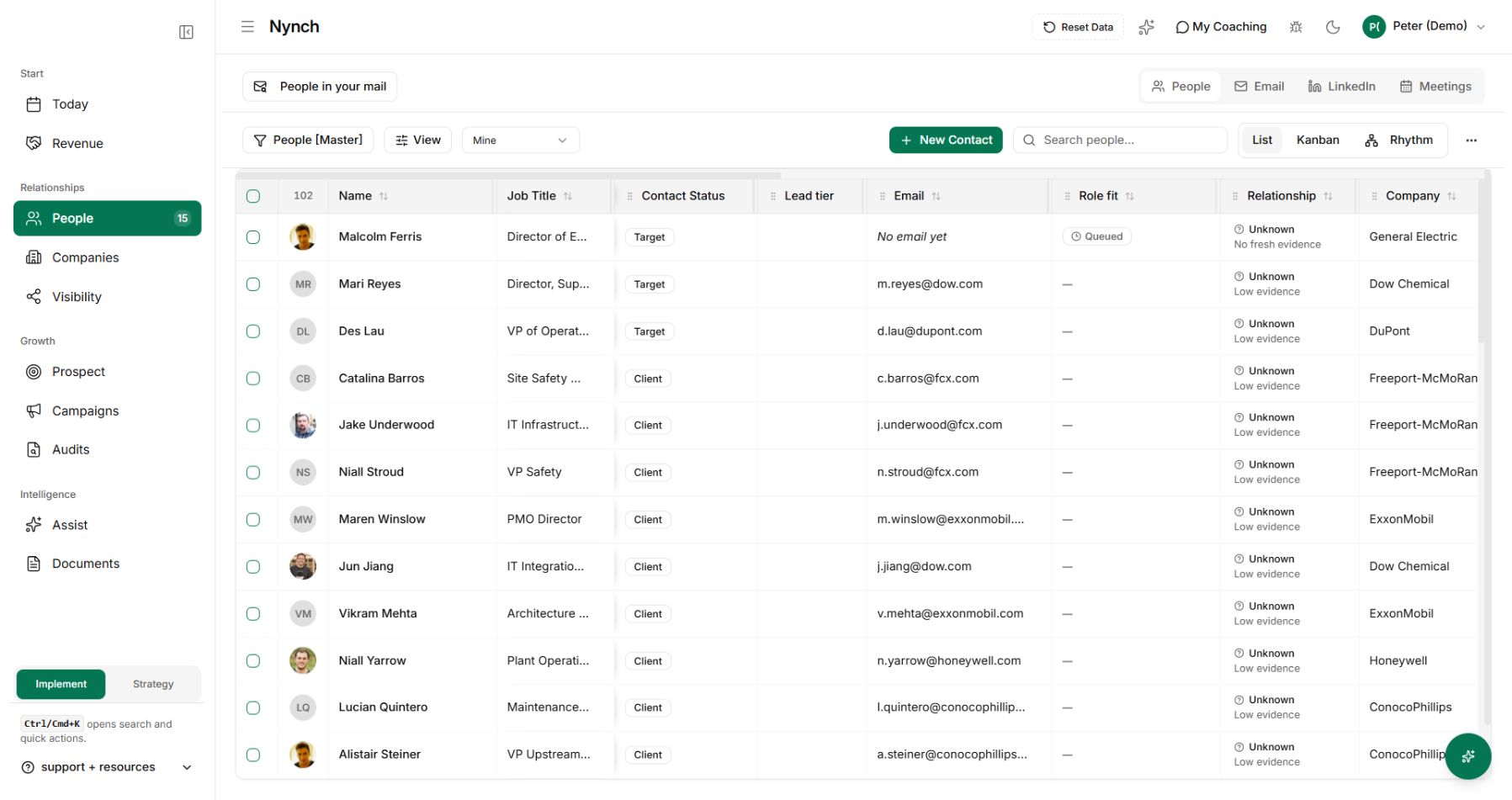
Bring people, company details and recorded activity into a relationship record you can revisit.
Open the history before treating a signal as a reason to sell.
Relationship Intelligence
Keep conversation history, contact rhythms and reasons to reconnect together. Notice when something changes and approach the next conversation with context.
Relationship intelligence software, inside the complete Nynch business development platform.
See how it works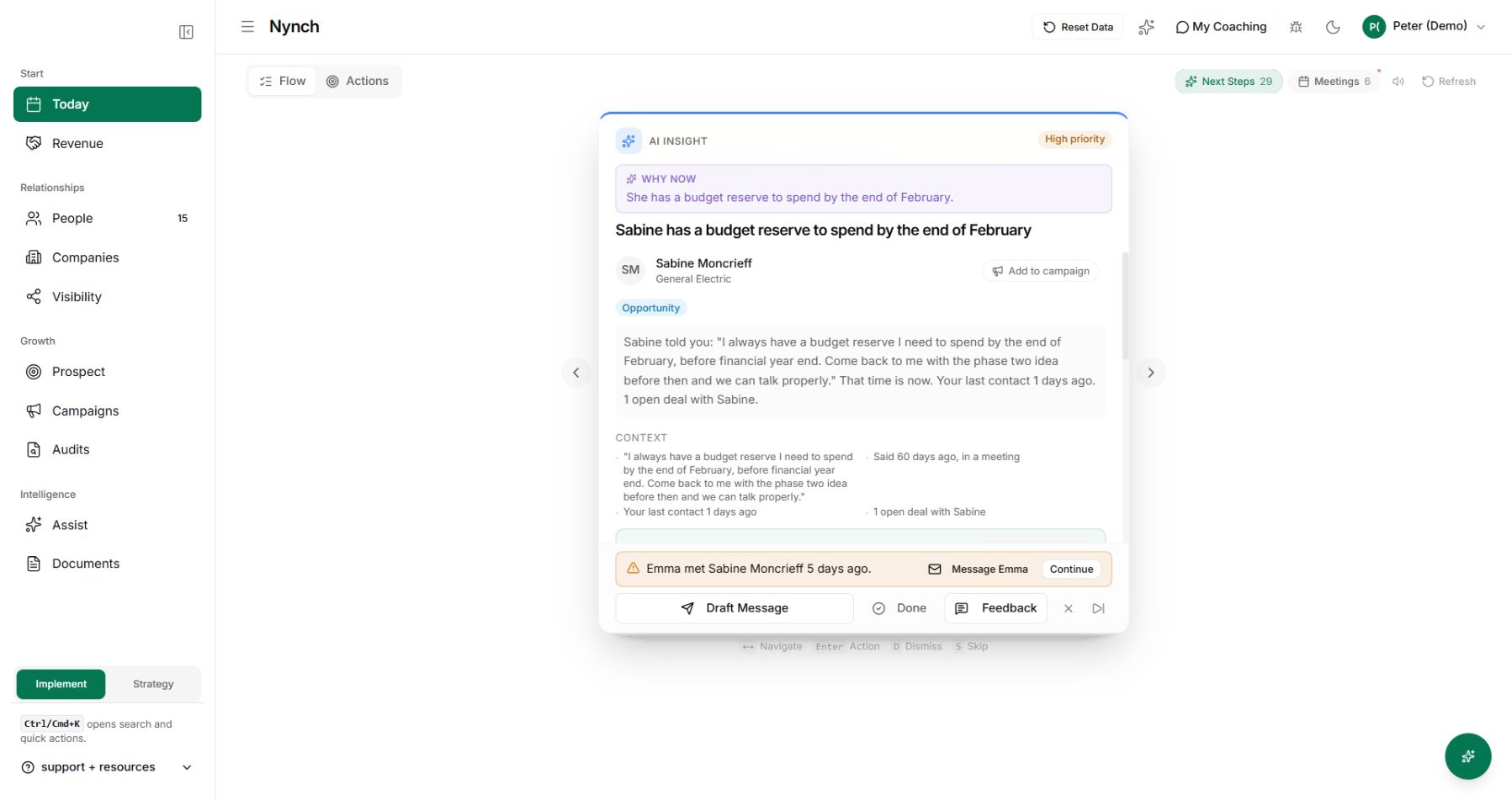
What gets in the way
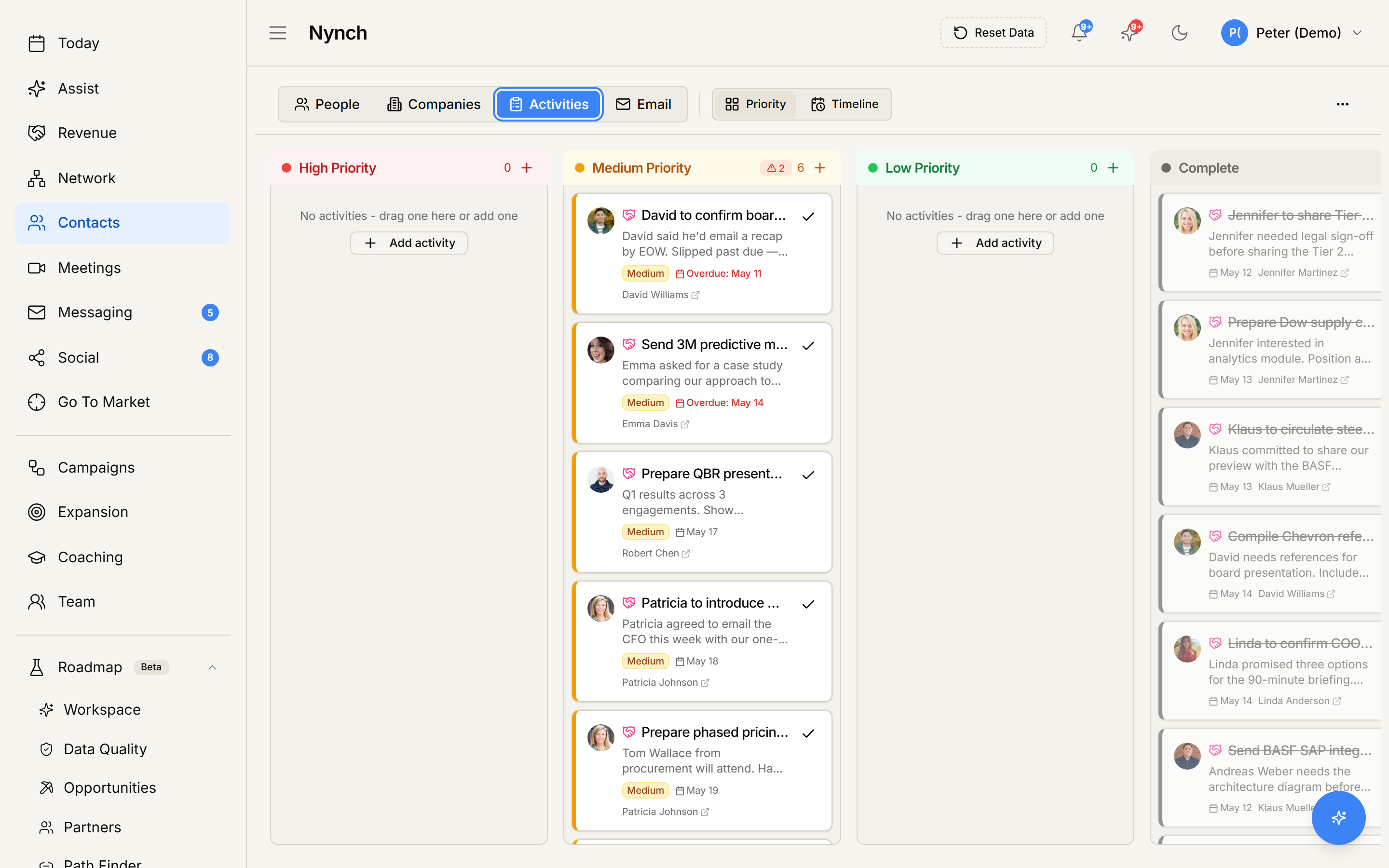
Client delivery takes your attention. Meanwhile, people change roles, priorities shift and the last useful conversation slips further into the past.
The important detail is buried in an old email or meeting note.
A key client and a distant acquaintance end up in the same reminder list.
You know it has been a while, but still need something useful to say.
How Relationship Intelligence works
Bring relationship history and your own priorities together before deciding to reach out.
Bring people, company details and recorded activity into a relationship record you can revisit.
Open the history before treating a signal as a reason to sell.
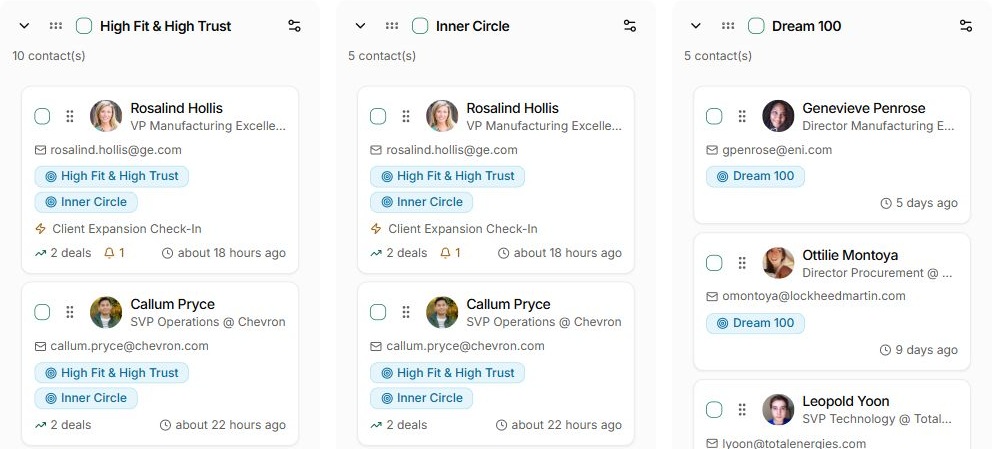
Organise people into groups with a contact rhythm that reflects the relationship.
Keep your inner circle close without treating every contact as equally urgent.
Review relationship context and timely signals alongside the people you know.
Check what happened and why your expertise might be relevant.
Use Today to turn that context into a next step, then review your message before sending.
Keep the response and future commitments connected to the relationship.
What Nynch decided, and why
A reminder is only useful if you trust it. These are the rules Nynch follows before it tells you a relationship needs attention, and why each one would be hard to keep yourself.
Nynch learns each person’s usual gap between messages from them, counting emails, meetings and LinkedIn messages. It flags them once the silence runs past about twice that gap, at least a week and at least five days longer than usual. Three weeks without a word is a warning for a partner you speak to weekly, and perfectly normal for a client you see each quarter. One rule for everyone gets both wrong.
Doing it yourself: You would need every person’s reply history in front of you, worked out again every day for everyone you know.
The biggest opportunity comes first. Someone you dismiss is not raised again for 30 days, and if you dismiss most of what you are shown, the bar rises. A list of forty people to chase is a list nobody works through.
Doing it yourself: A reminder list does not learn from what you skip. It just grows.
Newsletters and drip sequences sent in bulk stay on the person’s timeline, but they don’t count as contact, reset a rhythm or clear a reminder. Emails you send from your own mailbox do count. A going-quiet alert only stands down when they write back to you, so one newsletter can’t hide the relationships that have really gone quiet.
Doing it yourself: Some CRMs log every sent email as contact, so after a bulk send, “last contacted” can stop meaning much.
Apple’s privacy protection and company mail scanners open email before people do. Nynch labels each open and tracked link click by where it came from, and only a real person’s activity counts towards how engaged someone is. Email open tracking stays off until you switch it on.
Doing it yourself: An open count cannot tell you which opens were people. You would be following up on a mail server.
Nynch writes a running history for people who have replied to you or met you, and for people you are actively working with. It is rebuilt from the evidence that exists today, so a deleted email drops out instead of living on as a stale claim. Thousands of names in an address book are not thousands of relationships.
Doing it yourself: Updating a note after every reply, for every relationship, is the job nobody keeps up for more than a month.
The people you mark as champions are checked for a job move every week, or every three days on a team plan, up to 25 champions per seat. The people on your deals and your strongest relationships are checked every 30 days. Each answer is scored from evidence, such as whether the old employer matches and how recent the move is. You are told at 70% confidence, and the record changes only at 85%. You can have a draft built from your real history with that person. A wrong “congratulations on the new role” costs more than a late one.
Doing it yourself: Checking LinkedIn for every key contact, every month, and judging each change, is not something anyone does consistently.
A new title at the same company is checked for rank: manager to VP counts, and so does VP to senior VP. A reworded title at the same level stays quiet, and so does a promotion more than 45 days old. A changed title is offered as a suggestion for you to accept, so a data supplier’s guess never overwrites what you have on the record.
Doing it yourself: You would have to compare every key contact’s old and new title, and judge whether each change was a step up or just new wording.
One connected Nynch platform
Prospecting, relationships, meetings, proposals, Deal Rooms and client growth work together in Nynch. Start with the job you need to do today. Keep the context as the relationship develops.
A signal gives you a reason to reconnect. The resulting meeting, proposal and client relationship stay in Nynch.
The details
The record brings together available contact details and connected or recorded interactions. Emails, meetings and notes provide context for the next conversation. The quality of that context depends on the information available in your workspace.
Groups let you organise people by the role they play in your network and set an appropriate contact rhythm. You can review who is due for attention without giving every person the same frequency.
No. A change of role, company event or renewed conversation is a possible opening. Review it against what you know about the person before deciding whether it creates a useful reason to engage.
Yes. Relationship work includes clients, peers, partners and people who introduce you to others. Set the group and rhythm to reflect how you actually work with them.
No. Recorded interactions can help you spot a pattern, but they do not reveal someone’s private feelings. Use the evidence alongside your own judgment and conversations.
Open the person’s record or use Today to review the context and prepare the next action. Keep the message specific to the relationship rather than sending a generic check-in.
See the history, rhythm and reason together in Nynch.